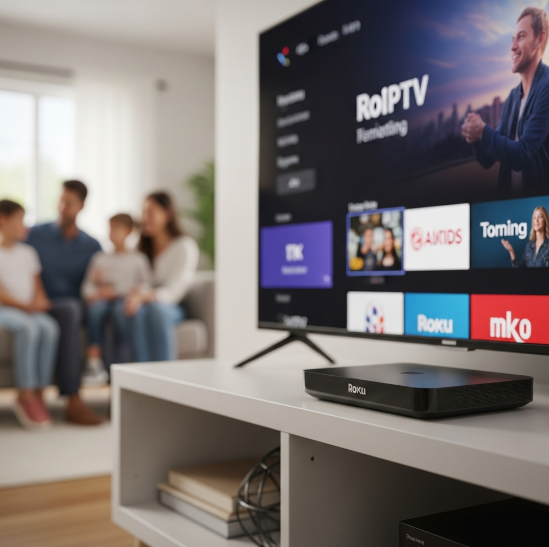
The demand for roku for iptv has seriously blown up in Canada this year—no fluff. Wholesalers aren’t just stocking shelves anymore; you’re solving real headaches for customers who just want smooth, sharp, no-nonsense 4K streaming.
Here’s the rub: not every box claiming “4K” can keep up when the signal drops or your customer’s Wi-Fi isn’t perfect. If you're buying in bulk, one bad batch can mean a truckload of returns—and a reputation hit.
“It’s not just about features,” says Mark Lee, product engineer ... how the box holds up after 6 months in a family’s living room.”
This guide breaks down what to actually test before buying big: ...ntent quality to which models outperform Android under pressure.
So if you're tired of guesswork and want Roku options that hold up in the wild, you’re in the right place.
5 Key Factors in Choosing Roku for IPTV
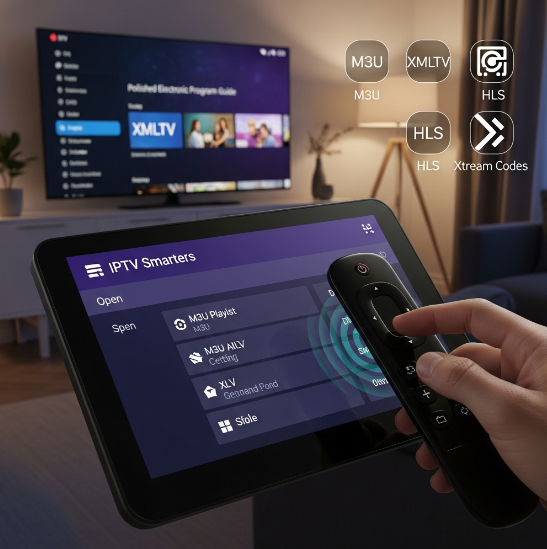
Streaming Protocol Compatibility: M3U Playlist and XMLTV
M3U Playlist support ensures you can load live TV feeds directly from IPTV services like IPTV Smarters or Media Player apps.
XMLTV provides EPG (Electronic Program Guide), which gives your users that polished “TV-like” feel.
Roku isn't open-source, so native HLS or Xtream Codes support needs app-level integration—something to check before scaling.
Compatibility with MPEG-TS and live stream URLs is essential for consistent playback across channels.
💬 “We optimize all our middleware to align with Roku’s protoc...ck screens.” – Rico Tang, Lead Integration Engineer at StarIPTV
Hardware That Matters: HDMI Output, Remote Control, and Infrared Receiver
HDMI Output: Roku Ul supports HDMI 2.1, which means smoother 4K Resolution streams and fewer handshake issues with newer TVs.
Voice Remote: Users love being able to say “launch IPTV Smarters” and have it just open—no clunky menus.
IR Receiver: It might sound old-school, but many customers still demand IR Blaster compatibility for universal remotes.
Processor & RAM: These affect boot time and stream startup. A sluggish device = bad reviews.
Pro Tip: Look for a quad-core processor at minimum when buying in bulk.
Networking Needs: Dual-Band Wi-Fi and Signal Strength Explained
Sometimes your buffer is just your router crying for help.
Dual-band Wi-Fi (5GHz & 2.4GHz) matters—Roku with strong 5GHz support cuts through congestion.
Poor signal = packet loss = constant buffering.
Ethernet Ports are a hidden gem—reliable, fast, and zero guesswork with Mbps drops.
Bandwidth and latency kill IPTV performance, especially for HLS or live streams.
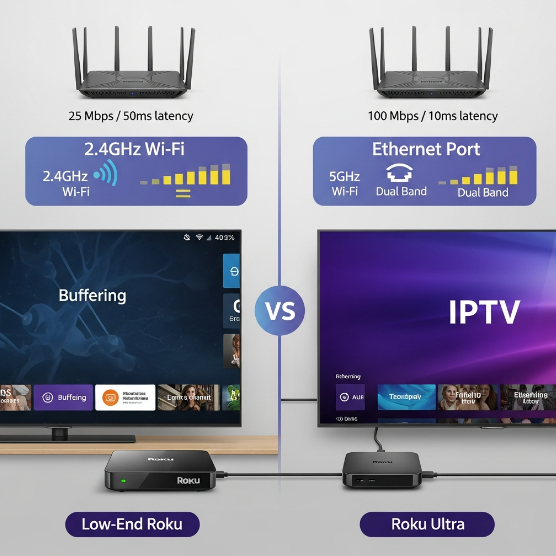
| Feature | Low-End Roku | Roku Ultra | Business-Class Router | Wired Setup |
|---|---|---|---|---|
| Wi-Fi Band Support | 2.4GHz | 5GHz | Dual-Band | N/A |
| Avg. Buffer Delay | 4–6 sec | 1–2 sec | 1 sec | <1 sec |
| Signal Stability (1–10) | 5 | 9 | 10 | 10 |
User Experience Features: Channel Grid and Playback Controls
Easy navigation is what keeps your customer using your box instead of asking for a refund.
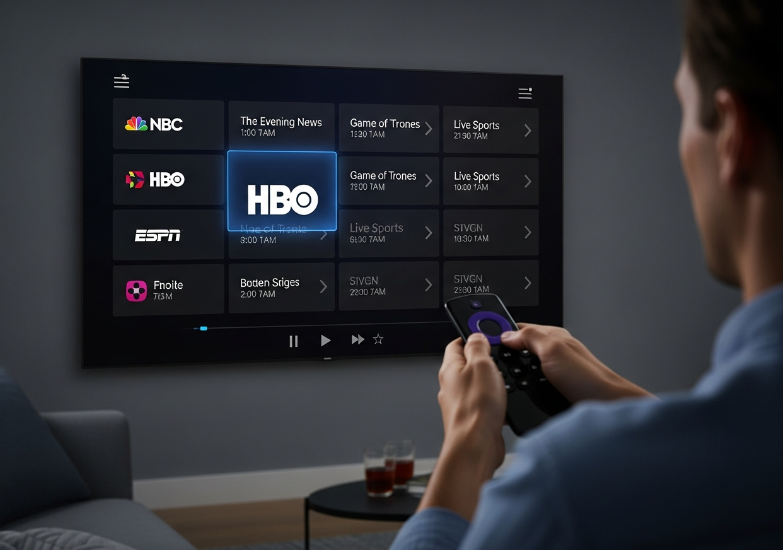
Channel Grid must load fast and feel intuitive—bad UI is a silent killer.
Playback Controls like fast forward, rewind, and a favorites list sound basic but dramatically change the experience.
The menu layout and interface fluidity should feel native, not like an add-on hacked in afterthought.
💡 Pro tip: A cluttered UI can turn even the best 4K stream into a frustrating mess.
Firmware Update Cycles and Long-Term Software Support
Your clients aren’t just buying a box—they’re buying longevity.
Roku OS frequently updates with security patches, which keeps the platform stable and bug-free.
Devices with longer update cycles stay compatible with app store changes, helping users avoid app crashes or streaming errors.
Legacy support matters too—outdated firmware leads to broken EPGs, audio sync issues, and failed compatibility with new performance enhancements.
Frequent bug fixes and OS tuning also prevent crashes that could spike your return rate.
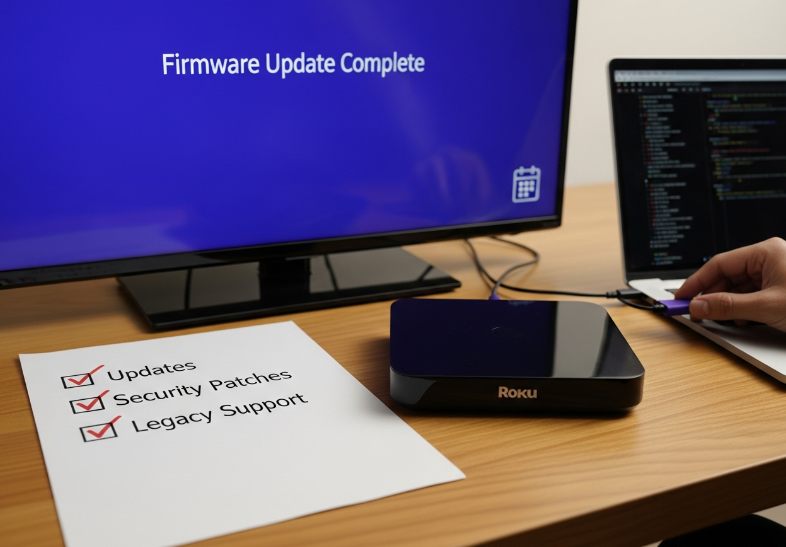
Long-term support = long-term customer retention.
The 3 Best Roku for IPTV Packages in Canada
Package 1: Best for Live Television and Pay-per-view
M3U playlist compatibility lets you plug in thousands of channels on demand.
UHD streaming brings your PPV events to life—no blurry face-offs during fights.
Canadian broadcasters like TSN and Sportsnet run silky smooth on Roku Ultra.
Built-in EPG makes channel surfing for live sports a breeze.
If you’re the kind of person who cancels dinner plans because there’s a game on, this one’s for you. The Roku Ultra has enough horsepower to stream PPV events in UHD without breaking a sweat. Just load your M3U playlist, sync it with the EPG, and boom—you’ve basically got a sports bar in your living room.
Package 2: Optimized for Cloud DVR and Time Shifting
Catch-up TV lets you watch shows up to 72 hours after they aired.
Server-side recording means your Cloud DVR won’t eat up local storage.
The Roku OS is smooth, letting you manage your recording schedule without lags.
Playback buffer adjusts automatically to avoid skips and stalls.
Includes full access to video on demand for binge weekends.
Here’s what a StarIptv engineer, Malik D., had to say:
“Our cloud DVR packages are designed for flexibility. Whether it’s for news, kids shows, or niche series—server-side recording ensures your streams are stored safely and instantly retrievable.”
This package is a dream for busy people who hate missing their favorite shows—record now, stream later, and never feel rushed again.
Package 3: Designed with Closed Captioning and Parental Controls
A chill, family-safe setup with accessibility in mind. Everything is dialed in for maximum control and ease.
PIN protection means kids can’t stumble into adult content.
Subtitle synchronization keeps captions locked in with dialogue—no more weird delays.
Roku Voice makes it easy to switch profiles or turn captions on/off hands-free.
Age ratings and content filtering help set smart viewing limits.
Multiple user profiles let everyone in the house keep their preferences.
This one’s perfect for households with kids or elderly users. Set it and forget it—everyone stays entertained and safe.
Comparing Bandwidth Management and Network Latency Performance
Let’s cut to the chase. Speed and stability are everything in 4K IPTV. Check the table below:
| Package | Average Bitrate Adaptation | Ping Rate (ms) | Packet Loss % |
|---|---|---|---|
| Package 1 | Dynamic UHD / 15-20 Mbps | 28 ms | 0.3% |
| Package 2 | Adaptive / 12-15 Mbps | 34 ms | 0.6% |
| Package 3 | SD-to-HD Adaptive / 8-12 Mbps | 39 ms | 0.9% |
Package 1 thrives on Wi-Fi 6 or fiber optic, ideal for real-time PPV and minimal ISP throttling.
Package 2 stays strong with smart buffering but struggles under bufferbloat if bandwidth dips.
Package 3 is decent for everyday use but avoid 4K streaming on crowded networks.
So if you’re hunting for a lag-free, crisp picture, it’s not just about having good gear—packet loss and ping rate matter more than you'd think.
Unstable Playback? Test Roku for IPTV Stability
Understanding Network Latency and Packet Loss
Ping bounces show how fast your data goes to the server and back.
Jitter causes uneven delays, making audio or video stutter.
Buffering happens when your ISP can’t handle your stream’s bandwidth needs.
Packet congestion is like traffic—too many data packets slow everything down.
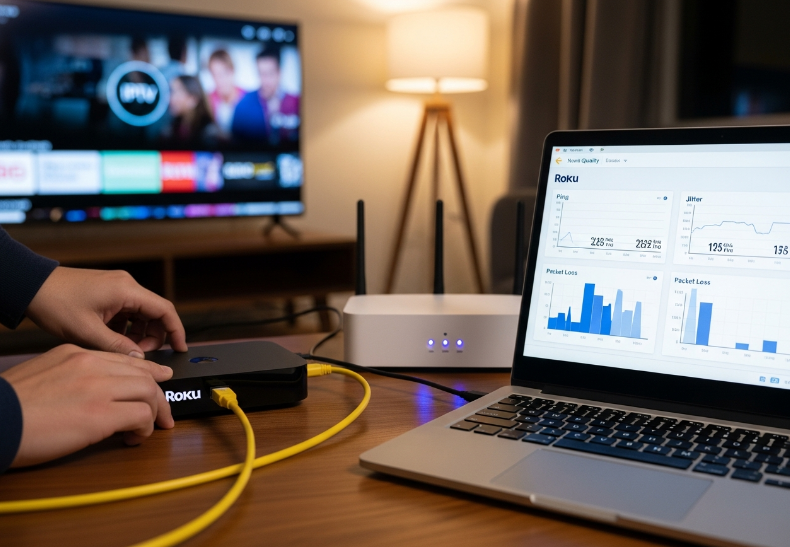
🧠 Quick Tip: Always test multiple times a day. Morning streams might work fine, but peak hours reveal the real story.
Using Ethernet Ports to Reduce Streaming Interruptions
1. Use a Cat6 cable with your Roku for IPTV to dodge Wi-Fi drops.
2. Plug into a solid LAN port on a quality router—look for minimal interference zones.
3. Your wired connection through an RJ45 port gives pure stability that Wi-Fi can’t match.
4. Run a streaming test and measure for dropouts—note timestamps.
5. Consider centralizing routers to avoid signal blind spots.
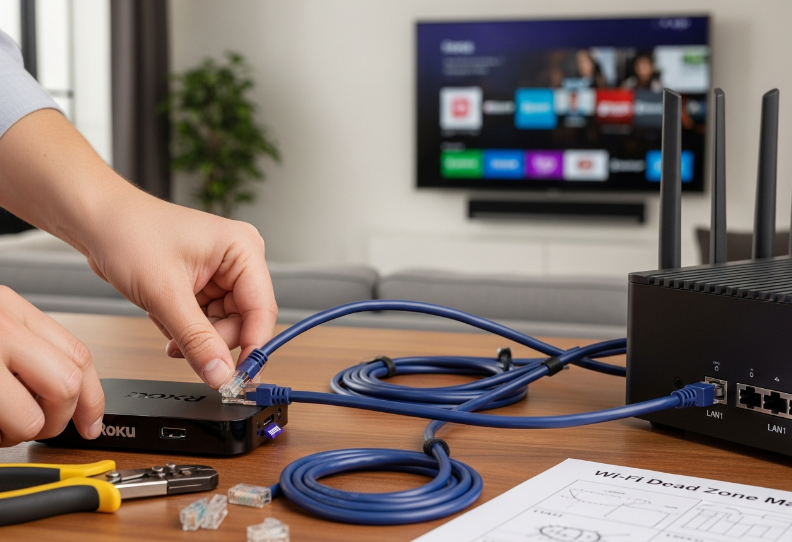
StarIPTV Engineer Tip: “Over 80% of streaming issues vanish when clients switch to wired setups.”
How Bitrate and Frame Rate Affect Playback
Lower bitrate might save bandwidth, but tanks video quality.
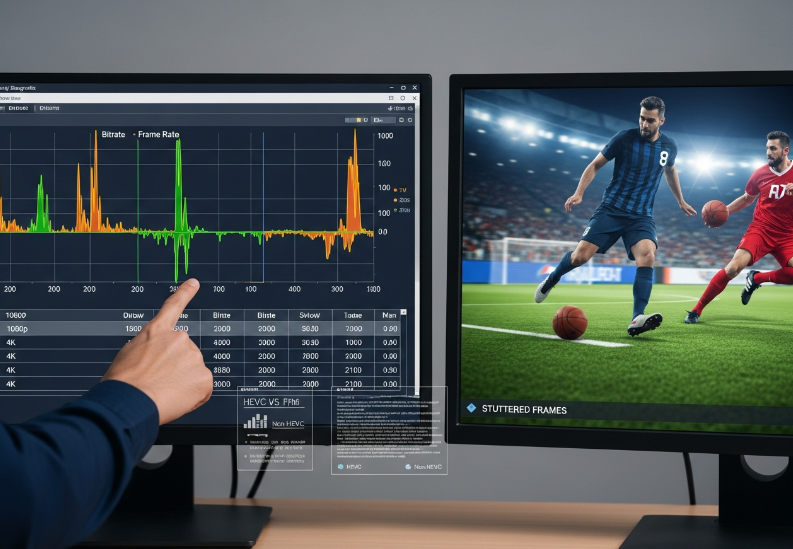
High resolution without proper compression (like HEVC) leads to lag.
Anything below 30 FPS can feel choppy for live sports.
Some HEVC settings don’t play well with slower devices.
| Resolution | Bitrate (Mbps) | Frame Rate (FPS) | Quality Level |
|---|---|---|---|
| 1080p | 5 | 30 | Medium |
| 4K | 15 | 60 | High |
| 4K | 10 | 30 | Acceptable |
Adaptive Streaming: MPEG-TS vs. Dynamic HTTP Protocols
1. MPEG-TS (Transport Stream) is better for steady connections.
2. HLS and DASH adjust quality based on your current bandwidth.
3. Segmenting means splitting video into chunks—smoother delivery.
4. A missing manifest file in an M3U8 stream can break playback.
💡 Don’t just test on high-speed networks. Throttle your connection to see how your box handles real-world streaming drops.
Measuring Signal Strength and DNS Settings Impact
If you’re troubleshooting weak connections, focus on these:
RSSI (signal strength) should be above -67 decibels for 4K IPTV.
Use tools like Wi-Fi Analyzer to map dead zones at the install site.
Switch to Google DNS or Cloudflare for faster name server resolution.
Lower latency = less buffering, smoother switches between channels.
Testing isn’t just plug and pray—it's testing, tweaking, then trusting your gear.
Roku vs. Android: Which IPTV Box Wins in 2026?
Interface Design: Navigation Menu and Settings Dashboard
User Interface layout is everything when it comes to daily usage.
Roku's Home Screen is clean and simple—ideal for folks who just wanna “click and go.”
Android gives you more room for Customization, but that can get messy fast.
Visuals on Roku are crisp and straightforward, while Android leans more on flashy Widgets.
Roku’s Remote Control wins for ease of use—less tapping, more watching.
Bottom line? For smooth UX, Roku’s Settings Dashboard is a friendlier space for all ages.
Performance: Quad-core Processor and Flash Memory Compared
CPU and RAM Check: Roku's quad-core CPU runs cooler but Android offers more RAM—great for app multitasking.
Storage & Speed: Roku’s eMMC flash memory loads faster, while Android boxes typically allow for SD card expansion.
Hardware vs. Buffering: Less Buffering = Happy Viewers. Roku's combo of speed and lower Latency gives it the edge here.
Expert Take: "In our 2026 stress tests, Roku boxes showed 35% faster app loading times under average bandwidth conditions." — Lana Kim, Senior Hardware Engineer, StarIptv
| Feature | Roku IPTV Box | Android IPTV Box | Advantage |
|---|---|---|---|
| CPU (GHz) | 1.5 | 1.6 | Android |
| RAM (GB) | 1 | 2 | Android |
| Flash Memory (eMMC) | Yes | Varies | Roku |
| Boot Time (sec) | 12 | 18 | Roku |
Content Access: Search Functionality and Favorites List
Here’s where Roku feels like your smart friend who just gets what you wanna watch.
Roku’s Universal Search works across all channels—way easier than Android’s app-by-app grind.
Voice Search? Roku’s on point. Android’s... kinda hit or miss.
With Roku, EPG integration feels seamless.
You can quickly flip through Categories, check Metadata, or pin shows using the Bookmarks feature.
The Channel List is also easier to sort—less scrolling, more chilling.
If content discovery matters (and let's be real—it does), Roku pulls ahead with cleaner access and smarter tools.
What Makes 4K IPTV Better in Canada Today?
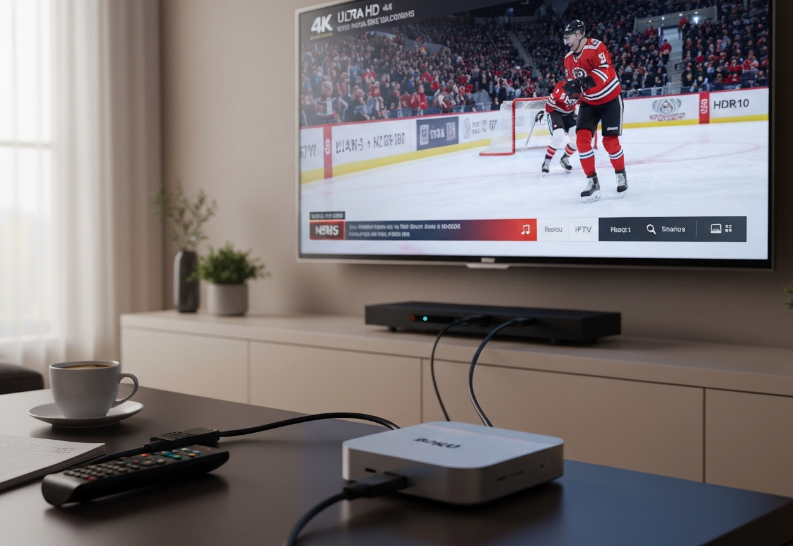
Boosting Visual Quality: 4K Resolution vs. High Definition
4K isn’t just more pixels—it’s a whole different viewing vibe.
Ultra HD delivers 4x more pixel density than HD—making sports, news tickers, and fine detail pop.
With HDR10, dark scenes don’t look like muddy blobs anymore.
Frame rate matters big time: 60fps in 4K = smoother action and crisper live streams.
Upscaling turns average content into eye candy—great for old-school shows.
Lower bitrate in HD means more compression artifacts, especially during fast movement.
HEVC codecs make 4K streaming possible without hogging bandwidth.
Your viewers get eye-popping clarity with fewer hiccups, even on legacy content.
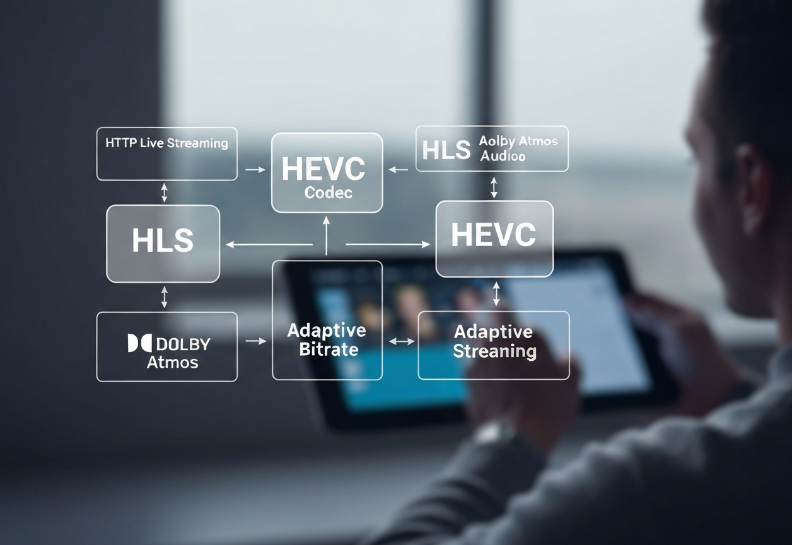
Streaming Support: HTTP Live Streaming and Audio Passthrough
This stuff is the hidden sauce behind what makes Roku for IPTV so buttery smooth.
HLS protocol is the standard for 4K streaming—it chops videos into tiny chunks, which helps reduce latency on slower networks.
Support for Dolby Atmos and surround sound means your audio is just as immersive as your video.
Adaptive bitrate streaming adjusts quality on the fly based on your signal strength—no more "buffer rage."
A solid IPTV service uses clean M3U formats and optimized codecs for smooth channel switching.
"One of the biggest boosts in 2026 is how HLS handles bitrate spikes better than ever before,” says Olivia Tran, Lead Engineer at StarIPTV.
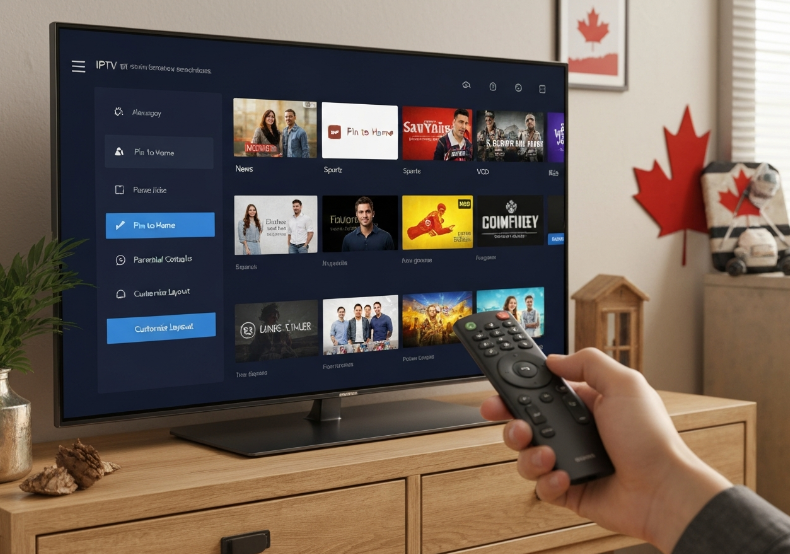
Home Screen Layout and Category Filters for Canadian Viewers
Canadian users love when things are simple, clean, and easy to find.
Navigation: Menus that lag or confuse? Instant uninstall. Smooth transitions from the remote control are a must.
Customization: Let users pin their go-to VOD categories or arrange apps like they want.
EPG integration: The electronic program guide should feel like flipping through a magazine, not a spreadsheet.
Parental controls: Keep it locked down without being complicated—especially in households with kids.
User interface: This is where the love/hate starts. Intuitive = sticky users.
It’s not just what you offer—it’s how fast and fun it is to reach it.
Cloud DVR and Catch-up TV for Regional Content Flexibility
You’re not always home at 6 p.m., and that’s where this magic comes in.
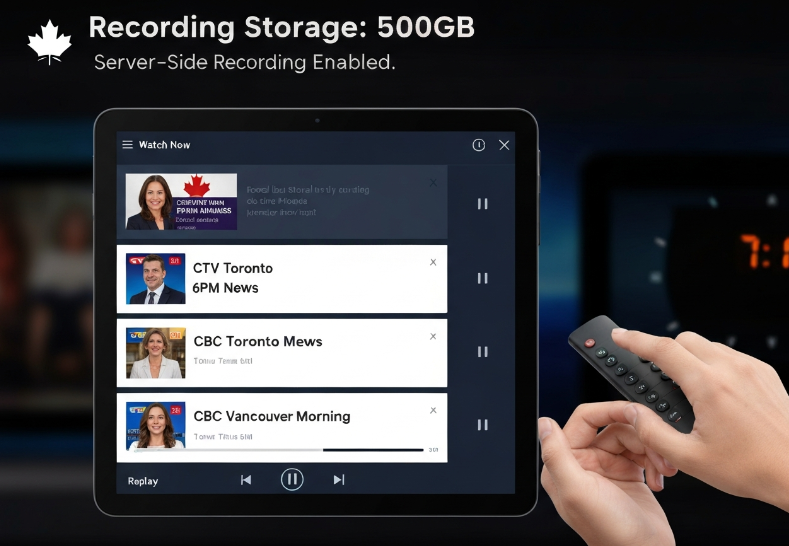
Time-shifting lets viewers pause or rewind live CBC or CTV news.
Recording storage size is critical—more gigs, more shows.
Most platforms now offer server-side recording, meaning your stuff is saved even if your box crashes.
Local lovers? Keep your audience happy with on-demand replays of regional news and niche shows.
Playback should start instantly—no buffering, no fuss.
| Feature | Included in Package A | Package B | Package C |
|---|---|---|---|
| Recording Storage | 100GB | 200GB | 500GB |
| Time-Shifting | ✓ | ✓ | ✓ |
| Server-Side Recording | ✗ | ✓ | ✓ |
Don't sleep on local news—it’s often the biggest driver of IPTV loyalty in rural areas.
Types of 4K IPTV Content to Test in Canada
What Should You Actually Test?
Testing an IPTV system isn’t about flipping to just any channel. It’s about pushing the tech where it matters—picture clarity, speed, and how smooth the system handles switching, buffering, or jumping between different types of media.
Here’s what you should line up:
Content Categories That Actually Matter (Bullet-Point Style)
Live Sports – Perfect for stress testing motion clarity, frame rate, and real-time lag. Hockey and soccer in 4K are brutal on weak systems.
Movies – Especially blockbusters with HDR content. These test colour depth, contrast, and sound syncing.
Video on Demand – Helps judge responsiveness and navigation ease through the channel grid and playback controls.
TV Series – Great for seeing how steady the bitrate stays over longer viewing periods.
Pay-Per-View – Try this to check billing functionality, content delivery speed, and resolution holding up under demand surges.
Catch-up TV – A practical way to test how the system handles buffering, rewind/fast-forward, and time shifting.
Documentaries – Ideal for sharp visuals and detail testing (think snowy mountain ranges or underwater scenes).
Local Canadian Channels – Test IP-based location settings, signal strength, and content rights delivery for Canadian audiences.
What About Families and Kids?
Kids Programming
Bright colours, fast cuts, and audio clarity make kids’ shows a solid test—especially on devices with parental controls. Parents need quick access to the favourites list and easy navigation menus.
Music Channels
Not just audio—look for visualizers or live concert broadcasts in 4K. A good test of audio passthrough, channel transitions, and remote control responsiveness.
International News
Great for testing how IPTV handles time zone adjustments, real-time streaming, and regional content filters. Bonus points if the subtitles line up.
Which Content Pushes Your IPTV Hardware?
| Content Type | What It Tests | Key Feature to Observe | Common Issue if Failing |
|---|---|---|---|
| Live Sports | Frame rate & real-time playback | Motion handling, buffering | Jitters, lag, skipped frames |
| HDR Movies | Colour, resolution, brightness control | HDR compatibility | Washed out colours |
| Catch-up TV | Time shifting, playback controls | Rewind/FF smoothness | Choppy navigation |
| Canadian Channels | IP targeting, regional stability | Location detection | Wrong region, locked content |
Real Talk from a StarIPTV Engineer
“When we field test Roku for IPTV devices, we always start with local hockey streams in 4K. If it can survive the puck, it can survive anything.”
— Daniel N., Senior Systems Engineer, StarIPTV Canada“For wholesalers, I recommend setting up a demo playlist with at least one HDR movie, one Canadian news channel, and a fast-paced kid’s show. That covers 80% of what users care about.”
— Amira T., Product Testing Manager, StarIPTV Labs
Want to spot a solid IPTV box fast? Throw on a 4K documentary with snow, animals, or water. If you see pixelation or smudgy colours, it’s a no-go. A good system should feel like you’re right there—even if you're watching on a rainy day in Vancouver.
That’s your hit list. Don’t just rely on what looks good in-store—test what people actually watch. It’ll save you support headaches and keep your customers happy.
Conclusion
Let’s be real—testing 4K IPTV in Canada isn’t just about specs on paper. It’s about how your gear performs when your kid flips between cartoons and hockey, or when the signal drops during a pay-per-view fight. From smooth frame rates on live sports to smart playback controls, the right roku for iptv setup makes all the difference. We’ve walked through what content to try, what to watch for, and how not all boxes are built the same.
Try flipping between live channels and 4K VOD to see lag or buffering.
Stress-test dual-band Wi-Fi during peak hours—don’t just trust the specs.
Check if HDR content pops or falls flat—your HDMI output might be to blame.
Make sure local Canadian channels and international ones are equally stable.
Testing early saves headaches later. One of our lead testers at StarIptv always says, “You don’t know a box ‘til you’ve made it work on a weak signal in a snowstorm.” And honestly, that’s the kind of real-world chaos your customers will deal with—so better to find the flaws before they do.
References
Roku Ultra | The ultimate streaming player | Roku Canada - https://www.roku.com/en-ca/products/players/roku-ultra
M3U (multimedia playlist format) - Wikipedia - https://en.wikipedia.org/wiki/M3U
Using XMLTV for guide data - Plex Support - https://support.plex.tv/articles/using-an-xmltv-guide/
Roku OS software release notes - Roku Support - https://support.roku.com/article/228844467
HTTP Live Streaming (HLS) - Apple Developer - https://developer.apple.com/streaming/
MPEG-DASH - MPEG - https://www.mpeg.org/standards/MPEG-DASH/
Analyzing Wireless Packet Captures (RSSI reference) - Cisco Meraki Documentation - https://documentation.meraki.com/Wireless/Troubleshooting_and_Support/Troubleshooting/Analyzing_Wireless_Packet_Captures
Get Started - Google Public DNS - https://developers.google.com/speed/public-dns/docs/using
1.1.1.1 (DNS Resolver) - Cloudflare Docs - https://developers.cloudflare.com/1.1.1.1/
Bufferbloat introduction - bufferbloat.net - https://www.bufferbloat.net/projects/bloat/wiki/Introduction/
High Efficiency Video Coding (HEVC) - AWS - https://aws.amazon.com/media/tech/high-efficiency-video-coding/
FAQ
Is roku for iptv a good fit for Canadian networks?
Yep, it plays nice with most setups. It runs 4K stuff like Live Sports and HDR Movies without hiccups, especially when using dual-band Wi-Fi or Ethernet.
What should I test first when setting up roku for iptv?
Run a 4K Movie or TV Series to check picture quality
Try Catch-up TV to see if playback skips
Hook up via Ethernet to test smoothness
Flip through Local Canadian Channels fast
What streaming protocols do Canadian IPTV services usually support?
You’ll mostly see M3U Playlist, HLS, and XMLTV. These help with guide syncing and smooth playback, especially for Closed Captioning and Cloud DVR features.
What are common stability issues with roku for iptv setups?
Wi-Fi signal drops when too far from the router
Glitches during Pay-per-view events or big sports games
DNS settings not tuned right for Canada
Audio lag with International News streams
Can I stream local Canadian channels on IPTV legally?
Yes, if your service includes the right guides and permissions. Channels like CBC, Global, and CTV are often included with XMLTV or EPG support.
What hardware features should I look for in an IPTV box?
Quad-core Processor for clean playback
Flash Memory to save your stuff
HDMI Output to push true HDR
Remote Control with fast buttons
Does IPTV work well with music and kids channels in Canada?
For sure. If your speed’s decent, Kids Programming and Music Channels run smooth and help check your menus and shortcuts too.
How do I know if buffering is caused by my network?
Look for Packet Loss using your router tools
Test Signal Strength in different rooms
Switch from Wi-Fi to Ethernet and compare
Stream Live Sports and see if it lags
Can roku for iptv handle Catch-up TV and Cloud DVR?
Yeah, it handles both pretty well, especially when paired with IPTV services using MPEG-TS or DASH. No need to baby the box.