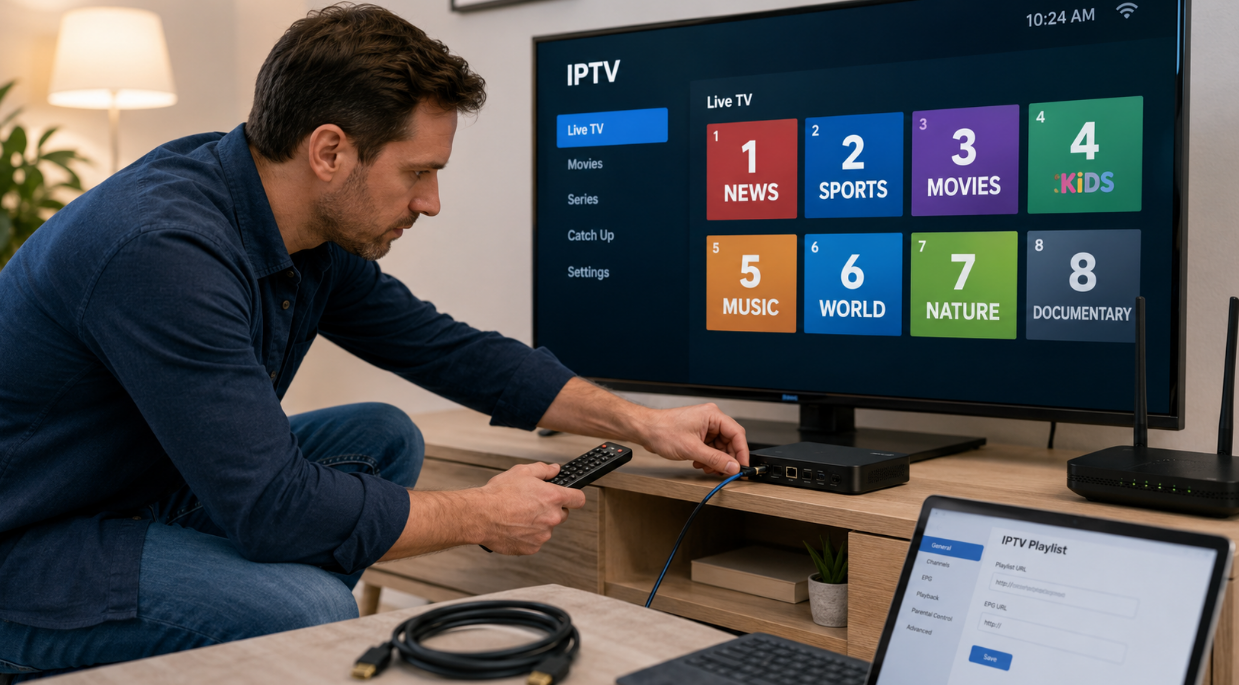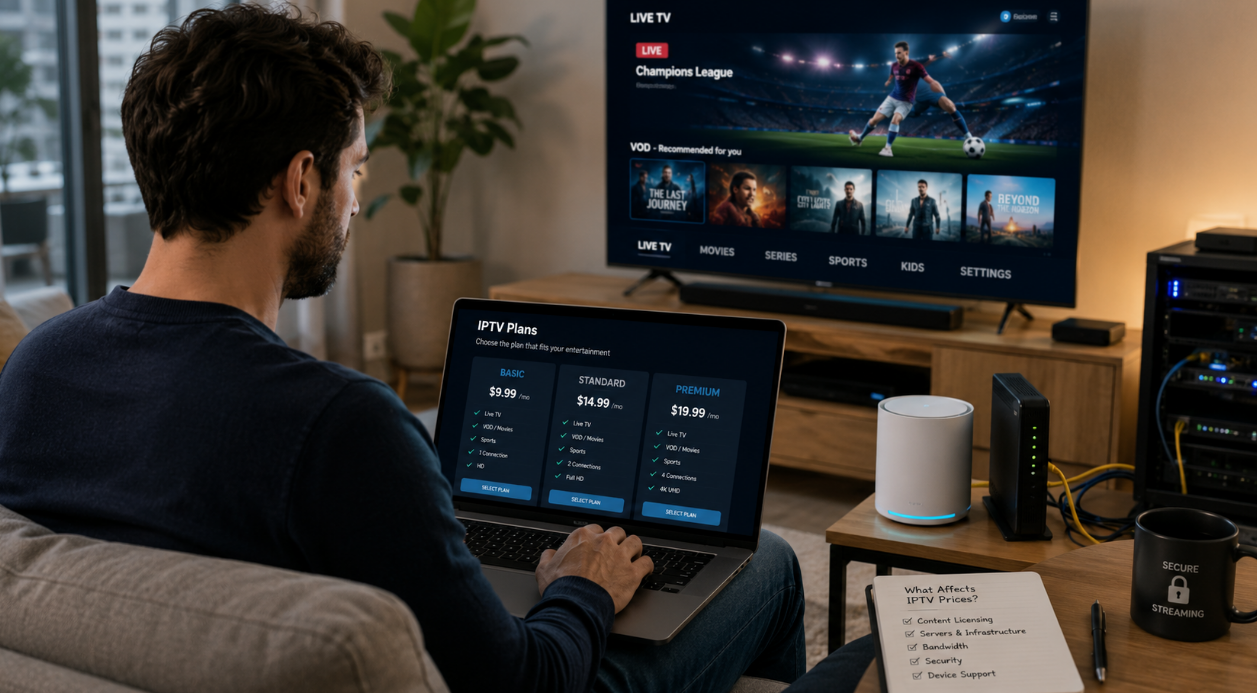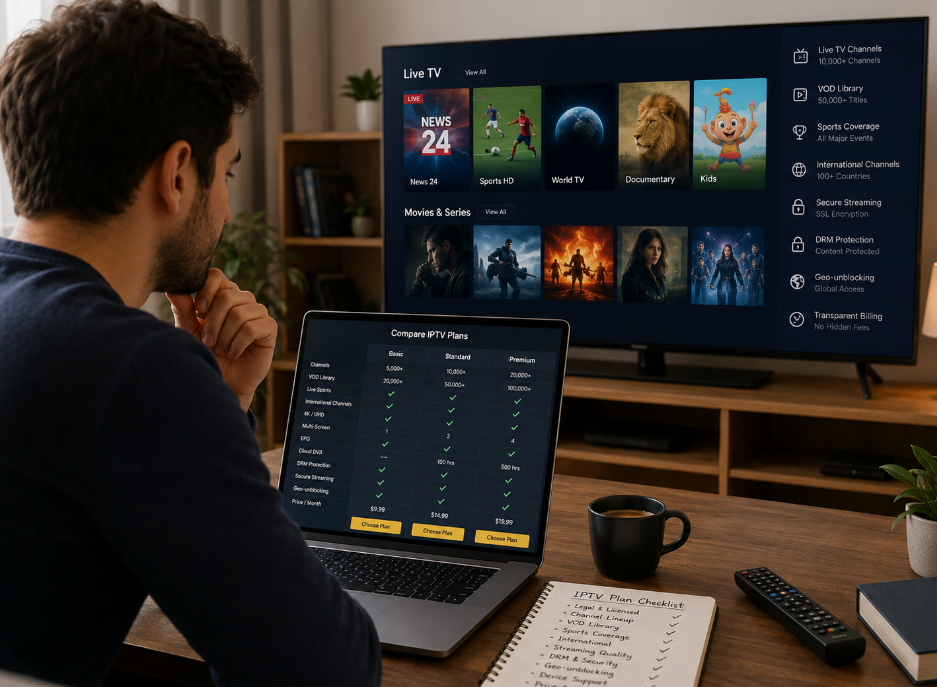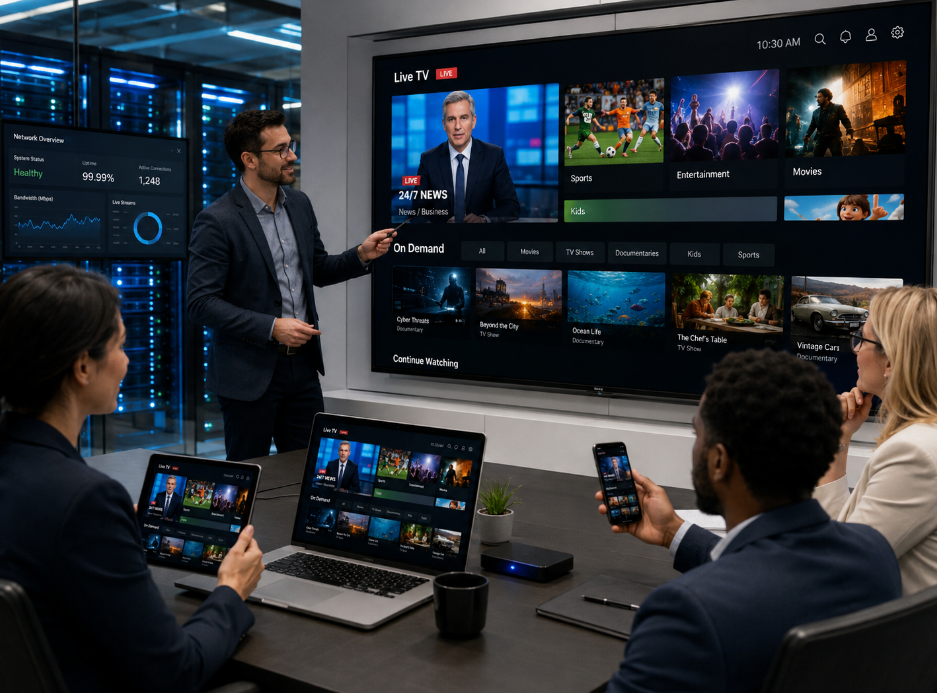
Stream shows in seconds—no boxes, no apps. Enjoy IPTV web browser freedom and ditch cable chaos with just a click.
You ever sit at your desk, bowl of popcorn in hand, wondering why you still pay a king’s ransom for cable when all you really want is to watch your favorite show without digging through nine remote controls? Enter the magic phrase: iptv web browser. It’s not just tech jargon—it’s your golden ticket to watching TV on your terms, no boxes or tangled cords required.
Picture this: you're chilling on a lazy Sunday with nothing but your laptop and Wi-Fi. You open Chrome, click a link, and boom—live channels, sports replays, even that movie you swore you'd never cry over again (but totally will). No app downloads. No calling customer service for the fifth time this month.
“Watching IPTV in-browser is now as normal as checking email,” says Jordan Miles of StarIPTV's product team in a March 2024 interview. “It’s about giving users freedom without friction.”
Forget stiff setups and overpriced bundles—this is couch-potato liberation dressed up in HTML5. Come see why streaming through your browser might be the smoothest move since Wi-Fi met Netflix.
Key Points in Motion: Your Fast-Track Guide to IPTV Web Browser Streaming
→ What Is IPTV?: IPTV delivers content via internet protocol, bypassing traditional cable or satellite services.
→ How Does It Work in Browsers?: It uses standard web technologies like HTML5 to stream TV directly through Chrome, Firefox, and others—no extra apps needed.
→ Flexibility & Freedom: Watch shows anytime, anywhere—with just a browser and Wi-Fi connection.
→ Save While You Stream: IPTV on browsers is often more affordable than legacy TV subscriptions.
→ Top Browser Picks: Chrome and Firefox offer the smoothest experiences; Edge and Safari are functional but might lack some support.
→ Cross-Device Convenience: Whether it’s your laptop, tablet, or desktop—you’re covered with seamless access from all platforms.
How Does IPTV Work Through Web Browsers?
Let’s break it down:
The IPTV provider sends digital video streams over broadband.
Your web browser acts as the receiver—thanks to built-in HTML5 players or plugins like HLS.js.
Video data is decoded and played right in your browser window—no extra app needed.
Now toss in some tech terms:
Adaptive bitrate streaming adjusts video quality based on your connection speed.
CDNs (Content Delivery Networks) help reduce lag by serving content from nearby servers.
• Think of your browser as a mini control center—it handles buffering, decoding, and playback all at once.
You might be wondering if it’s reliable enough for live sports or prime-time drama nights—and yeah, it is. Thanks to modern web standards and faster networks, watching iptv via web browsers has never been more stable or user-friendly.
Here’s a quick comparison table:
| Feature | Traditional Cable | Mobile App Streaming | IPTV via Browser |
|---|---|---|---|
| Device Flexibility | Low | Medium | High |
| Setup Required | High | Medium | Low |
| Real-Time Updates | Medium | High | High |
| Bandwidth Efficiency | Low | High | Medium |
Cost-Efficiency: Save Money on Subscriptions
Traditional cable bills can average over $100/month; streaming via browser-based IPTV often slashes that by more than half.
No hardware? No problem. You won’t need set-top boxes or extra remotes—just a device with a browser and internet access.
Many services offer pay-as-you-go options, cutting out hidden fees and long-term contracts.
💡 According to Deloitte’s 2024 Digital Media Trends report, nearly 62% of Gen Z users prefer streaming platforms that don’t lock them into subscriptions.
IPTV Web Browser: Compatibility With Popular Browsers
Here’s a quick dive into how different web browsers stack up when streaming through an IPTV web browser setup.
Chrome vs. Firefox: Best Choices for IPTV
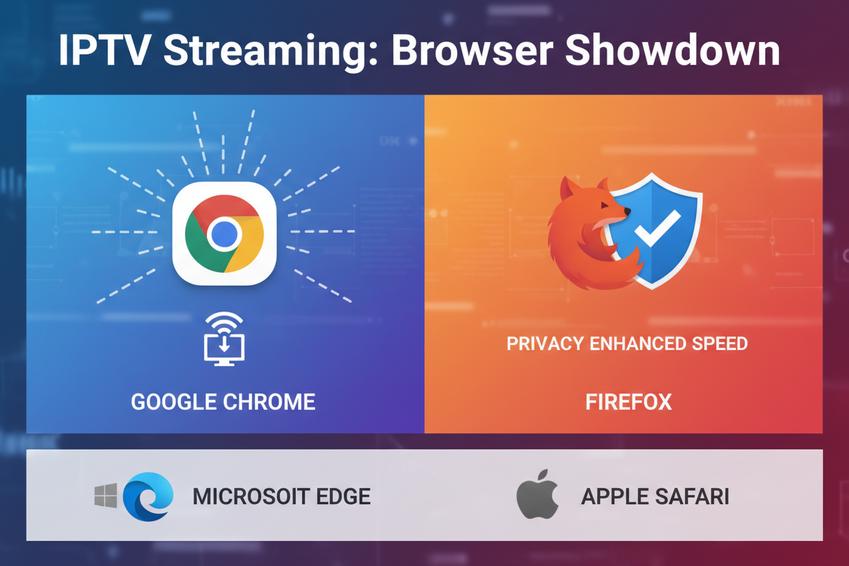
Both Google Chrome and Mozilla Firefox tend to be top picks when it comes to streaming through an IPTV web browser, but they shine for different reasons:
Chrome supports a wide range of IPTV extensions, like HLS players or M3U8 streamers, making it super flexible.
Firefox is less bloated and often faster on older devices, which helps with smoother playback on lighter systems.
You’ll find that Chrome has better integration with casting tools like Chromecast — a big plus if you're flinging content to your TV.
Firefox’s privacy-first design makes it more appealing if you’re cautious about tracking while using IPTV portals.
On mobile? Chrome dominates Android usability, while Firefox’s add-on support gives power users extra control.
If you’re torn between them, think about what matters most — speed versus customization — because both browsers can handle the heavy lifting for most IPTV streaming setups.
Edge and Safari: Their Role in IPTV Streaming
Not everyone swears by Microsoft Edge or Apple Safari, but they’ve got their own strengths when used as an IPTV web browser, especially under specific conditions:
▶️ Windows Users – Edge is deeply integrated into Windows systems and performs well with hardware acceleration, reducing lag during high-bitrate streams.
▶️ Apple Ecosystem – Safari works seamlessly across macOS and iOS, offering native support for HLS streaming formats common in many IPTV sources.
▶️ DRM Support – Both browsers are strong on digital rights management compatibility, which matters if your IPTV service uses encrypted feeds or licensed content delivery.
▶️ Limitations – Neither browser plays nice with many third-party plugins or custom extensions used by niche IPTV providers; expect reduced flexibility compared to Chrome or Firefox.
| Browser | Extension Support | Mobile Optimization | DRM Handling | Ideal Use Case |
|---|---|---|---|---|
| Microsoft Edge | Moderate | Good | Excellent | Windows-based setups |
| Apple Safari | Low | Excellent | Excellent | iOS/macOS native streaming |
So yeah — if you're locked into a specific platform like macOS or just want something that “just works” out of the box without fiddling with add-ons, either of these two can still get the job done smoothly.
FAQ
Is an IPTV web browser setup hard for beginners?
Not at all. If you’ve ever opened a website or logged into your email, you’re already halfway there. Modern browsers practically hold your hand through the process. No complicated installations, no tech jargon—just open the site, enter your credentials from your IPTV provider, and start watching.
Which browsers work best for streaming via IPTV web browser services?
Google Chrome: Fast loading times and reliable playback
Mozilla Firefox: Great compatibility with most IPTV portals
Microsoft Edge & Safari: Decent options but may struggle with certain plugins
Stick to Chrome or Firefox if you're after fewer hiccups during peak viewing hours.
Can I use my existing devices to access IPTV content online?
Your phone while cooking dinner
A laptop curled up in bed
Even a smart TV across the living room
No wires, no boxes—just log in and go.
How does streaming through an IPTV-enabled website save money compared to cable TV?
You pay only for what matters—live sports, movies, international channels
There are no installation fees or hidden charges creeping onto next month’s bill
It’s freedom without breaking the bank—and once you've tasted that kind of control over your entertainment budget… there's really no going back.