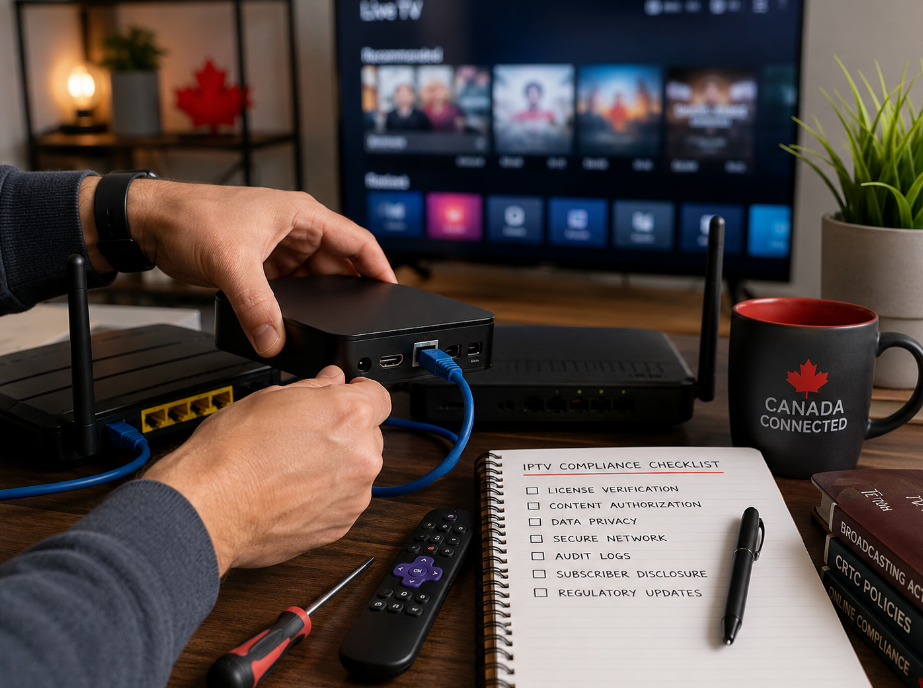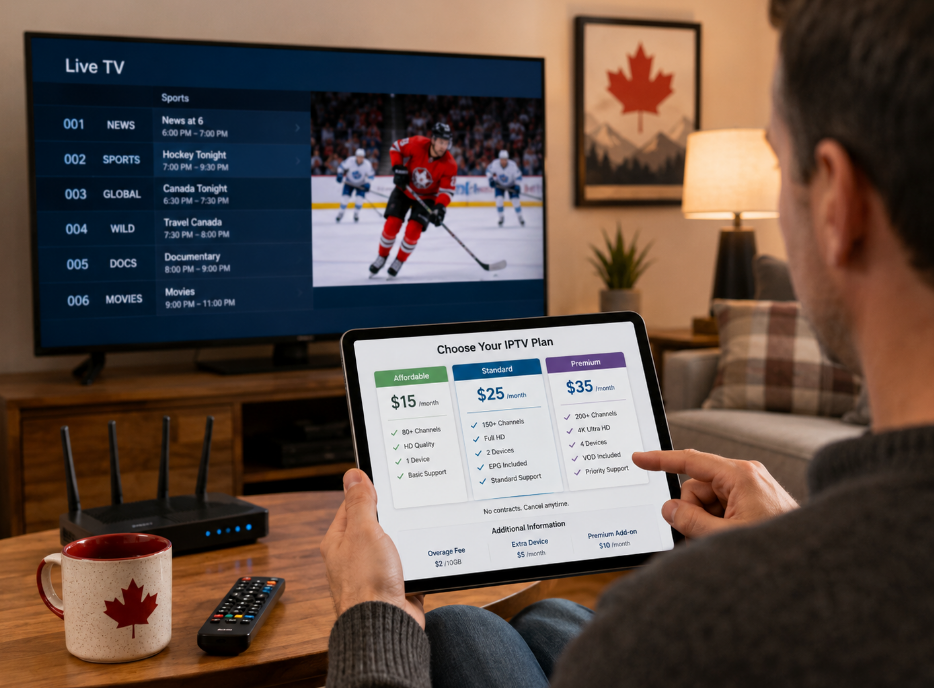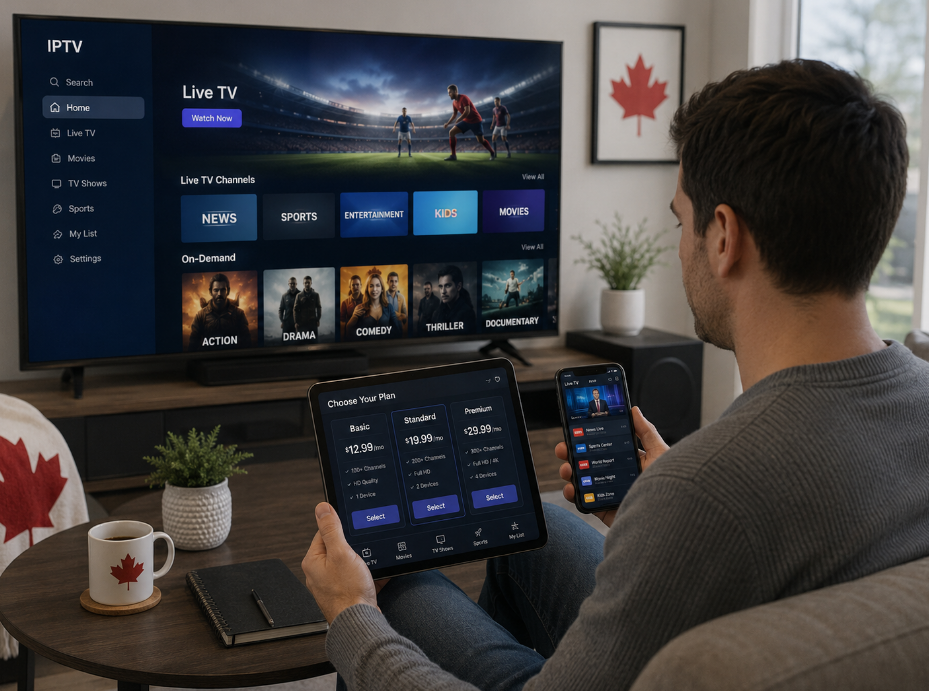
The market for watch iptv online free services is exploding in 2026. Every week, new playlists, portals, and “secret” M3U drops appear, promising hundreds of channels for nothing.
If you’re buying IPTV in bulk, you’re not just looking for streams that work today—you need stability across entire sports seasons, VOD events, and peak weekend traffic. One bad batch of “free” links can turn a promising deal into a refund storm and a support nightmare.
We’ve seen it happen: a reseller loads up on “working” links, ships them to dozens of customers, and within two weeks, half of those links are dead, geo-blocked, or replaced with malware pop-ups. Reputation takes the hit; not the guy who pasted the links in a random chat.
As one StarIPTV operations manager likes to say: “Free traffic without security checks is just borrowed trouble.”
This guide cuts through the noise. You’ll see which free IPTV link types actually hold up in 2026, and how to avoid the five most common scams that drain your time, money, and user trust.
Free IPTV links that actually work in 2026
Not all “free” links are equal. Some are part of legitimate tests, promos, or trial campaigns. Others are just bait used to harvest data, inject malware, or funnel users into paid scam funnels.

M3U8 and HLS playlist URLs that stay online
Modern streaming widely relies on HTTP Live Streaming (HLS), where an M3U8 playlist points to small media segments that can adapt to network conditions. Done properly, this format gives smoother playback and better resilience than old-school single-file streams.
With stable HLS-style links, you should expect:
Segmented URLs (e.g.
/chunk_001.ts,/chunk_002.ts) instead of one huge.mp4file.Short segment durations (2–10 seconds) for smoother adaptive bitrate switching.
Consistent domain names tied to known CDNs—not random hosts that disappear in a week.
If a provider claims “premium HLS quality” but your playlist is just a single MP4 URL sitting on a free file host, you’re not looking at professional infrastructure.
Infrastructure signs of a serious stream
Real providers invest in network and delivery, even for test links. At a minimum, for any playlist you plan to resell or bundle:
The host should sit behind modern CDNs that can absorb traffic spikes and route users to nearby edge servers.
The stream should survive peak live events (football, PPV, playoffs) without collapsing into buffering every 15 seconds.
Errors like 403 Forbidden or 429 Too Many Requests on match days usually mean the source is blocking shared or abusive IPs.
If a “free” HLS link is served from a personal VPS with no CDN layer, it may be fine for testing—but scaling it to hundreds of subscribers is asking for trouble.
Baseline quality checks you should always run
Before you even think about putting a free link into production, test:
Resolution: Does the stream maintain 720p or 1080p under normal traffic?
Bitrate: Reasonable bitrates for HD are usually 4–8 Mbps; lower than that often means washed-out, blocky video.
Audio stability: No random language changes, no desync, no silent channels.
Playback devices: Test on at least one PC, one mobile device, and a TV app (for example, a lightweight IPTV player) so you don’t discover compatibility issues only after customers complain.
If a “perfect” free link barely survives a single-user test, it’s not something you should stake your brand on.
The 5 biggest free IPTV streaming scams in 2026
Cybercriminals have realized that free IPTV links are excellent bait. Illegal IPTV ecosystems have grown into organized, profitable operations where stolen traffic, credential harvesting, and infection campaigns are built around “too good to be true” offers.
Here are the five traps we see resellers and end users fall into most often.
1. Playlist generators that quietly clone your full channel list
You’ll sometimes see tools advertised as:
“Paste your M3U, get a fresh, geo-unblocked list in seconds!”
The trick: those generators often copy your existing M3U, including custom sorting, local channels, and premium additions you paid for. That data is gold for people running grey-market piracy networks.
Common red flags:
The site forces you to paste a full “master” playlist rather than a sample.
No privacy policy, no company name, no responsible contact.
Suddenly, your unique lineup starts appearing on other services or in random Telegram groups.
Safer workflow:
Never paste primary reseller playlists into unknown tools.
Use sanitized test lists (a few channels, no VOD library) for verification.
If you really need link normalization or filtering, use self-hosted tools or trusted software where you control the logs.
2. Telegram & Discord “M3U drop” rooms loaded with malware
Many IPTV scams now operate through Telegram channels, Discord servers, or pseudo-private forums. They post daily M3U files or Xtream codes, encouraging users to “just try it and see.”
Academic research and law-enforcement investigations show that illegal IPTV ecosystems are increasingly used to distribute malware, steal credentials, or conscript devices into botnets.
Typical symptoms:
M3U files that contain strange “ad” or “update” channels that launch browser pop-ups or redirect you to executable downloads.
APK links labeled “IPTV Pro Mod” or “cracked IPTV player”—these often come bundled with trojans or adware.
Devices getting slower, overheating, or showing unknown admin apps after a few days of use.
How to respond:
Treat every scripted playlist from unknown chats as hostile until proven otherwise.
Download APKs only from official app stores or directly from vetted vendors.
Wipe and reset any device that starts acting strangely after sideloading “free IPTV” tools.
3. Fake IPTV login portals and credential-harvesting sites
Another popular scam uses convincing clones of real panel logins or reseller dashboards. The goal isn’t to give you video; it’s to collect working usernames and passwords.
Attackers often mimic real IPTV control panels, streaming-service dashboards, or even payment gateways. Combined with lists of known providers, these phishing schemes let them hijack accounts, resell access, or drain your existing balances.
Watch for:
Login pages on domains unrelated to the provider’s official site.
Portals with no HTTPS certificate or oddly mismatched SSL info.
Sites that ask for your reseller login just to “check how many active lines you can convert.”
If a link is asking for your master login just to “test channels,” close it immediately.
4. Malicious IPTV apps on Android TV and Firestick
Non-certified Android TV boxes and sideloaded streaming apps are a favourite attack surface. Authorities have warned that illegal streaming sites and non-certified devices often distribute malicious applications that can compromise home networks and personal data.
Risk signals include:
“All-in-one” APKs advertised as IPTV + movies + sports + casino + crypto airdrops.
Apps that request excessive permissions (SMS, contacts, full file access) for simple video playback.
Fully loaded boxes sold with lifetime access to obviously pirated content, bundled with shady update channels.
Safer practices:
Stick to certified devices and official app stores whenever possible.
Avoid “fully loaded” boxes and sticks; if the seller won’t tell you where the streams come from, assume the worst.
Separate your IPTV lab devices from the rest of your home or office network.
5. “Lifetime” access bundles riding on illegal live streams and pirated content
A classic pitch:
“One-time fee. Lifetime IPTV. All sports. All movies. No monthly bills.”
In reality, many of these offers piggyback on illegal live streams and large-scale piracy operations. Anti-piracy organizations and law-enforcement units regularly shut down such services, leaving “lifetime” buyers with dead panels and no recourse.
Studies on illegal IPTV and piracy ecosystems highlight:
A strong link between piracy platforms and cybercrime, including fraud and malware distribution.
Higher risk of scams and infections for users of illegal streaming websites and Android TV boxes than for users of legitimate services.
As a reseller or serious hobbyist, tying your entire business to unstable piracy networks is like building a house on sand.
How to test free IPTV links safely (without nuking your network)
Testing is fine. Blind trust is not. Here’s how to put free IPTV links through their paces while minimizing risk.
1. Use a sandbox device
Always run new links on a separated test environment:
A dedicated TV box used only for IPTV.
A spare laptop or tablet on a guest Wi-Fi network.
No direct access to important workstations, servers, or smart-home hubs.
If something goes wrong, you want the damage to be contained.

2. Protect traffic with a reputable VPN
A good VPN encrypts your traffic and hides your IP from intermediaries, which helps shield you from some types of snooping, throttling, and targeted attacks while you test.
Important:
A VPN is not a license to break copyright or local law.
It doesn’t turn illegal streaming into legal streaming.
It can, however, reduce the exposure of your test device when you’re inspecting unknown sources.
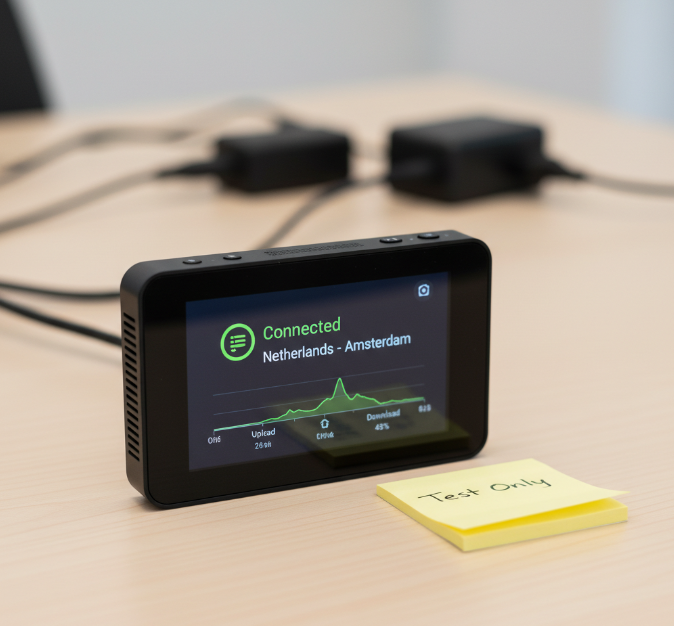
3. Inspect playlists before loading them
Open any M3U or M3U8 file in a text editor before importing it into your player. Look out for:
Non-video URLs (shorteners, ad networks, random PHP scripts).
Strange “update” or “install” channels referencing
.exe,.apk, or zip files.Hard-coded login data or weird query strings that might be used for tracking or abuse.
If a playlist looks like a maze of trackers and mystery scripts, walk away.

4. Limit exposure in your IPTV player
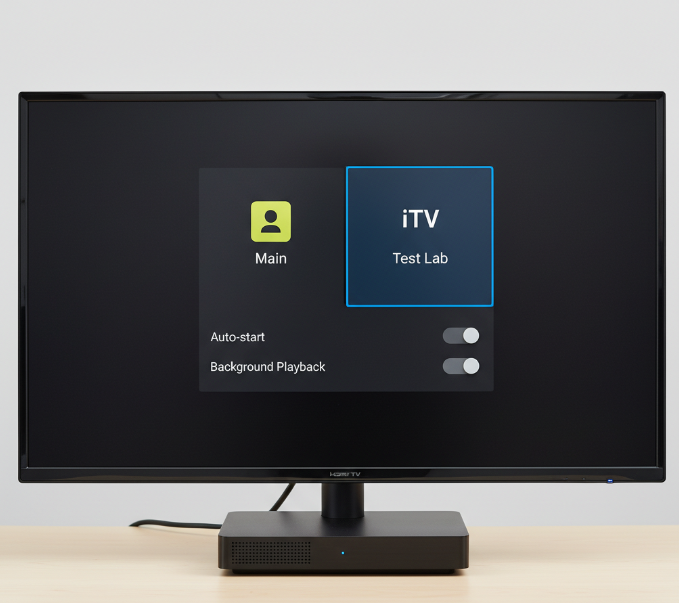
Even with a trusted IPTV player, keep risky tests isolated:
Use separate profiles or local users for “lab” playlists.
Disable features like auto-start on boot and background playback while testing.
Don’t store billing details or personal passwords on the same device where you run random links.
Quick checklist before trusting any free IPTV link
Use this as a pre-flight list before you point customers or friends at a “free” source:
Source transparency: You know where the link came from (test campaign, vendor trial, or reputable review), not just “some guy in a group.”
No obvious piracy branding: Heavy focus on “all premium channels free forever” is a major warning sign.
Playlist hygiene: Nothing in the file tries to force downloads or redirect you to unrelated sites.
Stable performance: The stream can handle HD playback during local peak hours without collapsing.
Device safety: You’re not running the link on your main work PC or a non-certified “fully loaded” box you know nothing about.
If a link fails two or more of these items, it belongs in your lab notebook, not in front of paying users.
Turning safe testing into a real IPTV business
There’s nothing wrong with testing the waters using free IPTV links—as long as you understand what they’re good for:
Short-term technical testing (apps, devices, routing, peering).
Benchmarking codecs, bitrates, and buffering behaviour.
Stress-testing your own network edge.
But for actual customers—especially in competitive markets like IPTV Canada—you need more than random playlists scraped from social media.
Here’s a safer progression:
Start with structured trials, not random dumps.
Instead of gambling on mystery portals, use a curated free iptv trial from providers that clearly publish their channel lists, uptime claims, and terms of use.Harden your setup with proper guides.
Make sure your routers, TV boxes, and players are configured correctly. A detailed guide like IPTV setup Canada plus the broader how to setup IPTV Canada blog hub can help your team avoid amateur mistakes that get blamed on “bad links” later.Move winners into a paid, SLA-backed plan.
Once a service survives your tests, graduate it into a real IPTV subscription Canada with clear pricing, support, and a legal framework that matches your region. That’s how you build something that survives DMCA waves, ISP throttling, and seasonal load.Use free links only as a supplement.
Treat genuinely stable free feeds as bonus backup routes, never your main backbone. When—not if—they disappear, your core service should keep running.
When you combine smart testing with vetted providers, you turn “free IPTV links” from a permanent liability into a controlled lab tool that supports a durable, compliant business.
References
[Users of illegal streaming websites, Android TV boxes face higher risk of malware, scams: Study - https://www.straitstimes.com/singapore/users-of-illegal-streaming-websites-android-tv-boxes-face-higher-risk-of-malware-scams-study]
[What Are M3U8 Files? How to Create M3U8 Playlists & M3U8 Files - https://www.ottclouds.com/guide-to-m3u8-files/]
[Advisory on the Dangers of Non-Certified Streaming Devices - https://www.police.gov.sg/media-hub/news/2025/11/20251112_advisory_on_the_dangers_of_non-certified-streaming-devices]
[What is a Content Delivery Network (CDN)? | How do CDNs work? - https://www.cloudflare.com/learning/cdn/what-is-a-cdn/]
[What is a VPN? How It Works, Types, and Benefits of VPNs - https://www.kaspersky.com/resource-center/definitions/what-is-a-vpn]
[Illegal streaming grew into an organized, profitable, and dangerous industry - https://www.helpnetsecurity.com/2025/12/31/iptv-illegal-streaming-risk/]
[The Hidden Dangers of Illegal IPTV Services: What You Need to Know - https://www.fact-uk.org.uk/the-hidden-dangers-of-illegal-iptv-services-what-you-need-to-know/]
[Investigating IPTV Malware in the Wild - https://www.mdpi.com/1999-5903/15/10/325]
[Massive IPTV Piracy Network Uncovered - https://www.europol.europa.eu/media-press/newsroom/news/massive-iptv-piracy-network-uncovered]
FAQ
What protocols are best for stable IPTV streaming?
M3U8 and HLS give stable playback across devices.
MPEG-DASH keeps quality high with less buffering.
RTMP and RTSP work, but can be finicky on some platforms.
UDP multicast is great for local setups with solid bandwidth.
Is it legal to watch IPTV online free in Canada?
Not always. Streams showing sports broadcasts, television series, or other licensed content without permission often break copyright laws and can put you at risk.
How do I protect my data while using IPTV players?
Use a VPN to hide your online trail.
Stick to trusted IPTV players—skip the sketchy ones.
Look for options with encryption built in.
Run a good ad blocker to stop snooping trackers.
Can I watch IPTV online free on my Smart TV?
Sure can. Most Smart TVs support apps that accept playlist URLs, letting you stream live TV and news channels with your home Wi-Fi setup.
What are signs that an IPTV link is fake or dangerous?
Links with blank or broken channel lists.
Apps asking for weird permissions on your tablet or smartphone.
Outdated info in the EPG viewer.
Heavy buffering or pop-up ads = red flag.
What’s the best way to watch IPTV online free without buffering?
Go for a solid Ethernet connection or a strong Wi-Fi signal. Use IPTV players that handle bitrate well, and choose sources that don’t overload during peak hours.
How can I watch IPTV online free while staying secure?
Pick playlist URLs from trusted sources.
Use a solid VPN client to get around geo-blocking.
Keep your media player and apps updated.
Skip shady ads offering fake movie streams.
Why do IPTV streams often freeze or buffer constantly?
Usually, it’s down to poor bandwidth or overloaded servers. Some issues also come from weak CDN setups or limits from your Internet Service Provider.
Are free IPTV links safe to use on personal devices?
Only if used with trusted IPTV apps and a VPN.
Avoid sketchy links shared on forums.
Use antivirus software on your personal computer.
Stick with safer formats like HLS and DASH.