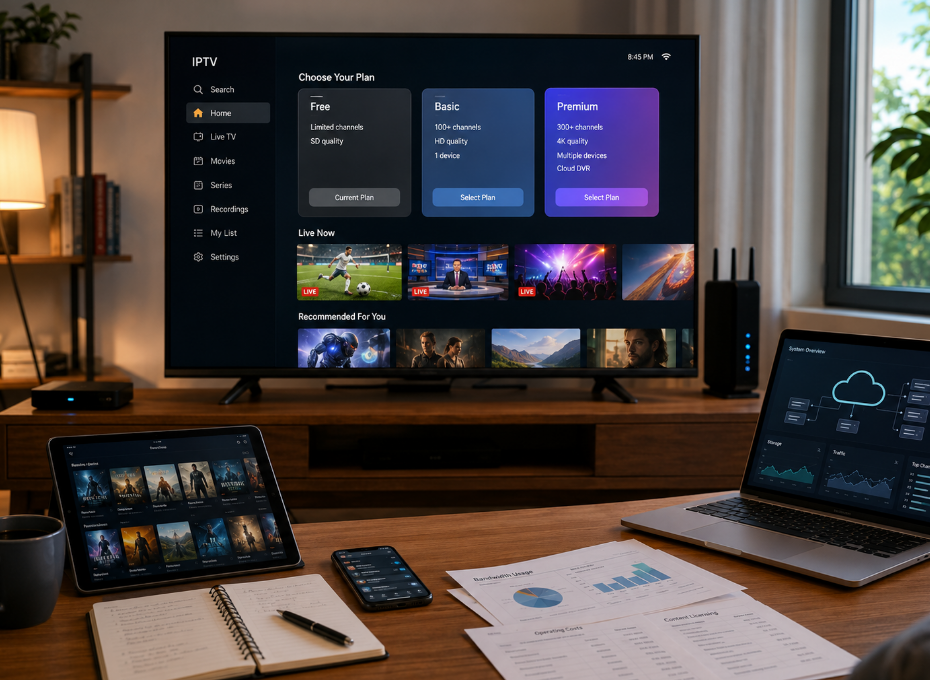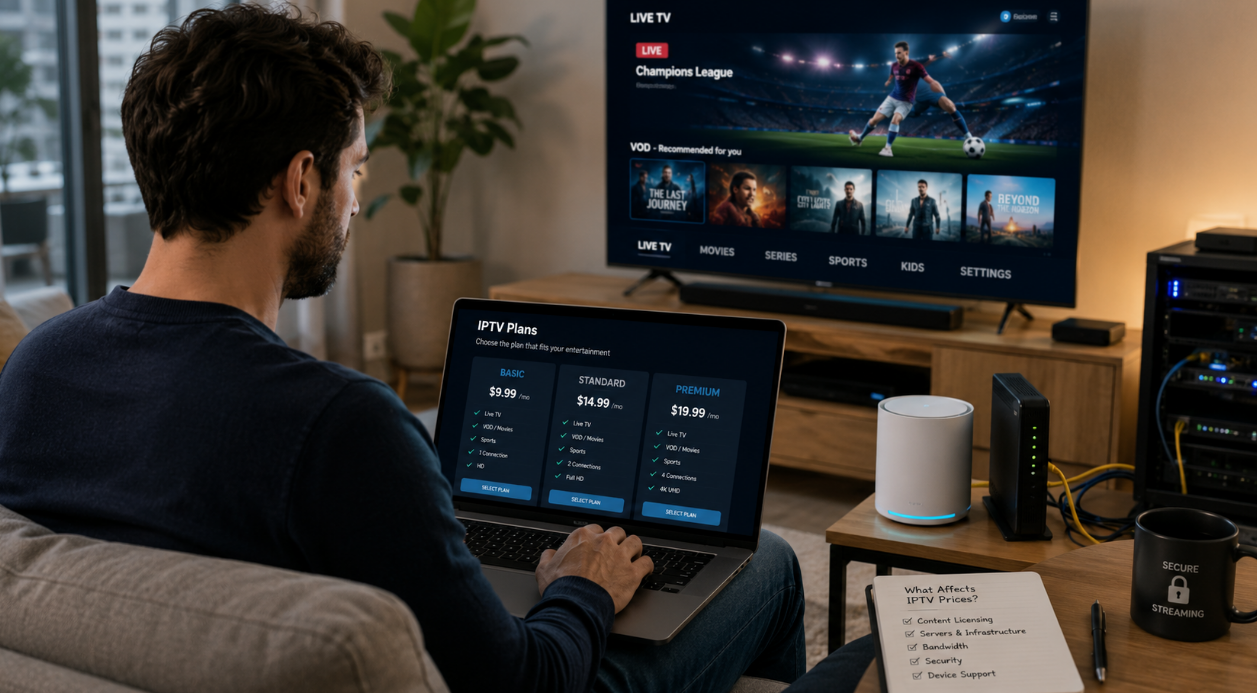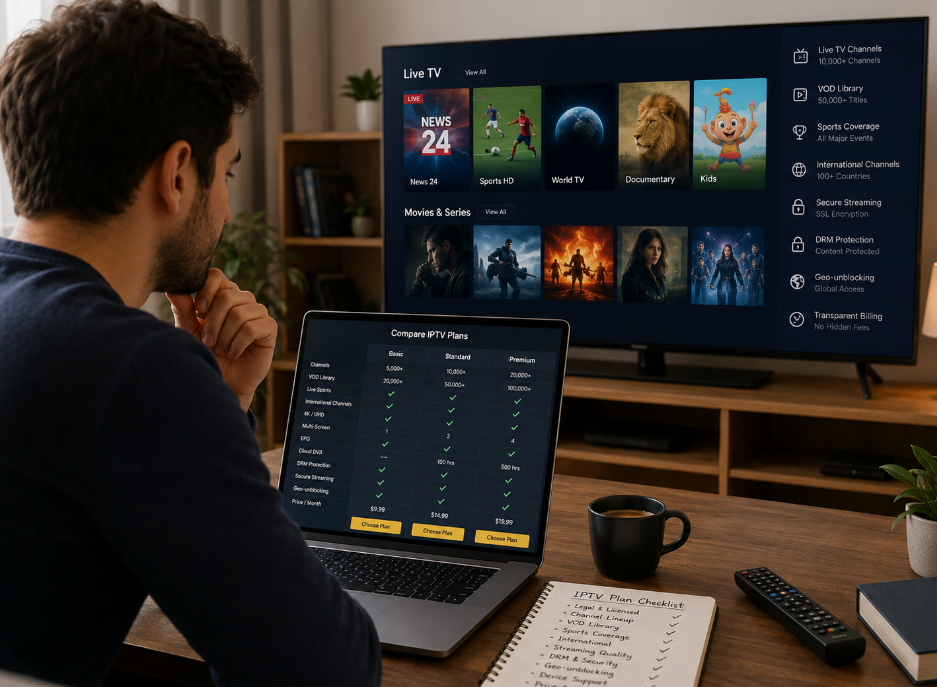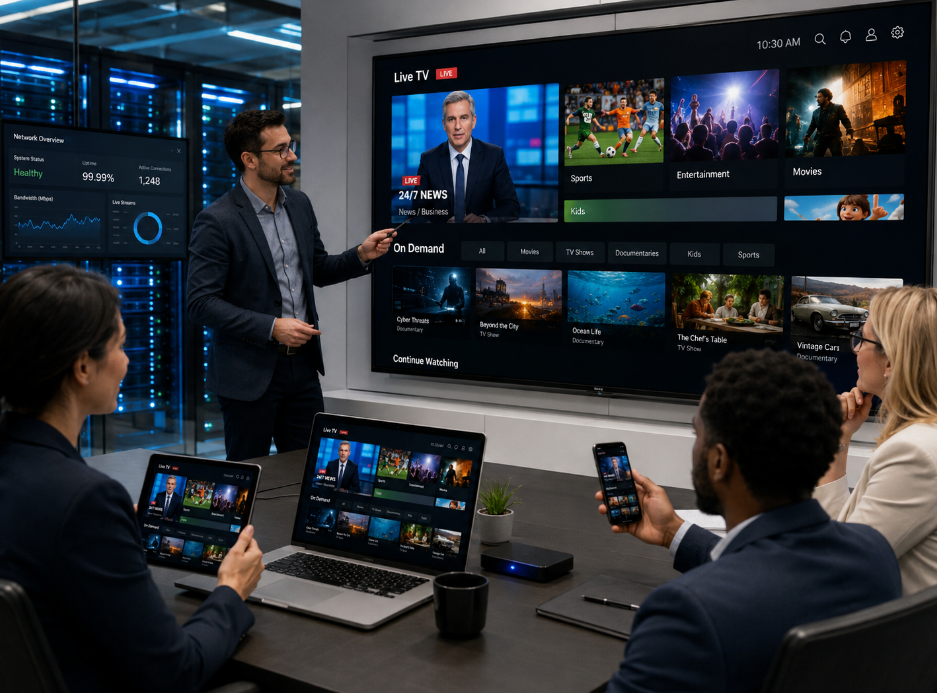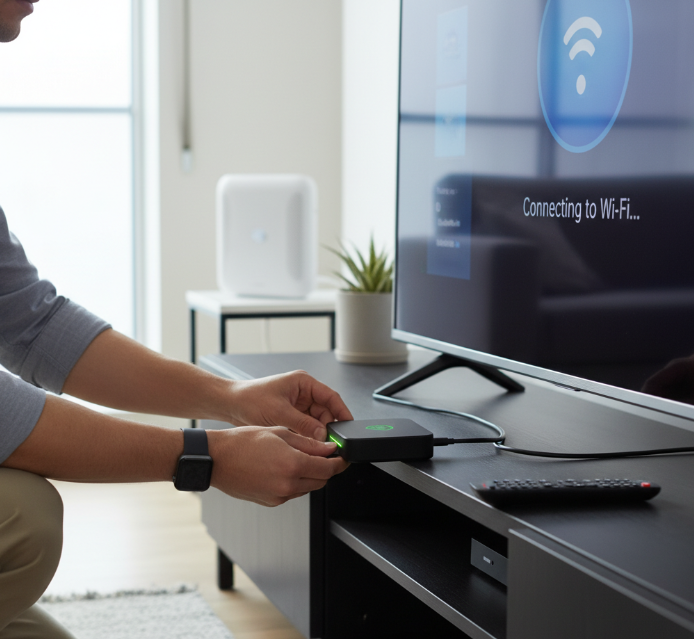
What is Android IPTV? It's basically TV without the cable guy. Picture this — you plug in a little Android-powered box, connect to Wi-Fi, and suddenly you're watching live sports, shows, and movies from around the world. No contracts, no dishes on your roof, and no sky-high monthly bills. It's like cutting the cord, but smarter.
For folks tired of paying $100+ a month for half the channels they actually watch, this is a game changer. You get control, variety, and the freedom to stream what you want, when you want. As one tech reviewer put it, "It’s like turning your old TV into a content powerhouse."
We’ll break it all down — how it works, what gear you need, and what to look for when buying — so you can stop overpaying and start watching smarter.
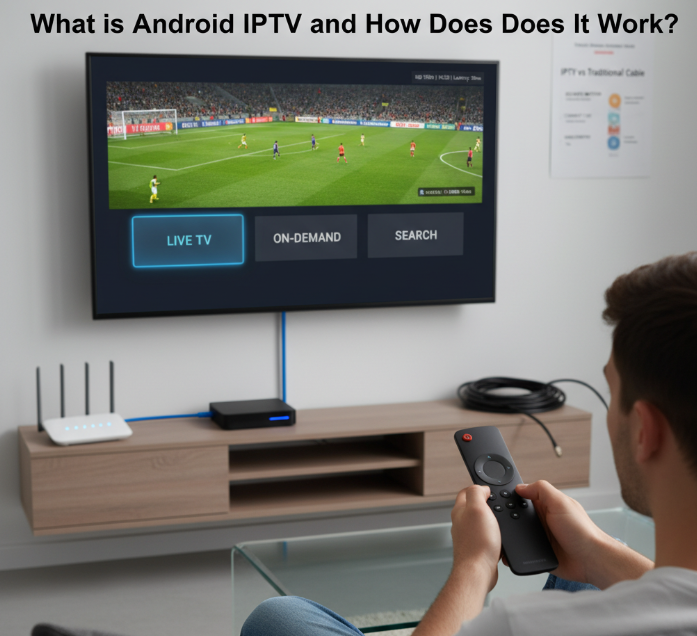
What is Android IPTV and how does it work?
Android IPTV blends internet streaming with smart TV technology. Here's how it works and why it's changing the way we watch content.
1. Android IPTV streaming technology basics
Android IPTV delivers live and on-demand content via internet protocols, not satellite or cable. It uses codecs like H.264 or H.265 and streaming protocols such as HLS or RTSP to reduce buffering and maintain smooth playback.
Codecs compress and decompress video efficiently.
Protocols manage how data is delivered.
Android devices decode and display IPTV streams through apps.
"IPTV uses smarter tech to serve content—think less waiting, more watching," says Maya Torres, Streaming Technology Analyst at DigiFlare Labs.
2. Difference between IPTV and traditional cable
Let’s break it down:
| Feature | IPTV | Traditional Cable |
|---|---|---|
| Delivery Method | Internet Protocol (IP) | Coaxial Cable |
| Content Type | On-demand + Live TV | Linear Broadcasting Only |
| Interactivity | Pause, Rewind, Search | Limited (usually none) |
| Device Requirements | Smart TVs, Android Boxes | Cable Box Only |
In short: IPTV gives you more control, more content flexibility, and works on modern devices.
3. Internet requirements for stable IPTV
To keep your IPTV stream smooth and buffer-free, your internet needs to meet certain specs:
Bandwidth: At least 10 Mbps for HD, 25+ Mbps for 4K.
Latency: Under 50ms is ideal.
Jitter: Keep it under 30ms.
Connection: Wired Ethernet > Wi-Fi.
Router: Dual-band routers help reduce congestion.
Laggy stream? Probably your router’s outdated or your signal’s bouncing off the microwave again.
4. Legal considerations when using IPTV
While IPTV technology itself is legal, what you stream matters.
✅ Legal IPTV: Uses licensed content, usually subscription-based.
❌ Illegal IPTV: Offers pirated streams, often without content provider permission.
Risks of illegal IPTV:
Fines or legal action
Malware in apps
Service shutdowns without warning
Always verify your IPTV provider's legitimacy—copyright laws aren’t something you want to mess with.
Android TV box vs IPTV box
Confused between an Android TV box and an IPTV box? You're not alone. This cluster helps you spot the key differences and when to use each.
Performance comparison of both devices
When it comes to performance, the Android TV box typically takes the lead. It usually features faster CPU and GPU units, more RAM, and enhanced app support. In contrast, IPTV boxes are often streamlined for one task: streaming live TV smoothly, but with fewer advanced specs.
| Device Type | CPU (GHz) | RAM (GB) | GPU Tier |
|---|---|---|---|
| Android TV Box | 2.0–2.5 | 2–4 | Mid–High |
| IPTV Box | 1.2–1.8 | 1–2 | Low–Mid |
Bottom line: If you’re into multitasking or gaming, go Android. If all you want is reliable streaming, an IPTV box is enough.
Use case scenarios for each box
Let’s break it down — real-life style.
Android TV box: You're on the couch, switching between Netflix, YouTube, maybe firing up a game. This box is your mini entertainment hub, juggling apps, gaming, and high-def streaming like a champ.
IPTV box: All you want is live TV — fast, stable, and fuss-free. Think cable-replacement. No frills, just channels.
💡 "IPTV boxes are the set-it-and-forget-it tools," says tech reviewer Leo Garcia. "But Android TV boxes are built for users who want it all — minus the cable bill."
Key features of IPTV boxes
Modern IPTV boxes offer more than just streaming—they affect quality, ease of use, and longevity. Here's what to look for before buying one.
1. Support for 4K and HDR streaming
For the best visual experience, choose a device that supports 4K resolution and popular HDR formats like HDR10 or Dolby Vision. Support for high frame rate playback is a bonus, especially for sports and action content. Also, look for compatibility with advanced video codecs like H.265/HEVC, which ensure smoother streaming and better compression.
2. App compatibility and OS versions
The Android OS version on your IPTV box affects everything—app compatibility, system updates, and overall performance. Devices with access to the Google Play Store support more apps and smoother application updates. Outdated systems struggle with modern apps and frequent OS updates can be a problem.
"Most lag issues are caused by old software, not the hardware," says Jamie Luo, software engineer at SettopTech.
3. Remote control and voice assistant features
A great remote control seriously improves your experience. Look for Bluetooth remotes that don’t need line-of-sight, plus customizable buttons. Many modern boxes support Google Assistant or Alexa voice control, letting you open apps or search content hands-free.
Why Bluetooth remotes rock:
No pointing required
Works from longer distances
Handy voice commands:
“Open YouTube”
“Play Breaking Bad on Netflix”
4. Storage capacity and expansion options
<1> Most IPTV boxes come with internal storage ranging from 8GB to 32GB.
<2> If you download apps, cache videos, or sideload content, choose a model that supports MicroSD cards or USB ports.
<3> Boxes with built-in file management apps make organizing files way easier.
Here’s a quick storage comparison:
| Device Type | Internal Storage | USB Expansion Support |
|---|---|---|
| Entry-level Android TV Box | 8GB | Yes |
| Mid-range 4K Streaming Device | 16GB | Yes |
| High-end Home Theater Unit | 32GB | Yes |
How to set up IPTV on Android TV
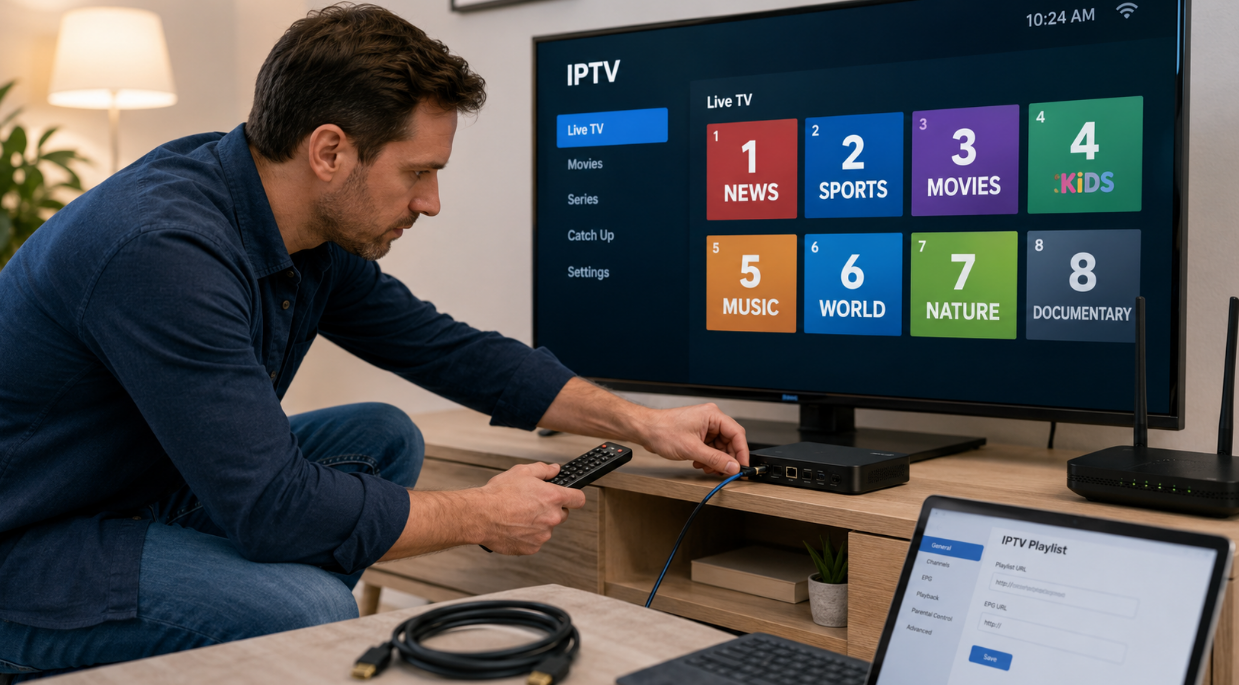
Setting up IPTV on Android TV might sound technical to some, yet it is surprisingly straightforward—once you know the ropes. We recently spoke with Adrian Clarke, a home media systems consultant based in Toronto, who installs IPTV setups for residential clients across Ontario. “Most of my clients are not tech-savvy,” Adrian told us. “Once I show them the steps, they feel empowered. It is easier than setting up a printer.”
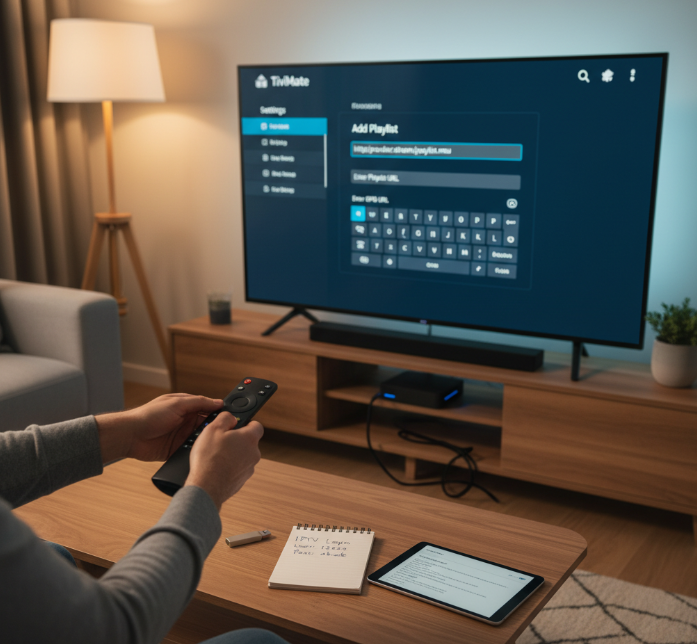
Here is what you need before you begin:
An Android TV or Android TV box with access to the Google Play Store
A strong network connection (wired is ideal, Wi-Fi works fine)
A compatible IPTV app like TiviMate, IPTV Smarters, or XCIPTV
Step-by-step process Adrian uses with clients:
Go to the Google Play Store on your Android TV
Search and install your chosen IPTV app
Open the app and go to the Settings section
Enter the M3U URL provided by your IPTV service
Add your EPG URL for an interactive program guide
Save your settings and let the app load your channel list
Use your remote control to navigate, bookmark favourites, and set parental controls
Clarke pointed out a common user issue: “People forget to verify if their subscription supports their app choice. Not every M3U link works on every app.” He recommends testing on free versions before paying for upgrades.
Some IPTV apps now hold certifications or are mentioned by well-regarded tech reviewers. For example, TiviMate is often highlighted in Canadian digital media for its interface fluidity and custom control options.
Pro Tip: Always keep a backup of your M3U and EPG URLs on a cloud note or USB, especially if you update firmware regularly.
Adrian closes our chat with this: “If you can stream Netflix, you can handle IPTV. It is not a geek's playground anymore—it is for families, too.”
Conclusion
Cutting cable used to feel like a gamble—now it’s just common sense. Android IPTV gives you the control, like having a personal buffet of shows, live channels, and apps all in one little box. You plug it in, and boom—your TV’s smarter than your phone.
Think of it like swapping a flip phone for a smartphone. You’re not just watching TV anymore—you’re customizing it. As tech writer Peter Nowak puts it, “Streaming isn’t the future—it’s the present we’re all living in.”
If buffering drives you up the wall or flipping through dead channels makes you groan, it might be time to give Android IPTV a real shot.
Validation sources: StarIPTV.ca – Knowledge Base and original article draft.
References
Internet Protocol television (Wikipedia) - https://en.wikipedia.org/wiki/Internet_Protocol_television
HTTP Live Streaming | Apple Developer Documentation - https://developer.apple.com/documentation/http-live-streaming
Real-Time Streaming Protocol Version 2.0 (RFC 7826) - https://datatracker.ietf.org/doc/html/rfc7826
Netflix-recommended internet speeds - https://help.netflix.com/en/node/306
Advanced Video Coding (H.264) (Wikipedia) - https://en.wikipedia.org/wiki/Advanced_Video_Coding
High Efficiency Video Coding (H.265/HEVC) (Wikipedia) - https://en.wikipedia.org/wiki/High_Efficiency_Video_Coding
M3U playlist format (Wikipedia) - https://en.wikipedia.org/wiki/M3U
Electronic program guide (Wikipedia) - https://en.wikipedia.org/wiki/Electronic_program_guide
TiviMate (official site) - https://tivimate.com/
Smarters Pro (Google Play) - https://play.google.com/store/apps/details?id=com.smarterspro.smartersprotv
Canada Copyright Act (Justice Laws Website) - https://laws-lois.justice.gc.ca/eng/acts/C-42/Index.html
Europol: Intellectual property crime threat assessment (2022) - https://www.europol.europa.eu/cms/sites/default/files/documents/Report. Intellectual property crime threat assessment 2022_2.pdf
IPTV FAQ
What is the difference between IPTV and streaming?
IPTV is a type of streaming, but not all streaming is IPTV. IPTV delivers TV through IP networks (often live channels or VOD via dedicated apps). General streaming (YouTube, Netflix, etc.) uses OTT delivery and doesn’t require a specific IPTV provider.
Is an Android TV box legal for IPTV?
Yes, the device is legal. What matters is how you use it. Installing legal IPTV apps (Sling TV, Pluto TV, Tubi, etc.) is fine, but streaming copyrighted content illegally can cause legal issues.
What is an M3U playlist in IPTV?
An M3U playlist is a text file containing IPTV channel or stream links. These playlists can be legal or illegal depending on where they come from.
Which Android IPTV apps are the best?
IPTV Smarters Pro – Great UI and playlist support
TiviMate – Strong features for advanced users
XCIPTV Player – Customizable & user-friendly
Perfect Player – Lightweight and reliable
GSE Smart IPTV – Covers many formats
How much internet speed is required for IPTV?
SD (480p): 3–5 Mbps
HD (720p–1080p): 5–10 Mbps
4K Ultra HD: 15–25 Mbps
Higher speeds may be required when multiple devices are connected.
Can I use IPTV without a smart TV?
Yes. Simply connect an Android TV box or streaming stick (like Amazon Fire Stick) to turn a normal TV into a streaming device.
What are the risks of using free IPTV services?
Unstable or low-quality streams
Ads and malicious links
Potential legal issues depending on the source
No support or reliability
Safer alternatives include legal platforms like Pluto TV or Plex.
Does IPTV work during power outages or internet drops?
No. IPTV requires an active internet connection. If the internet or power goes out, the stream will stop.
You may use a UPS and mobile hotspot or traditional cable as a backup.