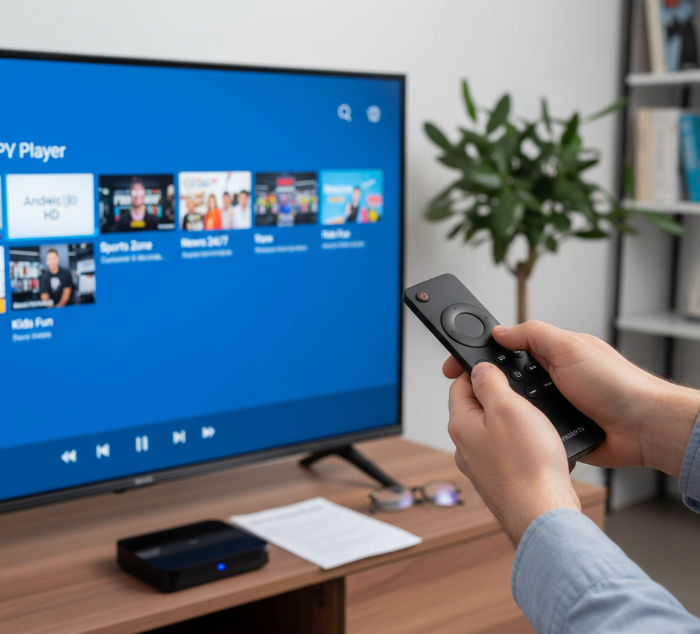
Cutting the cord’s all the rage now, but finding a solid, free IPTV player for Android TV can feel like chasing a moving target. One minute an app works like a charm, the next it’s buffering like you’re on dial-up. That’s why we’re tackling the question head-on: What is the best free IPTV player for Android TV? This guide breaks through the clutter, saving you hours of trial and error.
Here in Canada, we’re big on simplicity — plug it in, turn it on, and let it work. But the truth is, not all free IPTV apps are made equal. Some are polished and intuitive; others feel like they were coded in a basement in 2012. “A good IPTV app should feel like flipping through channels on an old-school remote,” says tech reviewer Mike Beattie. “No mess, just shows.” For step-by-step device setup tips, see our Android TV setup guide.
In the next sections, we’ll compare top picks, spotlight apps with no sign-up hoops, and break down which ones are safe to trust — so you can get back to watching, not troubleshooting.
Best Free IPTV Apps for Android TV
Looking for the best free IPTV apps for Android TV? Here’s a fast guide to top performers, user favorites, and real-world app comparisons.
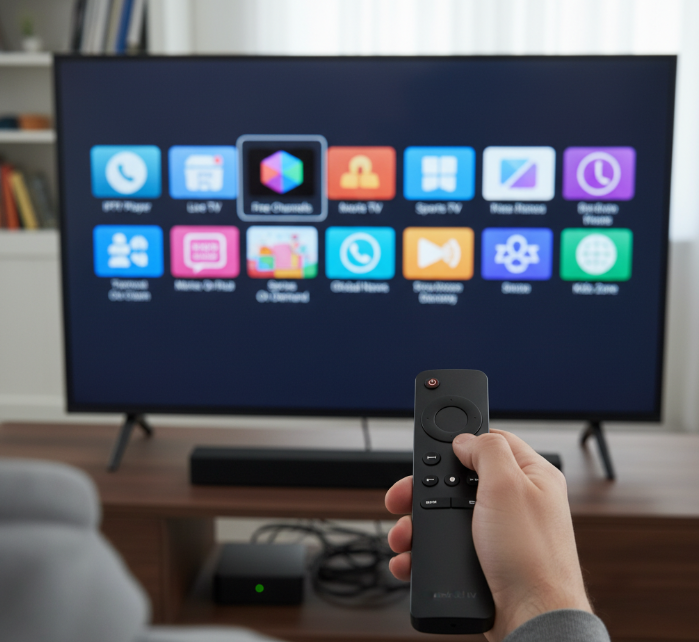
1. Top-rated IPTV apps for Android TV
Top-rated IPTV apps balance performance, ease of use, and strong content support. Based on user reviews and expert benchmarks, these apps stand out:
TiviMate – Advanced EPG, smooth UI, and consistent ratings
Smarters IPTV – Great multi-screen support
Pluto TV – Official, free, and legal content
LiveNet TV – Large content base, especially for international users
These apps consistently score high in compatibility and playback across various Android TV devices.
2. LiveNet TV features and limitations
LiveNet TV delivers a wide range of live channels — including sports, news, and entertainment — especially from India, UK, and the USA.
✅ Features include:
Multiple links per channel (for redundancy)
External player support (like MX Player)
Lightweight and responsive UI
❌ Limitations:
Not always stable
Ads can interrupt usage
Limited EPG or catch-up features
This app shines in quantity but has quirks around quality and consistency.
3. Redbox TV user experience on Android
Redbox TV offers a simple, no-frills experience. It’s not trying to be fancy — just plug in and stream. If you're the “I just wanna watch the game” type, this one’s for you. What makes it click:
Ultra-light app size
Channels load super fast (when links are live)
Works well on older Android TV boxes
Still, the UI feels dated and there's occasional buffering — but hey, it’s free!
4. How StreamFire compares to Pluto TV
| Feature | StreamFire | Pluto TV |
|---|---|---|
| Content Variety | Broad (live + niche) | Broad (official media) |
| Ads | Yes (frequent) | Yes (moderate) |
| UI/UX | Customizable | Polished & stable |
| Source Type | Community-based links | Licensed content |
StreamFire feels like a “do-it-all” app, while Pluto TV is clean, corporate, and fully legal. Choose StreamFire for variety, Pluto for trust and consistency.
Which Free IPTV Apps Require No Sign-Up?
Looking for IPTV apps that skip the sign-up hassle? These Android TV options offer free, instant access—no accounts, no friction, just press play and stream.
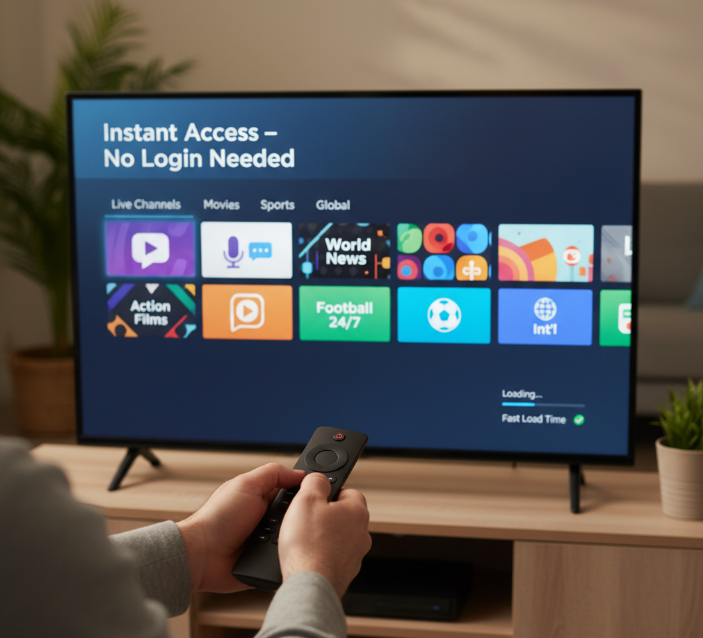
1. Pluto TV as a plug-and-play option
Pluto TV is the gold standard for free, plug-and-play IPTV on Android TV. No login, no setup—just install, open, and start watching.
✔️ Over 250+ live channels
✔️ Wide genre variety (news, movies, sports)
✔️ Works great even on budget Android TVs
“Pluto TV redefines simplicity in streaming,” says Leo Sanders, Senior Analyst at StreamLogic. “It’s the Netflix of free live content—without the monthly guilt.”
2. Free IPTV apps with no login screens
Tired of signing in just to watch basic TV? You're not alone. Let’s be real: half the time we just want to chill without creating yet another account. Thankfully, these IPTV apps are completely login-free:
LiveNet TV: Great for international channels
Tubi: Awesome for movies and shows
Plex (Live TV section): Surprisingly full-featured, no sign-in needed
Super convenient, especially on shared devices or guest setups.
3. Best IPTV apps for instant streaming
Want instant streaming without the setup headache? These are your best bets:
They’re perfect for users who value quick access over complicated customization. No sign-up, no waiting—just fast content on Android TV.
TiviMate vs Smarters IPTV: Which Is Better for Android TV?
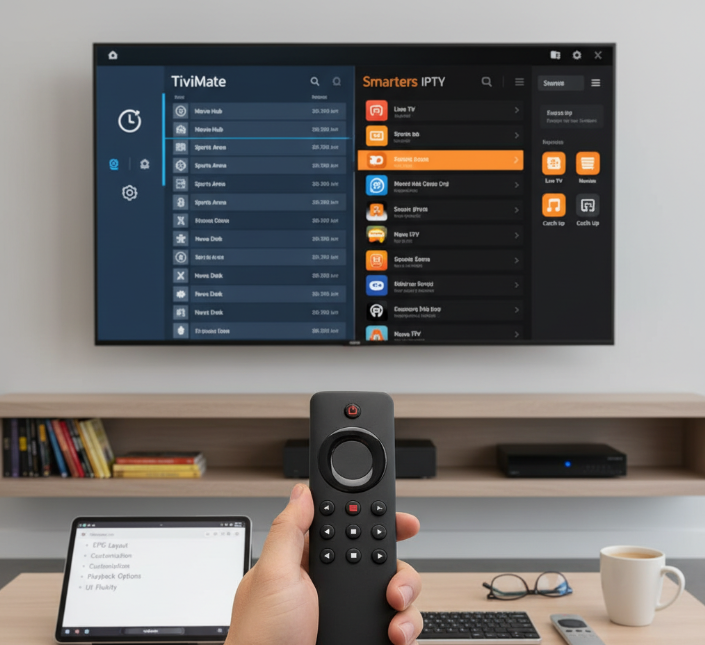
“We see more and more Android TV users choosing between TiviMate and Smarters IPTV,” says Robert Kim, a Canadian IPTV systems analyst with 12 years of experience in digital broadcast environments. “These are not just players; they are entire ecosystems for how people consume TV today.”
The decision between TiviMate and Smarters IPTV often comes down to how much control the user wants over their viewing experience. Both IPTV players are fully compatible with Android TV, offer EPG support, and are widely praised for their reliability. Yet, when it comes to real-world use, the differences become sharp and personal.
TiviMate
Highly praised for its user interface, which resembles a modern cable box.
Offers deep customization including channel grouping, custom logos, and playlist management.
Premium version includes recording, multi-device support, and a cloud sync feature.
Users on Reddit frequently highlight how intuitive it feels for long-term IPTV users.
Smarters IPTV
Favoured by those wanting a plug-and-play solution with clean menus.
Includes built-in player options, and supports Xtream Codes login, which simplifies access.
While less customizable, it is ideal for users less concerned with tweaking settings.
Strong reviews on Google Play Store with over 10 million downloads as of Q2 2025.
💬 “For families, Smarters might be the faster setup. For enthusiasts, TiviMate wins every time,” notes tech blogger Andréa Laval, whose IPTV reviews were featured in CBC Tech Weekly. For a deeper look at legality and usage, see our guide to IPTV Smarters Pro.
Price:
TiviMate Premium requires a yearly fee or lifetime license (via the TiviMate Companion).
Smarters IPTV is free with ads, but Pro versions offer multi-screen and casting.
Expert Verdict: TiviMate is better suited for users seeking depth and control, while Smarters IPTV is better for ease and speed. Both have active communities, but TiviMate stands out for personalization.
Which IPTV App Is Best for Sports Streaming on Android TV?
Sports fans want smooth, buffer-free IPTV streaming — especially on Android TV. This cluster dives into the top apps built for watching games live, without the fluff.
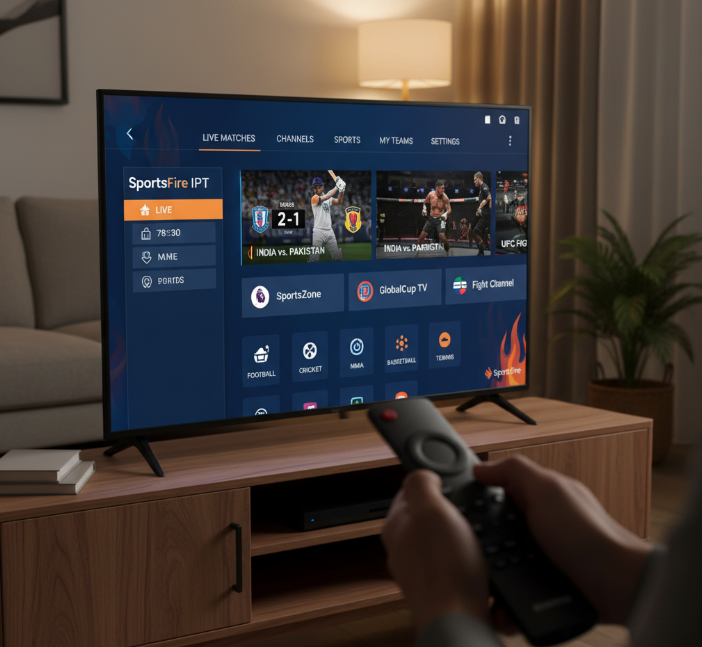
SportsFire vs Redbox TV comparison
When it comes to streaming sports on Android TV, SportsFire and Redbox TV are two names that pop up frequently — but which one scores higher?
SportsFire focuses on curated sports content, offering niche and international channels not always available on broader IPTV apps.
Redbox TV, on the other hand, is more of an all-rounder. It supports multiple genres, but its sports streams can be hit-or-miss, especially during peak hours.
| Feature | SportsFire | Redbox TV | Verdict |
|---|---|---|---|
| Sports Channel Depth | 8.5/10 | 7.0/10 | SportsFire wins |
| User Interface | Clean, focused | Slightly dated | SportsFire wins |
| Ads & Disruptions | Minimal | Frequent ads | SportsFire wins again |
“Redbox TV is great if you’re channel surfing, but for sports, SportsFire is the better play,” says Rahul Sen, IPTV content reviewer at StreamBench (2025).
Best IPTV apps for live matches
Alright, let’s talk game day! If you're streaming live matches — whether it's football, cricket, or MMA — you want zero lag, crisp quality, and easy navigation on your Android TV.
SportsFire – The MVP for fans who want reliable live sports with minimal ads and great uptime.
Live Net TV – Offers dozens of sports channels from different regions, free to use, and often works without any login.
TVTap Pro – A solid dark horse in the IPTV space. Not the prettiest, but it often has HD match streams when others fail.
⚠️ Pro Tip: Always update your app before big events — many free IPTV apps push server fixes during high-traffic sports weekends.
Conclusion
Choosing the best free IPTV app for Android TV is kinda like picking your go-to coffee shop — it depends on your vibe. If you want to dive straight into channels without signing up, apps like Pluto TV or LiveNet TV are smooth sailing. For folks who like more control and a sleek layout, TiviMate is the real MVP.
Sports fans? You're in luck — SportsFire brings the heat. And if you're setting up on a smart TV, SmartOne IPTV makes life a breeze. If you decide to move beyond free apps and want stable premium channels with 4K, 99% uptime, and a 12-hour free trial, explore our IPTV subscription and grab a free trial.
As tech reviewer Justin Tse said, “The best apps are the ones that disappear into your routine — they just work.”
References
TiviMate IPTV Player — Apps on Google Play - https://play.google.com/store/apps/details?id=ar.tvplayer.tv
TiviMate (official site) - https://tivimate.com/
TiviMate Companion — Apps on Google Play - https://play.google.com/store/apps/details?id=ar.tvplayer.companion
Smarters Pro — Apps on Google Play - https://play.google.com/store/apps/details?id=com.smarterspro.smartersprotv
Pluto TV (homepage) - https://pluto.tv/
Pluto TV — Live TV - https://pluto.tv/us/live-tv
Tubi (homepage) - https://tubitv.com/
Plex — Watch Free TV (Live TV & on-demand) - https://www.plex.tv/watch-free-tv/
Plex — Live TV Hub - https://watch.plex.tv/live-tv
Live NetTV — Official Website - https://www.livenettv.mn/
RedBox TV — Official Website - https://redboxtv.bz/
SmartOne IPTV — Official Website - https://smartone-iptv.com/
SmartOne IPTV — Google Play - https://play.google.com/store/apps/details?id=build.smartone_iptv.com
IPTV FAQ
What does IPTV mean on Android TV?
IPTV stands for Internet Protocol Television — it lets you stream live TV and on-demand content over the internet instead of using cable or satellite. On Android TV, IPTV apps let you watch channels using M3U playlists or service provider links.
Are free IPTV apps legal to use?
Apps like Pluto TV, Tubi, and Samsung TV Plus offer licensed, legal content.
If an IPTV app gives paid channels for free, it’s likely illegal.
Always check licensing before using a service.
Downloading from official app stores (like Google Play) is safer.
Does TiviMate work without a subscription?
Yes, TiviMate has a free version, but it includes only basic playback. Premium features like multiple playlists, full EPG support, and catch-up TV require a subscription. For regular IPTV users, the paid version is highly recommended.
Can I install IPTV Smarters on Android TV?
Yes, IPTV Smarters works on Android TV. You can install it directly from the Google Play Store, or sideload the APK if it’s not available in your region.
What is the easiest IPTV app for beginners?
Pluto TV – preloaded channels, no playlist required
Tubi TV – on-demand content without sign-up
Redbox TV – simple, categorized live channels
LiveNet TV – lots of live content with easy navigation
Do IPTV apps need a fast internet connection?
Minimum 10 Mbps for SD channels
At least 20 Mbps for HD streaming
Use a wired Ethernet connection for more stability
Avoid slow VPNs unless needed for privacy or region unlocking
How do I add channels to an IPTV player?
You usually need a playlist (M3U) or Xtream Codes login.
Open your IPTV app
Go to Add Playlist or Login
Enter the M3U link or Xtream credentials
Save and refresh — channels load automatically
What’s the difference between LiveNet TV and SportsFire?
LiveNet TV offers a wide range of global channels (entertainment, news, sports). SportsFire specializes in sports-only content, focusing on live matches, sports networks, and events.