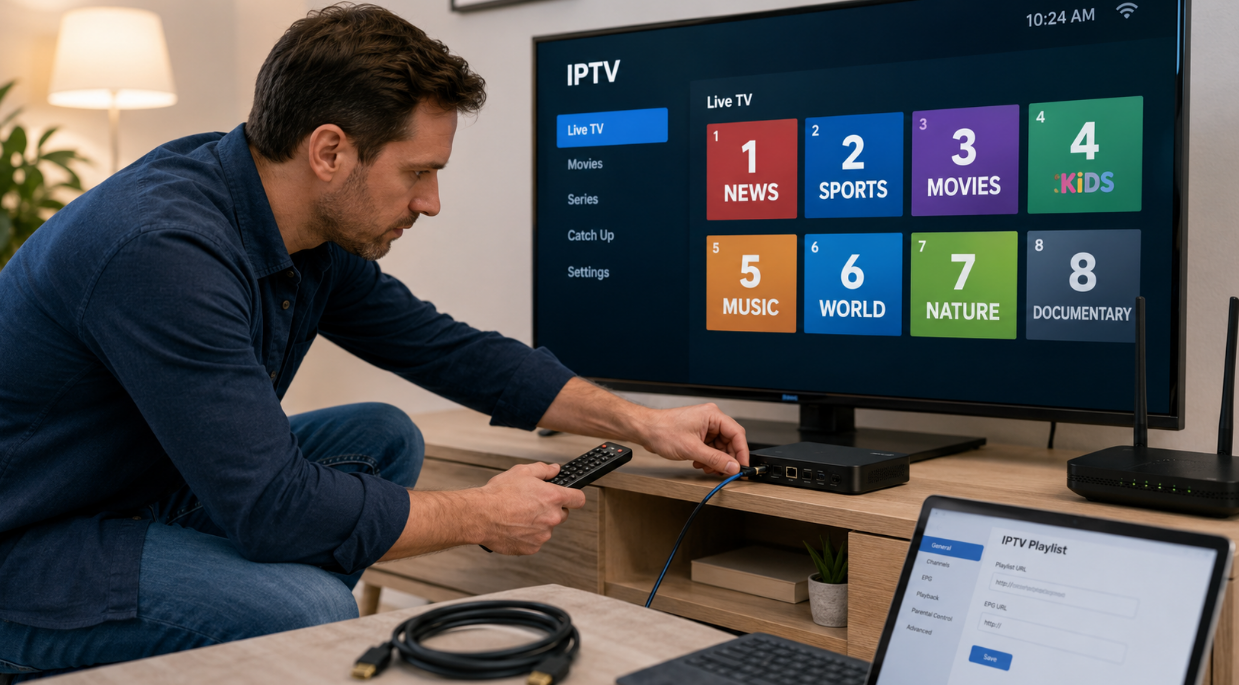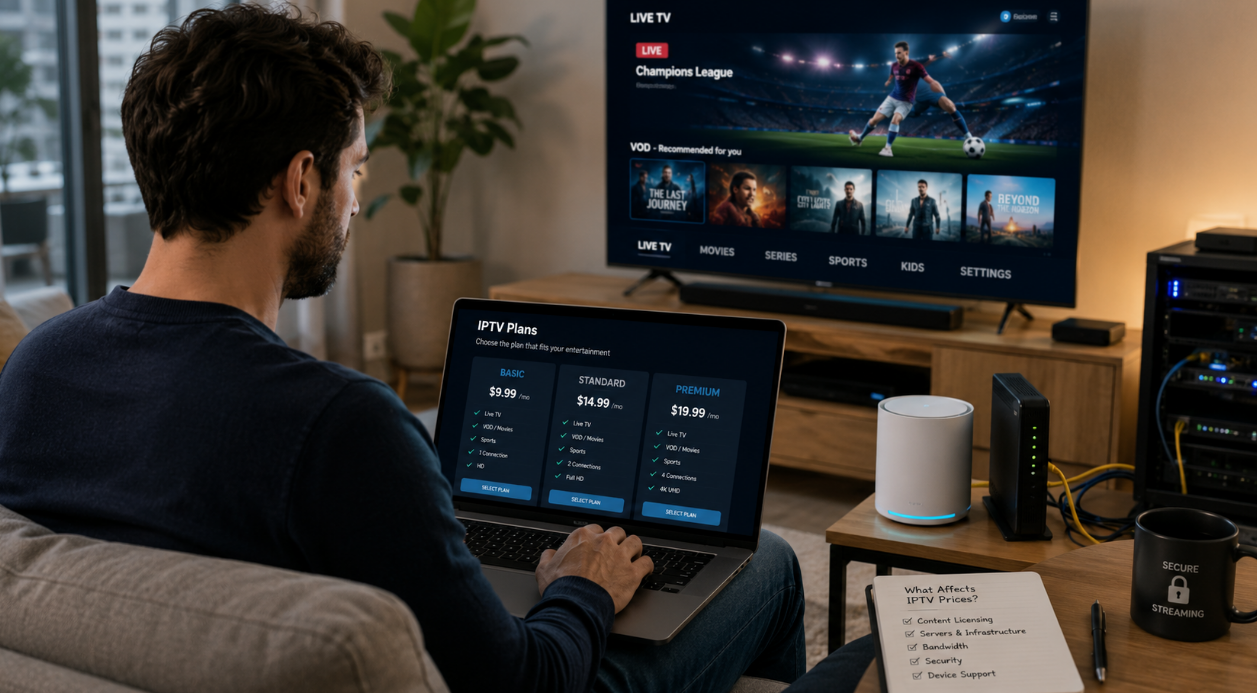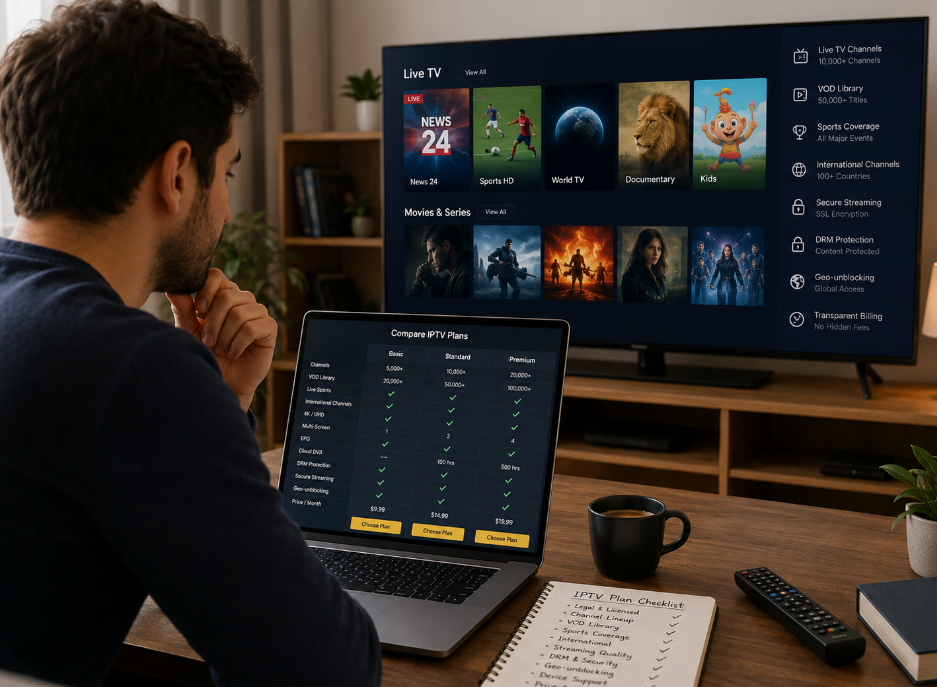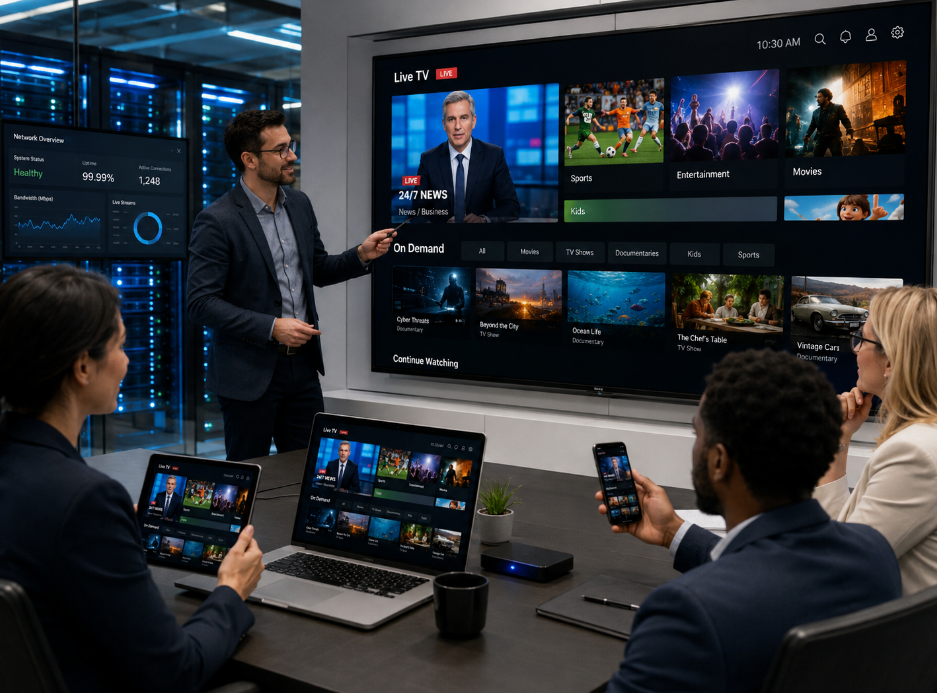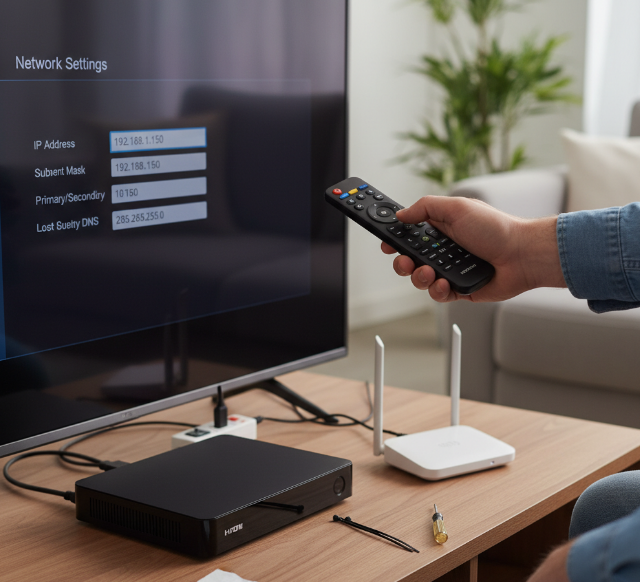
Changing the IP on ip tv boxes can feel like trying to take a different road when the main highway is jammed. For home users, it fixes streaming hiccups. For wholesalers, resellers, and installers, it matters even more: smoother testing, fewer setup headaches, and less grief after the boxes land with customers.
A buyer in Toronto might test one batch for local apps, then prep another for clients in different regions. Same box, different network demands. If the device fights back every step of the way, that is a red flag for product quality, not just user error.
This guide gets straight to the point: how to change the IP, what methods work best, and where boxes usually trip up. You will also see why network flexibility matters when you are buying in volume.
“Good hardware should not make basic network changes feel like pulling teeth,” says a StarIptv engineer.
At the end of the day, a box that handles IP changes cleanly is easier to sell, easier to support, and a lot less likely to come back as a problem later.
How to Choose Reliable ip tv boxes for Wholesale Orders
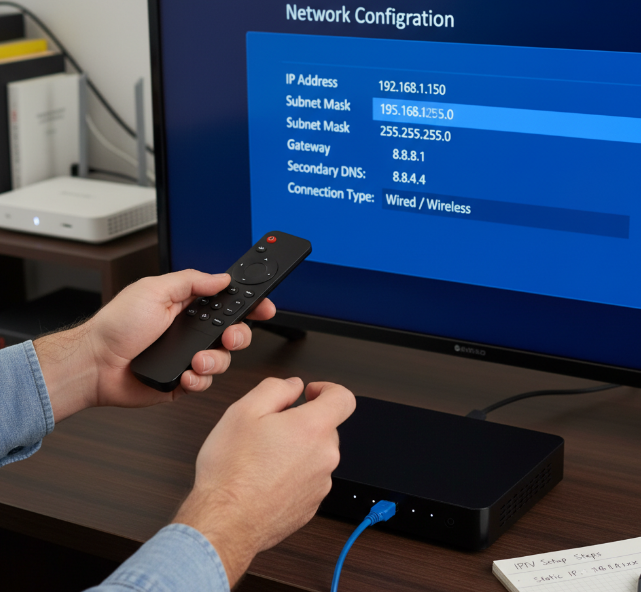
Android TV stability: Processor, RAM capacity, and Storage capacity basics
A good wholesale box needs enough headroom, or it starts acting up fast.
CPU: Amlogic and Rockchip chips with a Quad-core CPU are common picks.
RAM capacity: DDR4 helps Multitasking stay smooth.
Storage capacity: eMMC storage loads apps faster and feels less laggy.
Performance: If menus stutter during app switching, buyers will notice right away.
Cheap specs may look fine on paper, but real-world Performance tells the truth.
Why Ethernet port, Dual-band Wi-Fi, and Network adapter quality matter
Bad networking can make a decent box feel junky. Keep an eye on these basics:
Gigabit Ethernet over RJ45 is great for steady streaming.
Dual-band Wi-Fi gives you 2.4GHz for range and 5GHz for speed.
IEEE 802.11ac support helps with better Connectivity.
Lower Latency means smoother live content.
Strong Bandwidth handling matters when many boxes run at once.
If the network side is weak, customers will blame the box.
Firmware, Software updates, and DRM support for long-term device reliability
Good hardware means little if the software side is messy. Clean Android OS support, steady OTA updates, and regular Security patches keep boxes usable longer. A reliable Bootloader reduces startup issues, while decent Middleware and a stable SDK help app compatibility. For premium apps, Widevine L1 and PlayReady matter a lot. No joke—without proper DRM, some streaming apps may downgrade quality or refuse to run.
Heat sink, Power supply, and Motherboard design for stable streaming capability
Heat sink: Better Cooling improves Thermal management and cuts Overheating.
Power supply: A stable Power adapter helps with clean Voltage regulation.
Motherboard: A tidy PCB, decent Capacitor quality, and smart Hardware design support smoother playback.
When boxes run for hours, weak internal parts show their ugly side fast. Stable streaming usually starts inside the housing, not on the sales page.
OEM vs. Ready-Made ip tv boxes: Which Fits Your Market?
Firmware customization and Launcher control
OEM boxes give you more room to shape the ROM, Boot animation, and User interface so the box feels like your brand, not some random factory build.
Use SDK options to adjust UI/UX flow.
Check OTA updates support before scaling.
Confirm Kernel tuning and Root access policy.
Ready-made models win on speed, but custom firmware wins on identity and control.
Housing design and Remote control options
Looks matter, no kidding. The Enclosure, Form factor, and Branding all shape buyer trust before the box even powers on.
Slim Industrial design fits retail shelves better.
IR remote is cheaper and simple.
Bluetooth feels smoother in daily use.
Air mouse helps with app-heavy navigation.
Voice control adds a premium touch for modern Android TV buyers.
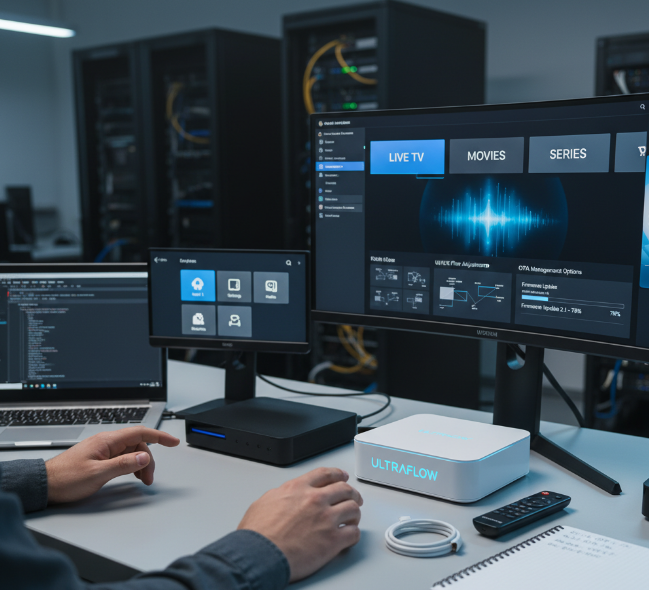
Application store access and Middleware flexibility
This part can make or break your market fit. Some buyers want full Google Play Store access, while others just need stable APK delivery and smooth Middleware support. Short version:
Google Play Store helps mainstream sales.
Sideloading is handy for niche apps.
Stalker and Ministra matter in operator-style setups.
DRM support protects premium content.
A clean API and flexible App store setup make future changes way less annoying.
Unstable Streaming Performance? Check These 5 Wholesale Box Standards
Test Wi-Fi module and Gigabit Ethernet before changing IP settings
Before you swap to a Static IP, check the basics.
Test Dual-band Wi-Fi on both 2.4GHz and 5GHz
Plug a LAN cable into the RJ45 port and compare speeds
Watch Signal strength, Bandwidth, and Network latency
Confirm the box is getting DHCP correctly
If Ethernet is smooth and Wi-Fi still stutters, the IP is probably not the real troublemaker.
Check Codec pack, Media player, and Graphics chip for 4K resolution playback
Play a 4K clip in VLC Player
Confirm H.265 HEVC or AV1 decoding support
Check the GPU can handle the target Frame rate
Match Bitrate, Refresh rate, and HDR10 support
A box can look fine on paper, then choke on high-bitrate files. That is where dropped frames start sneaking in.
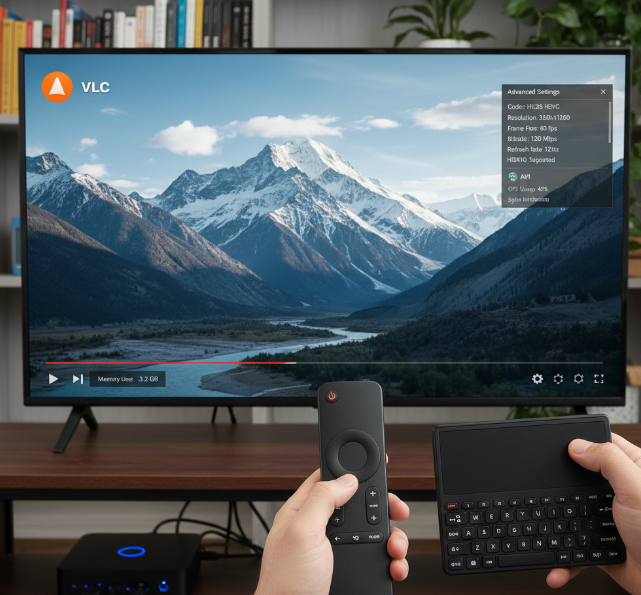
Verify HDMI port, AV output, and Optical audio output compatibility
Small mismatch, big headache.
HDMI 2.1 helps with newer displays.
HDCP 2.2 matters for protected streams.
SPDIF or Optical audio output is handy for Surround sound.
Old TVs may still need RCA cables and Digital-to-analog support.
Check CEC too, since one flaky control link can make the setup feel janky.
For premium audio, confirm Audio passthrough is enabled.
Improve Live TV channels and Video-on-demand delivery with better network routing
For IPTV traffic, routing matters a lot.
Try a faster DNS server
Watch for Packet loss during busy hours
Adjust app Buffer size if streams keep freezing
Compare Streaming protocols used by the service
Check for ISP throttling
Test a VPN only if routing is poor, not as a blind fix
This can clean up Live TV channels and Video-on-demand without touching the box hardware.
Reduce overheating with Heat sink efficiency and safe Operating temperature limits
If the SoC gets too hot, Thermal throttling kicks in and playback turns ugly fast. Keep CPU cooling simple:
Leave space for Ventilation
Do not block Airflow around the case
Check Passive cooling and heat sink contact
Keep operating heat in a safe Celsius range
Cooler hardware usually means better streaming and longer Hardware longevity.
What Certifications Do Wholesale IPTV Boxes Need in 2026?
Why Firmware compliance and Operating system legitimacy affect market access
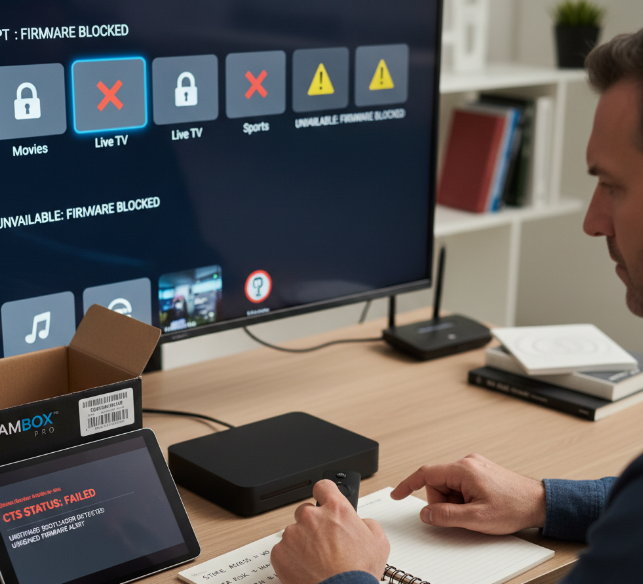
Android TV OS status matters. Buyers check GMS, CTS, and Google certification before listing a box.
Firmware must be legit. Clean bootloader rules, proper licensing, and stable OTA updates reduce customs and channel risk.
Unverified firmware can trigger app blocks
Missing CTS can hurt store access
Bad OTA updates can wreck trust fast
DRM, Subscription services, and Streaming platforms approval requirements
Quick truth: streaming platforms do not mess around.
Widevine L1 helps unlock 4K streaming on premium apps
PlayReady is often needed for content protection deals
HDCP 2.2 supports protected output over HDMI port
Netflix certification and Amazon Prime Video approval can decide retail viability
No proper DRM, no smooth premium playback. That is a deal-breaker for many markets.
Power adapter, Power input, and Power consumption safety considerations
Buyers usually scan safety marks before specs.
Check CE marking for EU channels
Check FCC certification for US compliance
Check RoHS for material restrictions
Check UL listing when safety expectations are high
Also watch the PSU, voltage range, wattage, and energy efficiency. A sketchy power adapter can kill trust, raise return rates, and cause import headaches.
Multi-language support, Parental control, and EPG expectations in regulated markets
Different regions want the UI to feel local, not awkward. Good localization, Multi-language support, and an accurate Electronic Program Guide help boxes fit real viewing habits. PIN protection and content filtering matter where family safety rules are strict. Some markets also care about DVB standards, accessibility, and other regional regulations. If the UI feels clunky or the EPG looks off, buyers bounce pretty fast.
Bulk Pricing, MOQ, and Margins Explained

Getting the numbers right can save a reseller a pile of grief later.
For Wholesale buyers, this topic is where the deal either makes sense or totally falls apart. A tidy Unit Cost on paper can still turn rough once Logistics, Procurement, packaging, returns, and local Distribution kick in. In B2B trade, the sticker price of an Android TV Box is only one part of the story.
A lot of buyers ask the same thing: why does one supplier look cheap at 100 units, then not-so-great at 1,000? The answer usually comes down to Minimum Order Quantity, Volume Discount tiers, freight planning, and how much room is left for real Profit Margin after the full Supply Chain cost is counted.
What buyers are actually paying for
the Android TV Box itself
packaging and labelling
Firmware preparation for market needs
Remote control and batteries
HDMI cable or no HDMI cable
Power adapter standards for destination markets
warehousing, freight, and last-mile Logistics
after-sales support for the Reseller network
A Wholesale quote can look decent at a glance, but if the supplier strips out accessories or support, the landed cost climbs fast. That is where many B2B buyers get burned, eh.
A simple pricing breakdown buyers can use
| Order Size | Unit Cost (USD) | Estimated Logistics Cost Per Unit (USD) | Estimated Profit Margin at Resale |
|---|---|---|---|
| 200 Android TV Box units | 28.50 | 4.20 | 18% |
| 500 Android TV Box units | 25.80 | 3.40 | 24% |
| 1,000 Android TV Box units | 23.90 | 2.80 | 29% |
This sort of table helps a Procurement team spot the real sweet spot. The cheapest Unit Cost is not always the best move if the Minimum Order Quantity is too high for the Reseller channel to clear stock quickly.
Three pricing checkpoints that matter
Check the Minimum Order Quantity against sales speed
A supplier may push a higher MOQ to unlock a Volume Discount, but that only helps if your Distribution side can move the units without sitting on inventory for ages.Measure landed cost, not just factory quote
Add packaging, accessories, customs handling, shipping, and return allowance. That gives a truer Unit Cost for B2B planning.Protect Profit Margin with channel fit
If your Reseller partners want entry-level Android TV Box models, overbuying premium stock can squash margin and slow turnover.
Quick examples from the trade
Small regional Reseller
A Canadian buyer may choose 200 units, keep cash flow lighter, and test demand before taking on a larger Minimum Order Quantity.
Mid-sized Distribution partner
A firm with stable online sales and dealer accounts may jump to 500 units, where Unit Cost drops enough to improve Profit Margin without jamming up the warehouse.
Large B2B importer
A bigger player may take 1,000 units or more, but only after confirming Supply Chain timing, return rate history, and after-sales support.
What a healthy margin usually depends on
A decent Profit Margin often comes from a mix of:
better Procurement timing
cleaner Logistics planning
lower defect rates
useful bundled accessories
stable Firmware that cuts support tickets
smart Wholesale pricing for each Reseller tier
If the Android TV Box arrives with patchy software, flaky Wi-Fi behaviour, or cheap accessories, the return rate starts nibbling away at profit. That is the kind of hidden cost buyers should watch like a hawk.
A practical Q&A buyers often raise
Q: Is a bigger Minimum Order Quantity always better?
Nope. It is only better when your sales channel can absorb the stock and your cash flow stays healthy.
Q: What is the safest way to judge Unit Cost?
Use landed cost. Include freight, duties, accessories, packaging, and support exposure.
Q: How does Volume Discount help a Reseller?
It can widen Profit Margin, but only if the lower buy price does not come with weaker service or longer Supply Chain delays.
Q: Why do two similar Android TV Box offers produce different margins?
One may include better Logistics support, stronger packaging, a more reliable Power adapter, or fewer warranty claims.
Notes from the field
“A lot of buyers chase the lowest Unit Cost and miss the real B2B math. Margin is made in Procurement discipline and clean Distribution, not just in the factory quote.”
— Nolan Price, Sales Manager, StarIptv
“If your Minimum Order Quantity is out of step with demand, the Volume Discount looks nice for five minutes and then becomes dead stock.”
— Amrita Gill, Supply Chain Engineer, StarIptv
Those comments line up with what many Wholesale teams learn the hard way. Cheap stock is not always profitable stock.
Avoid These 7 Supplier Mistakes When Buying ip tv boxes
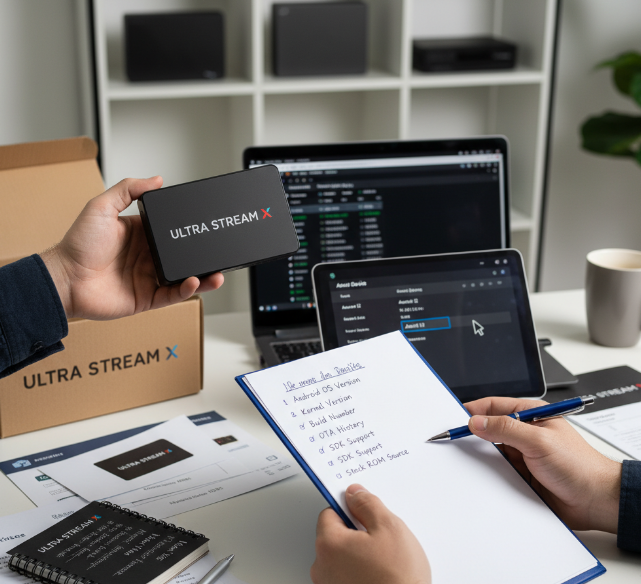
Ignoring Android TV version and incomplete Firmware documentation
Do not buy blind here. Check:
Android OS version
kernel version
build number
OTA history
SDK support
stock ROM source
If a supplier cannot show firmware update logs or clear documentation, that is a red flag. Old Android OS builds often break apps, slow security fixes, and make IP-related setup harder for resellers. A clean firmware trail saves a lot of back-and-forth later.
Overlooking RAM capacity, Processor speed, and Storage capacity benchmarks
Use a simple 3-step check:
Confirm DDR4 or other memory type and real multitasking behavior.
Verify CPU clock speed, GPU level, eMMC size, and free storage.
Ask for AnTuTu or Geekbench scores from the shipped unit, not a sample from ages ago.
Low specs can make network menus lag, app switching choppy, and playback messy. Buyers hate boxes that freeze the moment streaming gets busy.
Accepting weak Wi-Fi module performance without Ethernet cable testing
Wi-Fi claims can sound slick, but test both wireless and wired. A proper check should cover Dual-band support, 802.11ac, MIMO, signal strength, throughput, latency, and the RJ45 LAN port. If a box only works well close to the router, that is bad news for end users. Ethernet cable testing also shows if the network stack is stable, which matters when customers change IP settings or stream for hours.
Failing to inspect Remote control, IR receiver, and Bluetooth module usability
Tiny details, big complaints:
Does the Remote control pair fast?
Is the infrared IR receiver responsive from a normal sofa distance?
Is Bluetooth 5.0 stable?
Does voice control actually work?
Is the Air mouse smooth?
Does the gyroscope drift?
Is a dongle required?
If input feels clunky, users blame the whole box. That hurts reviews fast.
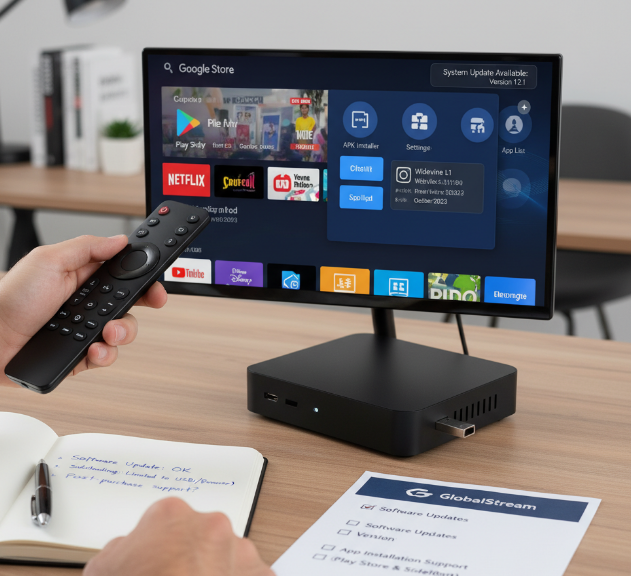
Buying boxes with poor Software updates and limited App installation support
A box is not useful just because it boots. Check the Google Play Store, APK support, sideloading limits, launcher behavior, DRM level, Widevine L1 status, and the latest security patch. Some suppliers promise updates, then vanish once the order lands. That leaves resellers stuck with outdated apps, playback issues, and angry customers who cannot install what they need.
Missing accessory gaps such as HDMI cable, Batteries, or Power adapter quality
This one sounds small, but it trips up a lot of orders. Confirm the HDMI 2.1 cable, AAA batteries, power supply rating, voltage range, plug type, cable shielding, and bundled peripherals. A weak Power adapter can cause random reboots. The wrong plug type creates support tickets on day one. Little gaps like this make a shipment feel cheap, even when the box itself is decent.
Not validating Video resolution, Audio formats, and HDR support claims
Run a real test, not just a brochure check:
Confirm 4K UHD output at the promised frame rate.
Test HDR10+, HEVC, H.265, and AV1 decoding.
Verify Dolby Atmos, DTS, and app-level playback behavior.
Some boxes advertise big-name features but fail under actual use. If resolution drops, audio formats break, or HDR support is fake, returns pile up fast and your margin disappears.
Conclusion
Changing the IP address on an Android TV Box is a bit like switching lanes in traffic: the move is simple, but it only helps if the road is clear. A good result comes from the basics—solid network settings, current firmware, and a box that does not flake out when streaming gets busy. That is what saves users from buffering, app hiccups, and the usual runaround.
For buyers handling ip tv boxes in bulk, this is where the rubber hits the road. If the box struggles with Wi-Fi, updates, or app support, even a quick IP fix will not save the day.
The big takeaway is pretty plain: test before you commit. Check Android OS version, firmware support, Ethernet and Wi-Fi performance, and media claims like 4K or HDR. When a supplier gives clear specs and the box works right out of the gate, customers stay happy and your team avoids a pile of grief later on.
References
[Widevine | Google for Developers - https://developers.google.com/widevine/drm/overview]
[PlayReady Overview | Microsoft Learn - https://learn.microsoft.com/en-us/playready/overview/overview]
[How do you assign a static IP on ethernet connection? | Android TV Help - https://support.google.com/androidtv/thread/155691681/how-do-you-assign-a-static-ip-on-ethernet-connection?hl=en]
[Ultra High Speed HDMI Cable - https://www.hdmi.org/spec2sub/ultrahdmicables]
[HDCP 2.2 on HDMI Specification - https://www.digital-cp.com/sites/default/files/specifications/HDCP%20on%20HDMI%20Specification%20Rev2_2_Final1.pdf]
[HDCP Specifications - https://www.digital-cp.com/hdcp-specifications]
[The Compatibility Test Suite (CTS) overview - https://source.android.com/docs/compatibility/cts]
[Equipment Authorization | FCC - https://www.fcc.gov/engineering-technology/laboratory-division/general/equipment-authorization]
[RoHS Directive | European Commission - https://environment.ec.europa.eu/topics/waste-and-recycling/rohs-directive_en]
[Product Certification | UL - https://www.ul.com/services/certification]
FAQ
How do I choose reliable ip tv boxes for wholesale orders?
Check Android OS, build number, and kernel version. Ask for OTA and firmware update records. Test the Ethernet port, Wi-Fi module, and RJ45 connection. Confirm DRM, Google Play Store, and APK support. Review Processor, RAM capacity, and Storage capacity.
Why does Android TV version matter when sourcing boxes?
A newer Android OS with clean stock ROM, steady SDK support, and regular firmware update history usually means fewer app issues and less grief after delivery.
What specs matter most in ip tv boxes performance testing?
The main things to check are CPU and clock speed for smoother use, DDR4 for better multitasking, GPU for playback and menu speed, eMMC for app loading, and benchmark proof like AnTuTu or Geekbench.
Should I test Wi-Fi and Ethernet before buying in bulk?
Yes. Check Dual-band, 802.11ac, throughput, latency, and signal strength. Then test the LAN port too, so you do not get burned by weak network performance later.
What should I inspect in ip tv boxes remote control systems?
Look at remote control response speed, infrared range and IR receiver quality, Bluetooth 5.0 stability, voice control accuracy, Air mouse movement, gyroscope control, and whether a dongle is required.
Why are software updates important for wholesale buyers?
Poor Software updates can age a box fast. Check security patch timing, launcher stability, Google Play Store access, DRM, and Widevine L1 before buying.
What app support should ip tv boxes have out of the box?
It should have a working Google Play Store, safe APK install options, stable sideloading, a usable launcher, good DRM support, and access to main Streaming platforms.
What accessories do buyers often forget to check?
Small stuff causes big headaches. Check the HDMI 2.1 cable, AAA batteries, plug type, voltage, and power supply. Missing basics can spark returns on day one.
How do I verify 4K and audio claims on ip tv boxes?
Test real 4K UHD playback, check actual frame rate, confirm HDR10+, verify HEVC, H.265, and AV1 decoding, and test Dolby Atmos and DTS.
What is the biggest supplier mistake when buying TV boxes?
The biggest miss is trusting a sales sheet without live proof. Test the shipped unit for Firmware, Wi-Fi module, Processor speed, Video resolution, and Audio formats.