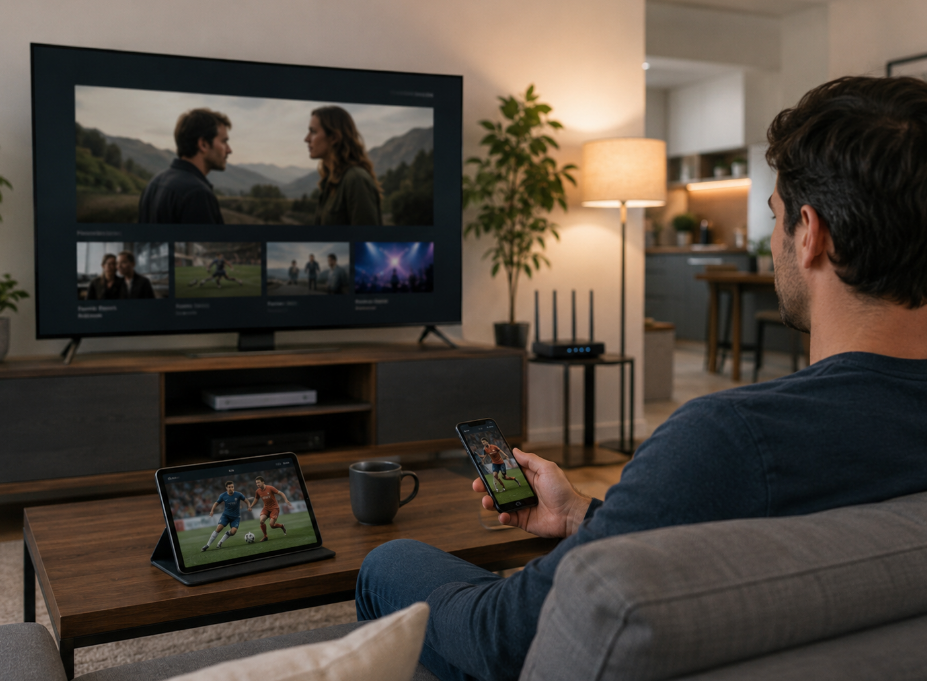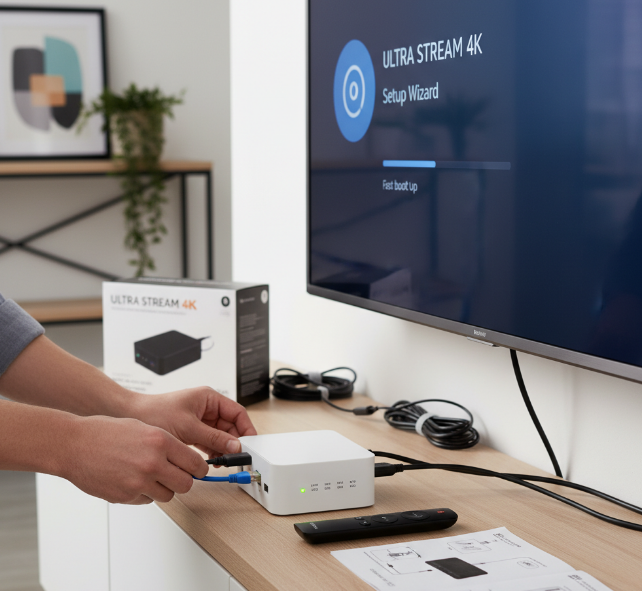
Connecting ip tv boxes to a TV sounds simple on paper, but wholesale buyers know the real headache starts after the sale. If setup feels like a dog’s breakfast, customers get annoyed, support tickets pile up, and margins take a hit.
A smooth hookup tells you a lot about the product. Clear ports, stable firmware, and fast startup are not just nice extras; they help resellers avoid returns and keep buyers happy.
Think of it like handing over car keys. If the engine starts right away, confidence goes up. If it stalls on day one, nobody cares how good the brochure looked.
A StarIptv product manager put it well: “Easy setup cuts support pressure.”
This article gets straight to the pain points that matter in Canada-facing wholesale: picking reliable models, comparing OEM and ODM options, checking bulk pricing and profit room, and making sure the box fits real use cases in hotel, retail, or telecom channels.
How to choose reliable ip tv boxes for wholesale orders?
Key hardware for stable TV connection: Quad-core Processor, Random Access Memory, and Internal Flash Storage
A Quad-core Processor gives the CPU enough Processing Power to boot fast and keep menus snappy. Good RAM helps apps stay open without weird lag. Internal Storage and Flash Memory matter too, because cramped Memory Capacity can slow updates and media loading. For bulk buyers, this trio cuts down setup headaches on hotel TVs, retail screens, and home installs. If the hardware is too cheap, the whole thing feels janky right out of the box.
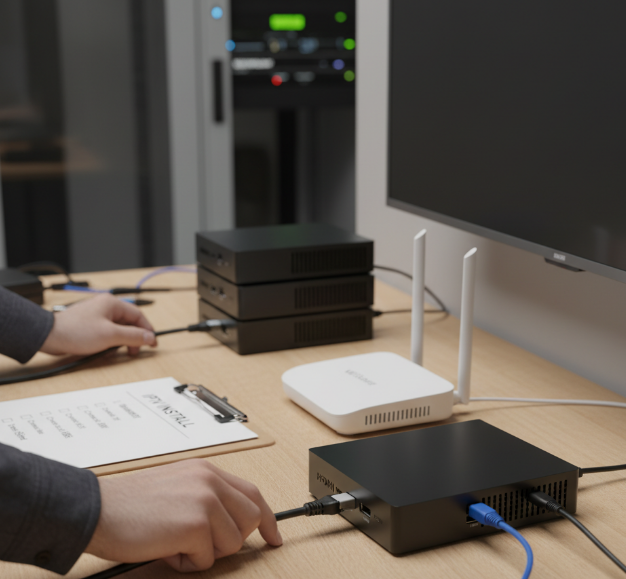
Why HDMI Output, Ethernet LAN Port, and Dual-band Wi-Fi matter in deployment
HDMI handles clean Video Output to modern TVs, so installers can plug in and go. Ethernet through a solid LAN Port is the safer bet for stable streaming, especially in multi-room jobs. Dual-band Wi-Fi gives more flexible Connectivity when cabling is a pain. In real deployments, a weak Network Interface can wreck the user experience even if the box looks fine on paper. Put simply: no clean signal, no happy customer.
Android TV, Linux Kernel, and Middleware compatibility for smoother setup
Android TV makes the User Interface familiar, which helps users get rolling fast. The Linux Kernel sits underneath the Operating System and affects driver support, speed, and stability. Middleware connects the box to content platforms, channel control, and account systems. When OS Compatibility is poor, Setup gets messy fast, with app crashes, login issues, or missing features. A clean Software Stack saves time for installers and keeps support tickets from piling up.
Heat Sink, Power Supply Unit, and Firmware Updates for long-term reliability
A proper Heat Sink and Cooling System help the box stay calm during long streaming sessions. The Power Supply Unit, or PSU, needs steady output, or random restarts can show up out of nowhere. Firmware Updates are just as important, since they fix bugs and improve Reliability over time. For wholesale buyers, easy Maintenance and strong Longevity matter a lot, because replacing faulty units in the field is a real pain and costs money fast.
OEM vs. ODM ip tv boxes: Which model fits your market?
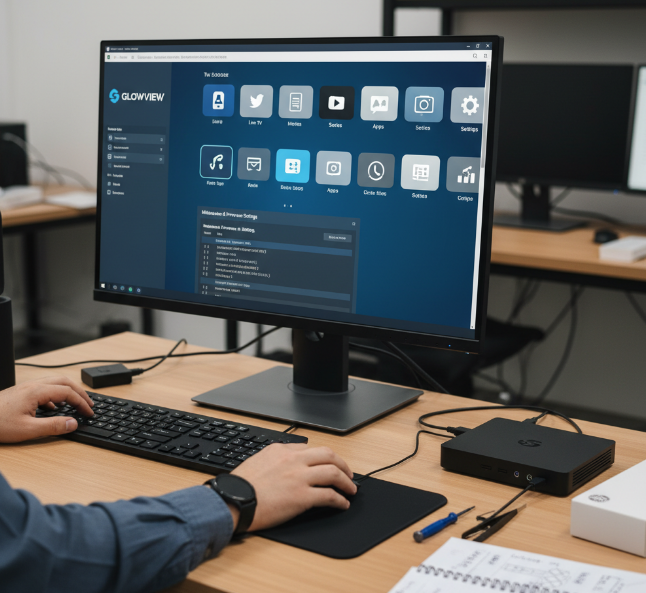
OEM customization and System Launcher flexibility
OEM works well when you want Branding without rebuilding the whole thing from scratch.
You can swap in your Logo, tune the User Interface, and tweak the Launcher for a cleaner home screen.
On Android TV, light Customization through Middleware and Firmware is usually enough for hotel, retail, or operator deals.
It is the sweet spot when buyers want your brand front and center, but also want rollout to stay simple and not turn into a giant mess.
ODM speed and Bootloader control
ODM is great for Time-to-market when you need a fresh model fast.
You get deeper control over Hardware, Chipset, and Manufacturing choices.
Bootloader settings matter because they affect startup flow, Recovery mode, and service handling.
If your team needs Root access for special features, ODM gives more room to move.
It also makes Firmware updates easier to plan around your own roadmap, not someone else’s.
Application Store branding and Media Player Application options
App front: A branded App Store helps your box feel like your own product, not a copy-paste job.
Playback side: A custom Media Player can better support Streaming, VOD, and daily IPTV use.
Content control: Tie in Content Management tools if your buyers need curated apps and locked-down installs.
Flex pick: APK support is handy for private deployments, while White-label app menus make the box look polished right out of the gate.
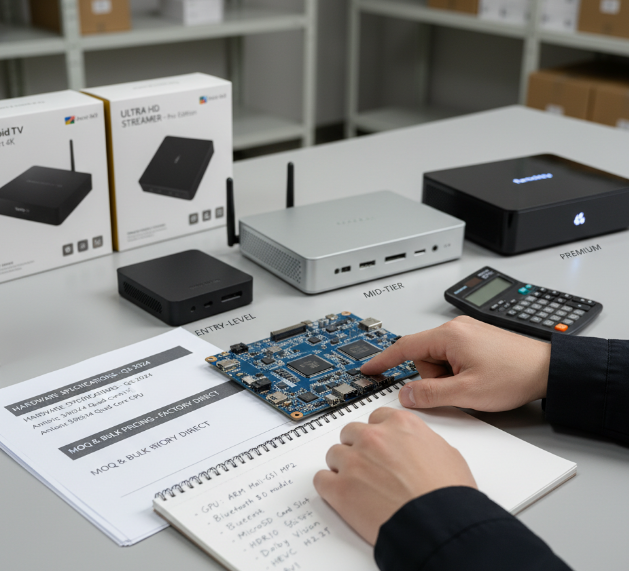
Bulk pricing, MOQ, and margins
How hardware choices affect cost: Graphics Processing Unit, MicroSD Card Slot, and Bluetooth Module
A stronger GPU and newer SoC raise the bill of materials, but smooth out menus and playback.
More RAM and better chipset tuning usually mean fewer returns.
A MicroSD Card Slot adds storage expansion, handy but not always needed.
A Bluetooth Module boosts wireless connectivity, though it also lifts manufacturing cost.
Good rule: only pay for parts your buyers will actually use.
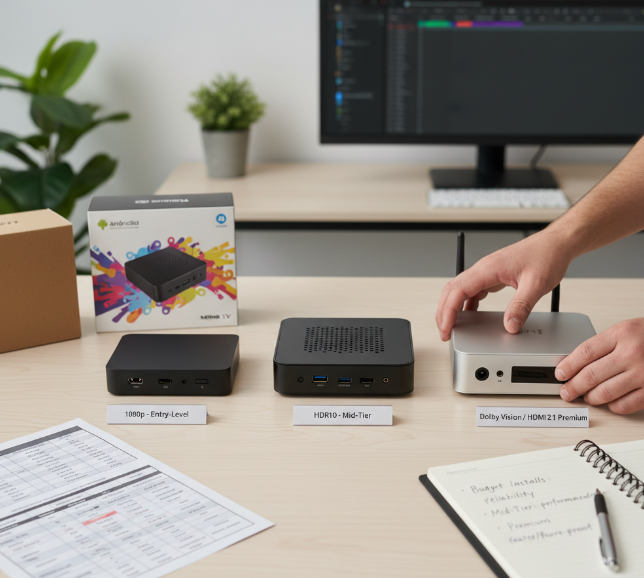
Entry-level to premium builds with 4K Ultra HD Resolution and High Dynamic Range
1080p boxes sell fast for budget jobs where basic display quality is enough.
Mid-tier units with HDR10 improve color and brightness without getting too pricey.
Premium builds with Dolby Vision and HDMI 2.1 target higher-end installs.
Higher pixel density and smoother frame rate support usually mean more premium hardware inside.
Cheap is nice, but bad picture quality can hurt repeat orders.
HEVC H.265 Codec, VP9 Video Decoding, and AV1 Compression as pricing factors
Short version: codec support changes cost more than many buyers expect.
HEVC H.265 Codec keeps bitrate lower and improves streaming efficiency, but licensing fees can add up. VP9 Video Decoding often cuts some royalty costs. AV1 Compression is great for bandwidth savings, though strong hardware acceleration and a capable decoder can push unit pricing higher. If your market streams a lot of 4K, codec support is not the place to go cheap.
Balancing MOQ with Video on Demand, Live Linear TV, and Over-the-Top Content demand
High Minimum Order Quantity can lower unit cost, but it can also trap cash in slow stock.
VOD and OTT buyers often want flexible specs for different streaming services.
Live Linear TV and IPTV projects usually need stable supply and repeatable performance.
Tight inventory management keeps wholesale risk under control.
A clean supply chain matters just as much as price.
Best move: match MOQ to real sales speed, not wishful thinking.
Unstable streaming performance? Focus on chipset and firmware support.
Diagnosing poor playback through Firmware Updates and chipset tuning
Check playback issues during Live Linear TV and Video on Demand.
Review Firmware Updates, then compare version history.
Test chipset tuning around Quad-core Processor, Random Access Memory, and Heat Sink behavior.
Watch for stutter, app crashes, or slow boot from the Media Player Application.
Good performance diagnosis mixes software optimization with hardware support. When System stability improves, picture freezes and random buffering usually calm down fast.
HDMI Output, Optical Audio Out, and AV Composite Jack connection checks
Confirm the HDMI Output is plugged into the correct TV input.
Check Optical Audio Out for clean audio output to soundbars or receivers.
Use AV Composite Jack only for older displays.
Inspect cable connections for bent pins, loose fit, or worn wires.
Bad video output or flaky audio output often looks like a box issue, but honestly, a cheap cable can be the real troublemaker.
HTTP Live Streaming, MPEG-DASH, and Real-Time Streaming Protocol stability
HLS is usually the easygoing option for broad device support.
MPEG-DASH can give smoother adaptive video delivery on modern setups.
RTSP is common in low-latency or niche streaming protocols, but touchier on weak networks.
If Protocol stability is poor, the TV may buffer even when the box seems fine. Match the protocol to network performance, codec support, and your Middleware stack for fewer headaches.
IGMP Snooping, Multicast Delivery, and Unicast Transmission in IPTV networks
For IPTV networks, the data path matters a lot:
IGMP snooping helps switches send streams only where needed.
Multicast delivery fits large Live Linear TV rollouts.
Unicast transmission works better for one-to-one viewing, like Catch-up TV Service.
Poor Network efficiency can flood traffic and wreck playback. Clean Network protocols and smarter Data transmission usually mean less jitter, less packet loss, and happier viewers.
Frame Rate Switching, Dolby Digital Plus, and DTS Surround Sound troubleshooting
Try this quick fix flow:
Turn on Frame Rate Switching to reduce judder and improve Display synchronization.
Test Dolby Digital Plus output with the TV and external speaker chain.
If sound drops, switch to DTS Surround Sound only when supported.
Recheck Audio troubleshooting in system audio menus.
A lot of Video troubleshooting is really sound formats clashing with the TV, box, or receiver. Tiny setting mismatch, big pain.
Hotel, retail, or telecom: Which ip tv box solution works best?
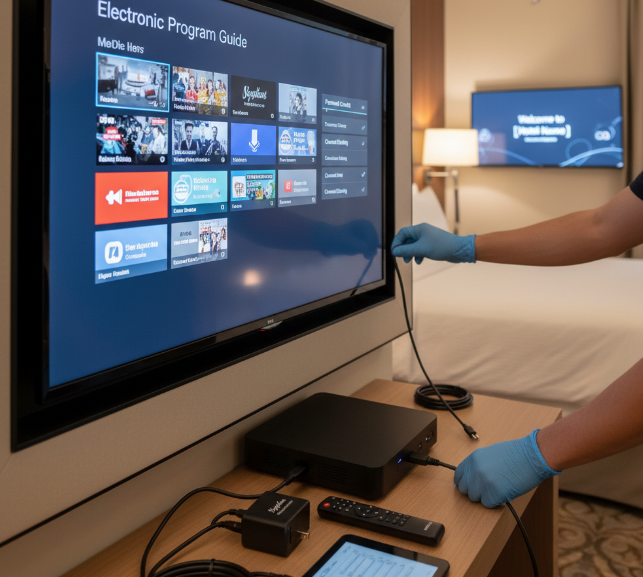
Hotel deployment with Electronic Program Guide and Parental Control Settings
For Hotel IPTV, the box should keep things simple for guests and easy for staff. A clean EPG helps people find shows fast, while Parental Control and Channel Blocking stop awkward content issues. Good Room Management links the box with room status, welcome screens, and service info. In Hospitality TV, that smooth setup boosts Guest Experience and cuts front-desk complaints. Nice and tidy wins here.
Retail demo setups with On-Screen Display and Picture-in-Picture
Build a Retail Display with bright, stable output.
Use On-Screen Display to show product names, promos, or pricing.
Add Picture-in-Picture for side-by-side Product Demonstration clips.
Tie it into Digital Signage for a smoother Store Experience.
A smart Demo Setup makes the IP box look alive, not just plugged in and sitting there like a brick.
Telecom bundles with Catch-up TV Service and Cloud DVR Storage
Telecom Bundles work best when the box feels ready out of the gate.
Add Catch-up TV so users can replay missed shows without fuss.
Cloud DVR and Network PVR give flexible recording without extra hardware.
Strong IPTV Services from a trusted Service Provider make Subscription Packages easier to sell.
Time-shift TV adds real everyday value, which helps reduce churn.
Channel Management, Subtitle Customization, and Voice Search Integration by use case
Hotels: tidy Channel Lineup, easy Channel Editing, locked-down TV Channels.
Retail: sharp Content Organization, promo-led Program Scheduling, easy Channel Customization.
Telecom: smoother Broadcast Management, richer Subtitle Settings, Closed Captions, and Language Options.
For family homes, Voice Control and Search Functionality make life easier. With AI Integration, a better User Interface, and Hands-free Navigation through Remote Control or Voice Assistant, the box feels way more like a proper Smart TV setup.
After-sales support matters
Good support saves time, cuts return risk, and keeps wholesale buyers from getting burned on avoidable connection issues.
A buyer can forgive a small hiccup during setup. What really stings is silence after the shipment lands. In the wholesale ip tv boxes trade, after-sales support is not just a nice extra. It shapes repeat orders, reseller trust, and how smoothly customers connect the box to a TV in the real world.
Here’s what buyers usually care about most:
Technical support that replies fast when a unit will not boot or output video
A clear troubleshooting guide for common connection issues
Easy setup instructions for installers, resellers, and end users
Responsive customer service that can sort out batch problems without a lot of back-and-forth
Straightforward warranty information before the deal is signed
A fair return policy for defective units or shipping damage
A usable user manual with real steps, not vague filler
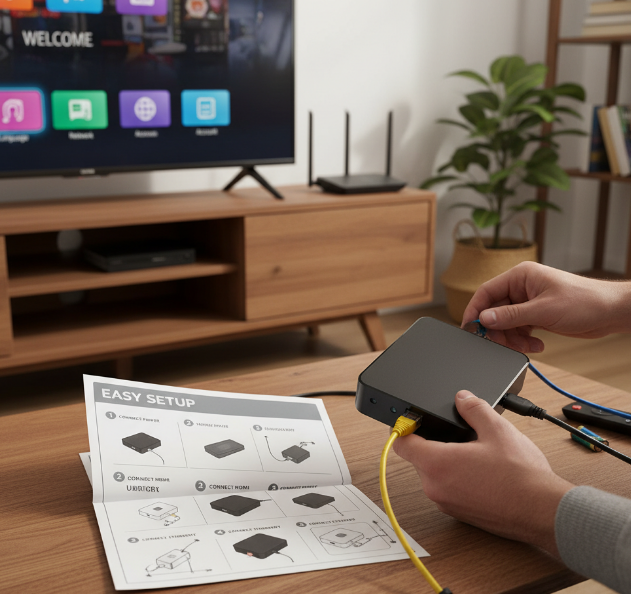
What buyers expect after delivery
Fast answers on connection issues
When a customer plugs the unit into the TV using HDMI and gets no picture, the fix should be simple to find. Support should cover power checks, input source checks, cable swaps, resolution resets, and network setup.Setup instructions that match real usage
A good support package explains how to connect the power adapter, HDMI cable, Ethernet, and Wi-Fi without making the buyer guess. It should also mention app login, remote pairing, and audio output choices.Technical support that understands the product
Buyers do not want canned replies. They want someone who knows firmware behaviour, boot flow, port compatibility, and typical field faults.Warranty information with clear limits
Buyers need to know what is covered, how long it lasts, and what proof is needed for claims. No one wants a headache after the cartons are opened.
Common support pain points in plain language
The box powers on, but the TV says No Signal
Wi-Fi connects, but streaming keeps buffering
The remote stops responding because of Infrared Receiver issues
Audio fails over Optical Audio Out but works on HDMI Output
A firmware mismatch causes app crashes on Android TV OS
End users skip the user manual and call support for every little thing
| Support item | What to confirm | Why it matters | Buyer impact |
|---|---|---|---|
| Technical support | Response time, support hours, contact method | Faster fixes for connection issues | Fewer cancelled installs |
| Troubleshooting guide | TV input steps, HDMI reset, network recovery | Cuts simple support tickets | Saves staff time |
| User manual | Printed or PDF, clear visuals, setup flow | Helps installers and resellers | Fewer setup mistakes |
| Warranty information | Coverage period, exclusions, claim process | Reduces dispute risk | Better buying confidence |
| Return policy | DOA handling, freight rules, replacement timing | Protects wholesale orders | Lower after-sales friction |
What strong support looks like
A decent supplier usually provides short, practical tools that help people sort things out quickly:
Quick-start setup instructions for HDMI, Ethernet LAN Port, and Dual-band Wi-Fi
A proper troubleshooting guide for black screen, no audio, and login failure
Firmware help for boxes running Android TV OS and related middleware
Help documents that explain customer service escalation for batch faults
Clear warranty information tied to serial numbers or order lots
A written return policy for dead-on-arrival units
What weak support looks like
The user manual is copied from another model
Technical support replies in a day or two, if at all
Setup instructions skip network pairing and TV source selection
Warranty information is vague, with no claim timeline
Customer service keeps asking for the same photos again and again
Return policy terms change after payment
A practical way to judge a supplier
| Support area | Poor | Acceptable | Strong | What to ask |
|---|---|---|---|---|
| Customer service | Slow, generic replies | Basic answers within 24 hours | Clear answers with product knowledge | “Who handles post-sale tickets?” |
| Technical support | No engineering input | Basic troubleshooting only | Direct help on firmware and hardware | “Can your team solve HDMI and network faults?” |
| User manual | Thin and unclear | Covers basic setup | Includes visuals and reset steps | “Can I review the manual before buying?” |
| Warranty information | Unclear terms | Standard replacement process | Detailed written policy with timelines | “What is covered and for how long?” |
| Return policy | Hard to use | Limited DOA process | Simple batch handling and replacement rules | “How do you process defective units?” |
A few voices from StarIptv
Liam Chen, Support Engineer, StarIptv:
“If a buyer can’t solve connection issues in ten minutes, the support document is not doing its job.”
Ava Morrison, Account Manager, StarIptv:
“Wholesale customers care about price, sure, but repeat orders usually come from smooth customer service after delivery.”
Noah Patel, Product Manager, StarIptv:
“A solid troubleshooting guide lowers returns because loads of problems are just TV input settings, cable faults, or firmware mismatches.”
Quick Q&A buyers actually ask
Q: What matters more, low price or strong after-sales support?
A: For wholesale, strong support usually wins in the long run. A cheap box with poor customer service can cost more through returns, complaints, and missed reorders.
Q: What should be inside a good user manual?
A: Power steps, HDMI Output setup, Wi-Fi or Ethernet login, remote pairing, app basics, reset method, and a short fix list for common connection issues.
Q: Why ask for warranty information before ordering?
A: Because it tells you how the supplier handles faults when units reach your market. That can make or break margin.
Q: What makes a return policy fair?
A: Clear rules for damaged goods, dead-on-arrival units, claim timing, and replacement handling. Nice and simple is best.
A supplier with dependable technical support, clear setup instructions, and honest warranty information makes life easier for everyone down the line. In this trade, that kind of backup is not fluff. It’s what keeps the job moving and the customers happy.
Conclusion
Getting an IP box onto a TV should feel more like plugging in a kettle than wrestling with a mystery box. When the power, HDMI, network, and setup steps are clear, the job moves along nicely and buyers avoid the usual grief of blank screens, dropped signals, and support tickets piling up.
For wholesale buyers, ip tv boxes need more than a good spec sheet. Stable firmware, clear setup notes, and quick troubleshooting support save a ton of hassle later.
In the end, the best choice is the one that works right out of the gate and keeps working when customers bring real-world problems to the table. A fair warranty, a sensible return policy, and responsive support can be the difference between a one-off order and a long-term partner.
References
[Set up your Google TV device & remote - https://support.google.com/googletv/answer/10050221]
[Set up Google TV Streamer (4K) and Voice Remote - https://support.google.com/chromecast/answer/15157762]
[Ethernet Adapter for Chromecast: Quick Start Guide - https://support.google.com/chromecast/answer/6178505]
[My TV doesn’t detect a device connected via HDMI - https://www.samsung.com/latin_en/support/tv-audio-video/my-tv-does-not-detect-a-device-connected-via-hdmi/]
[My TV doesn’t detect a device connected via HDMI - https://www.samsung.com/sg/support/tv-audio-video/my-tv-does-not-detect-a-device-connected-via-hdmi/]
[Web Receiver Player Streaming Protocols - https://developers.google.com/cast/docs/media/streaming_protocols]
[RFC 8216: HTTP Live Streaming - https://datatracker.ietf.org/doc/html/rfc8216]
[Supported media formats - Android Developers - https://developer.android.com/media/platform/supported-formats]
[YouTube Live Streaming Ingestion Protocol Comparison - https://developers.google.com/youtube/v3/live/guides/ingestion-protocol-comparison]
[IGMP Snooping Overview | Junos OS - https://www.juniper.net/documentation/us/en/software/junos/multicast/topics/concept/igmp-snooping-qfx-series-overview.html]
[Dolby Digital Plus - https://professional.dolby.com/technologies/dolby-digital-plus/]
[Adoption Showcase - https://aomedia.org/av1-adoption-showcase/]
FAQ
How do ip tv boxes connect to a TV properly?
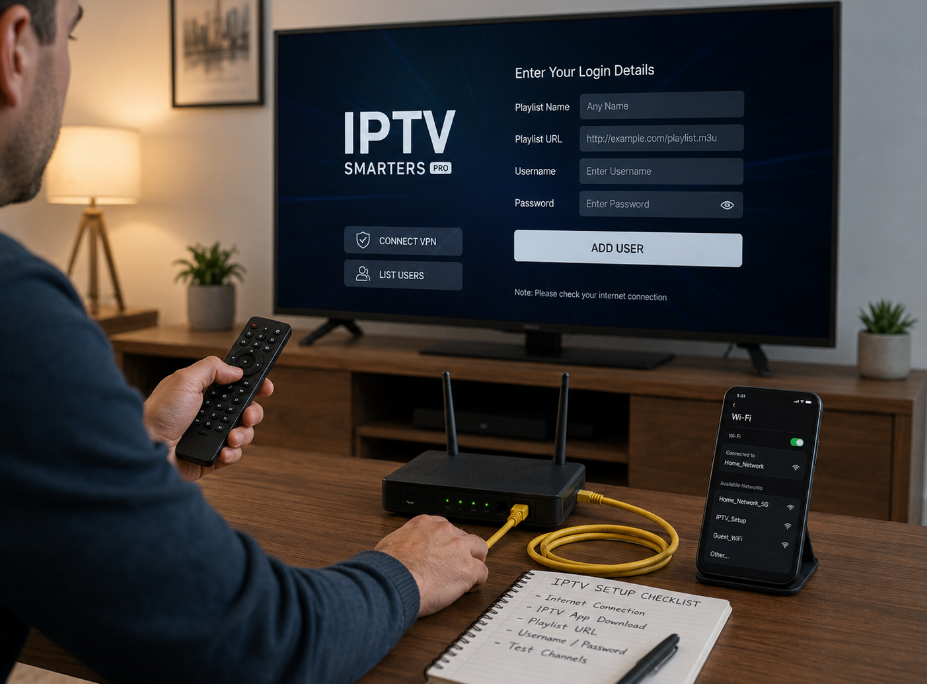
Plug in the Power Supply Unit, connect the HDMI Output to the TV, and use Ethernet LAN Port or Dual-band Wi-Fi for network access. Then follow the Setup instructions in the User manual and check common Connection issues if the screen stays black.
Why do some IP TV boxes show no signal on screen?
A black screen often comes from the wrong TV input, a loose HDMI Output, or a weak Power Supply Unit. A quick Troubleshooting guide and fresh Firmware Updates usually help.
What should wholesale buyers check in ip tv boxes before ordering?
Check the Quad-core Processor, Random Access Memory, and Internal Flash Storage. Confirm support for Android TV OS and Middleware, review Warranty information and Return policy, test the Media Player Application, and ask about Technical support response time.
Is OEM or ODM better for my IPTV box business?
OEM works well for buyers who want branding changes in the System Launcher or Application Store. ODM is better for a quicker launch with less work around the Bootloader and software setup.
Which features matter most for smooth streaming on ip tv boxes?
Support for HEVC H.265 Codec, VP9 Video Decoding, and AV1 Compression, plus a capable Graphics Processing Unit, stable Firmware Updates, support for HTTP Live Streaming and MPEG-DASH, and reliable Dual-band Wi-Fi or Ethernet LAN Port all matter.
Why does streaming buffer even when Wi-Fi is connected?
Buffering can still happen when Dual-band Wi-Fi is weak, Multicast Delivery is not set well, or the box struggles with 4K Ultra HD Resolution and High Dynamic Range.
What audio and video outputs should buyers look for in ip tv boxes?
Buyers should look for HDMI Output for modern TVs, Optical Audio Out for sound systems, AV Composite Jack for older screens, support for Dolby Digital Plus and DTS Surround Sound, and Frame Rate Switching for smoother playback.
How important is after-sales support for wholesale IPTV buyers?
It matters a lot. Good Customer service, clear Warranty information, and a fair Return policy lower risk. A solid Troubleshooting guide also helps fix common Connection issues faster.
Which software features help end users enjoy ip tv boxes more?
Features like Electronic Program Guide for easy browsing, Voice Search Integration for quick finding, Parental Control Settings for family use, Channel Management for cleaner menus, and Subtitle Customization plus Picture-in-Picture for comfort all improve the experience.
What content services should an IPTV box support for different markets?
A good box should support Video on Demand, Live Linear TV, Catch-up TV Service, Time-shifted Viewing, and Cloud DVR Storage so sellers can match how people actually watch.