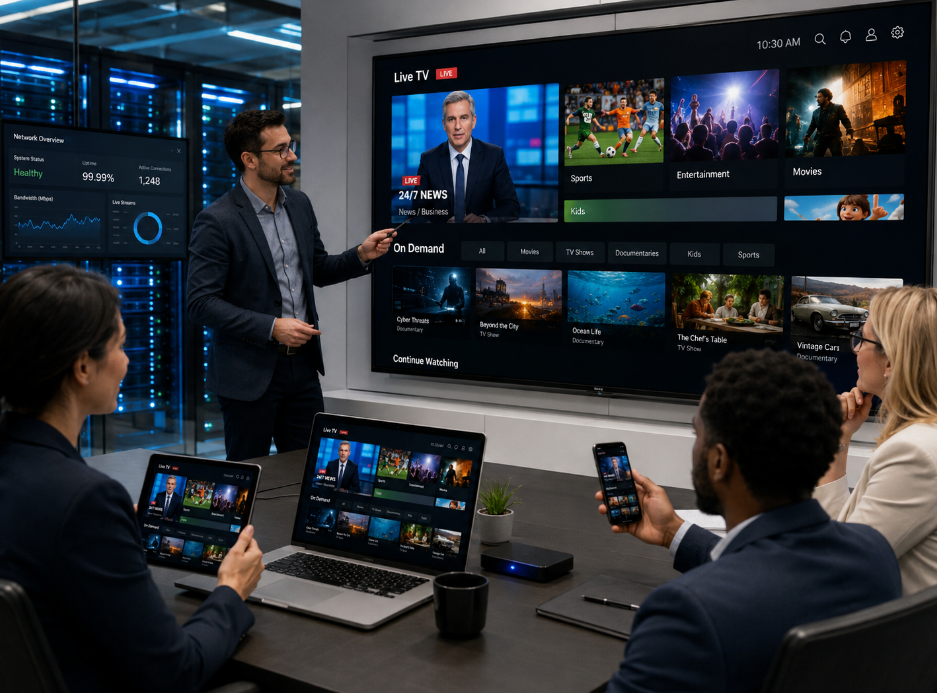
The phrase free iptv app sounds like a backyard hack—something duct-taped together and handed out with a wink.For operators staring at ballooning CDN bills and cranky subscribers, that label can feel like a red flag. But here’s the twist: sometimes “free” isn’t cheap—it’s lean.
Streaming costs are climbing. Deloitte’s 2025 Digital Media Trends report highlights mounting consumer frustration with fragmented platforms and rising fees. Pressure rolls downhill to ISPs and operators. As one Startiptv product manager put it in a 2025 industry roundtable, “Efficiency is the new margin.”
So what is this thing, really? Not a toy. Not a loophole. It’s a front-end doorway into a smarter IPTV stack—and that’s where the story gets interesting.
Reading Notes: free iptv app Essentials
Architecture
➔ Architecture: End-to-end IPTV flow from headend encoders and DRM to CDNs and edge caches, delivering HLS / MPEG-DASH streams.
Cost Optimization
➔ Cost Optimization: Leverage adaptive bitrate, H.265 compression, strategic caching, streaming dongles and aggregated licensing to cut CDN and hardware expenses.
Deployment
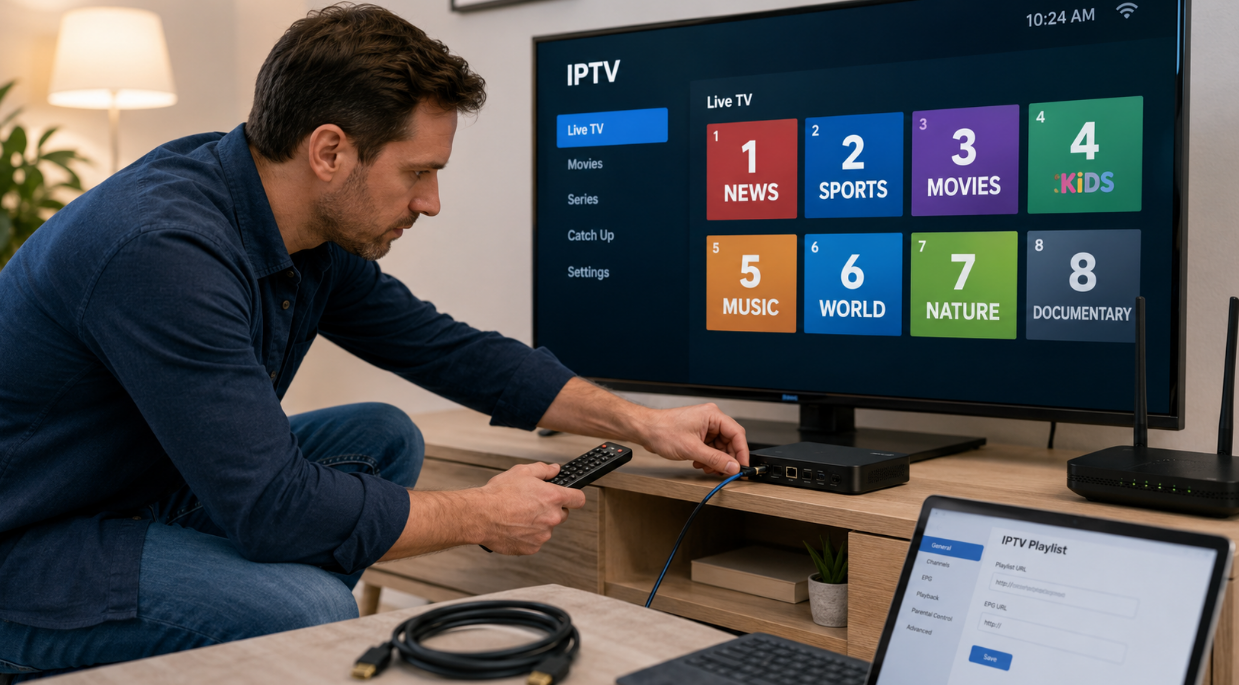
➔ Deployment: Install the front-end app, enter middleware API and EPG details, provision ONTs/routers, then authenticate and stream on STBs or Smart TVs.
What Is The Free IPTV App, Exactly?
Streaming talk is everywhere, yet many still ask what a free iptv app actually does behind the scenes. From IPTV headend systems to your couch, this free IPTV app, free TV app, and IPTV app setup runs on serious tech—just packaged to feel simple.
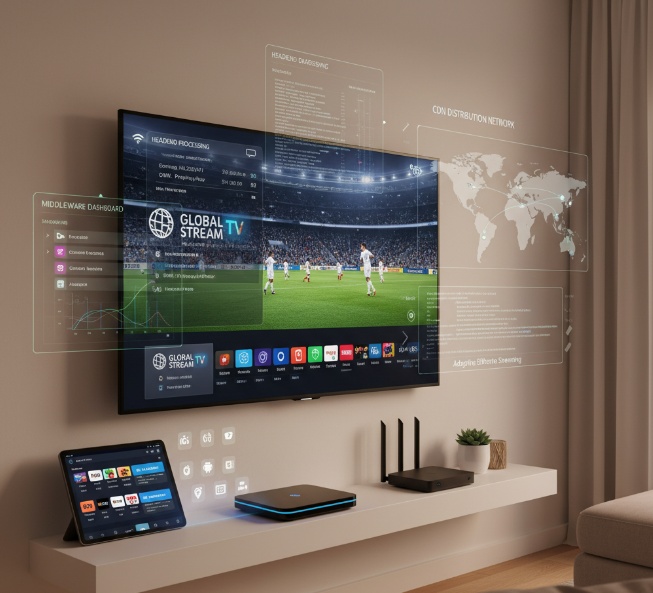
Opening Up IPTV Headend Architecture
At the core of any free iptv app sits the IPTV headend—the control room of the whole architecture. This is where content acquisition meets heavy-duty signal processing.
Live feeds enter from satellite, fiber, or studio links.
Video passes through encoding and transcoding engines.
Streams are aligned for distribution across IP networks.
Inside the headend:
Ingest Layer
Source receivers pull in channels.
Feeds are normalized for bitrate and resolution.
Processing Layer
Video encoders compress to H.264 or H.265.
Transcoding adapts streams for mobile, TV, and web.
Multiplexers package multiple channels into transport streams.
Control & Protection Layer
Conditional access and DRM encrypt outputs.
Monitoring tools track packet loss and latency.
A well-built free IPTV setup, like the backbone used by Startiptv, keeps buffering low and clarity high. That’s how a free iptv app feels instant even though serious machinery is humming in the background.
Exploring Middleware and EPG Role
The brains behind a free iptv app live in the middleware. It connects viewers to services, tying the user interface to back-end systems.
Core responsibilities include:
Managing subscriber accounts
Updating the EPG and program guide
Handling content management workflows
Within middleware:
Service Logic
Authentication APIs verify users.
Session managers control streaming rights.
Data & Catalog
CMS organizes VOD libraries.
Metadata feeds power search and filters.
Presentation
The navigation tree structures channels.
Interactive widgets support catch-up and replay.
A clean IPTV app or free TV app lives or dies by its guide. If the EPG loads fast and the services respond instantly, users stick around. Startiptv focuses heavily on middleware tuning so the free iptv app experience feels smooth, not clunky.
From CDN Servers to Your Living Room
After processing, streams move to the CDN. This is where content delivery turns technical into practical.
Flow breakdown:
Origin servers store master streams.
Edge servers cache popular channels.
Requests route through network infrastructure using internet protocol.
Here’s a simplified performance snapshot:
| Layer | Avg Latency (ms) | Function |
|---|---|---|
| Origin Server | 120 | Master stream hosting |
| CDN Edge Cache | 35 | Regional distribution |
| Home Router | 5–15 | Local packet routing |
Efficient delivery ensures the viewer taps a free iptv app and gets playback in seconds. Startiptv optimizes CDN paths so the free IPTV experience feels steady, even on average broadband.
Compatible on STBs and Smart TVs
A solid free iptv app must support wide compatibility across devices.
Set-top box platforms (Android TV, Linux STB)
Smart TV systems (Tizen, webOS)
Mobile and tablet applications
Different operating system builds
Deployment works in layers:
Application Layer
UI adapts to screen size.
Remote-friendly layouts improve user experience.
System Layer
DRM integrates with device security modules.
Firmware handles decoding acceleration.
Installation Layer
App store download or sideload process.
Quick account login and sync.
When compatibility is tight, users don’t stress about setup. Install the free iptv app, log in, and start streaming. That simplicity—backed by serious engineering—is exactly what platforms like Startiptv aim to deliver across TVs, boxes, and streaming sticks.
How Free IPTV App Cuts Your Costs
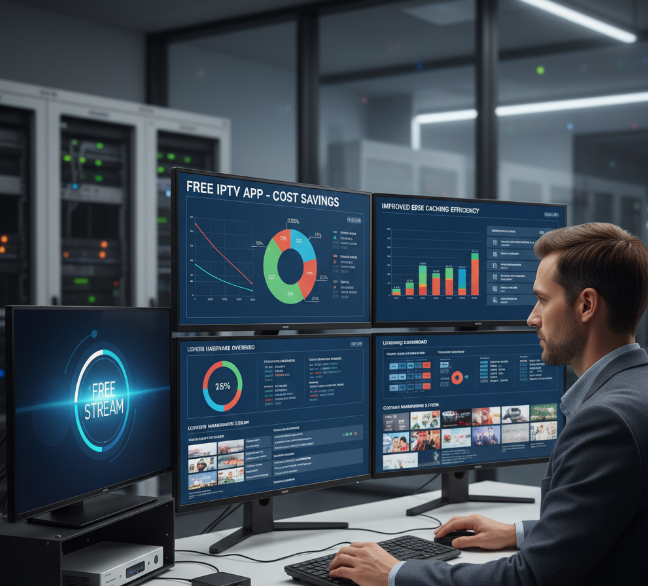
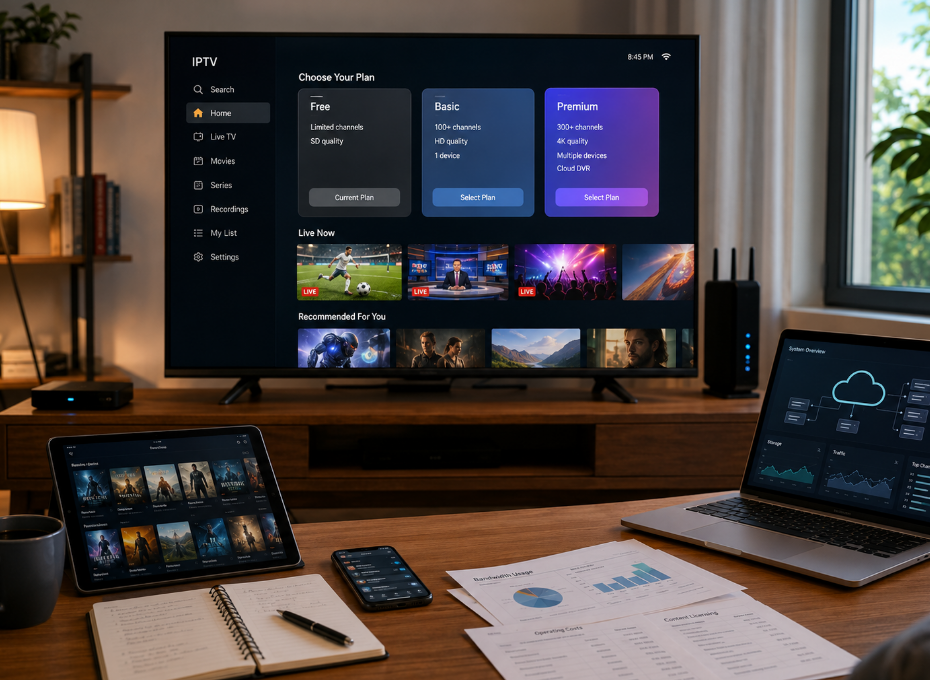
Running TV over the internet shouldn’t drain your wallet. A free iptv app, smart streaming setup, and tighter control over network and licensing costs can seriously trim expenses while keeping viewers happy.
Minimize CDN and Edge Cache Expenses
A free iptv app reduces pressure on your CDN and edge cache by optimizing how content delivery flows across the network.
Traffic Optimization Framework
Regional edge cache clusters
Reduced long-distance data transfer
Shrinks file size without visible quality loss
Lowers CDN throughput consumption
Dynamically adjusts bandwidth during streaming
Cuts peak data transfer spikes
Balances load across infrastructure
Adaptive Bitrate Control
H.265 Compression Deployment
Smart Edge Node Distribution
Storage and Load Balancing
Optimized media storage arrays
Predictive traffic routing
Failover redundancy planning
| Metric | Traditional IPTV | Free IPTV App Model |
|---|---|---|
| Avg Bandwidth per Stream (Mbps) | 6.5 | 3.8 |
| CDN Peak Traffic (Gbps) | 120 | 78 |
| Monthly Data Transfer (TB) | 950 | 610 |
Platforms like Startiptv apply this model to keep infrastructure lean while maintaining stable streaming performance.
Reduce Hardware with Streaming Dongles
A free iptv app changes the hardware game. Instead of bulky set-top box fleets, operators shift toward lightweight streaming dongles, Smart TVs, and flexible media players.
Lower upfront hardware investment
Fewer truck rolls for equipment servicing
Wider compatibility across consumer electronics
Here’s how cost drops in practice:
Replace proprietary devices with HDMI dongles.
Enable BYOD across TVs, tablets, and phones.
Centralize firmware updates remotely.
No warehouse stacked with outdated equipment. No expensive swaps. Just software updates pushing improvements directly to supported devices.
For users searching “free iptv,” “IPTV app free,” or a reliable streaming TV app, this setup feels simple. Plug in. Connect. Watch.
Optimize Licensing via Content Aggregation
Licensing eats budgets fast. A free iptv app backed by strong content aggregation helps control rights, distribution, and agreements more efficiently.
Centralized Rights Structure
Unified intellectual property tracking
Consolidated regional licensing agreements
Automated compliance audits
Aggregated Media Portfolio
Bundled programming negotiations
Shared VOD and linear media catalogs
Metadata-driven packaging tiers
Revenue Alignment
Tiered subscription mapping
ROI tracking per distribution channel
Dynamic pricing based on audience demand
Instead of juggling scattered agreements, operators streamline everything through aggregated media pipelines. The result? Lower per-channel licensing cost and stronger negotiating power.
That’s where a scalable free iptv app model proves its value. Smart content aggregation, tighter rights control, and efficient distribution keep margins healthier while viewers still get the shows they want.
Step-By-Step: Installing A Free IPTV App
Getting a free iptv app up and running doesn’t have to feel techy or overwhelming. With the right app, stable internet, and proper configuration, you can turn any smart screen into a live TV hub. This guide walks through installing a free iptv app, linking services, and streaming smoothly with Startiptv powering the experience.
Download the App and Configure the UI Framework
To install a free iptv app, focus on proper installation and UI framework tuning:
App download
Enable unknown sources (if needed)
Install the software
Open the store → search “free iptv app” → confirm download
On smart TVs
On Android media players
User interface configuration
Grid or list view
Adjust user interface layout
Activate DRM inside the configuration panel
Match playback format:
Video optimization
Set buffer size
Enable hardware decoding
A clean UI framework makes any IPTV streaming app feel smooth. Many users pick Startiptv here because its app layout stays simple and fast.
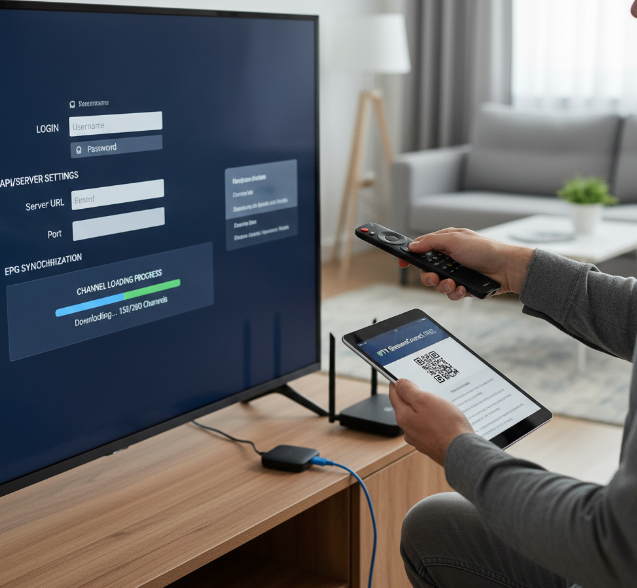
Enter IPTV Middleware API and EPG Details
After installing the free iptv app, connect it to your service layer:
IPTV middleware integration
Add API endpoint
Insert subscriber credentials
Confirm server handshake
EPG details setup
Input electronic program guide URL
Sync channel metadata
Refresh VOD catalog
Service integration check
Validate account status
Test live channel loading
This is where a free IPTV application becomes personal. With Startiptv, the IPTV middleware sync usually completes in seconds, keeping channel lists and EPG details aligned.
Set Up Network Access with ONTs and Routers
Stable network access keeps your free iptv app from buffering. Your hardware matters more than most people think.
Physical layer
Check ONTs signal strength
Inspect Ethernet cables
Restart modem and routers
Network configuration
Enable IGMP snooping
Adjust firewall for IPTV ports
Reserve bandwidth for streaming
| Component | Recommended Speed | Notes |
|---|---|---|
| SD Stream | 5 Mbps | Stable Wi-Fi acceptable |
| HD Stream | 10–15 Mbps | Wired preferred |
| 4K Stream | 25+ Mbps | GPON ideal |
| Multi-room | 50+ Mbps | High-end connectivity |
Solid internet connection plus tuned hardware means your free IPTV app runs clean, especially with Startiptv optimized streams.
Start Streaming on Smart TVs and Media Players
Once everything’s linked, open the free iptv app and log in.
Authentication connects to content delivery servers.
Streams load from CDN nodes.
DRM unlocks video feeds.
Playback devices buffer and render.
On smart TVs or Android media players, channels appear almost instantly. Linear TV, VOD libraries, sports, news—it’s all right there. A good IPTV streaming app should just work. With Startiptv, streaming feels less like setup and more like kicking back with solid video content and pure entertainment.
Step Highlights
References
Apple HLS Streaming - https://developer.apple.com/streaming/
MPEG-DASH - https://www.mpeg.org/standards/MPEG-DASH/
Google Widevine DRM Overview - https://developers.google.com/widevine/drm/overview
AWS CDN Overview - https://aws.amazon.com/what-is/cdn/
Roku Streaming Stick 4K - https://www.roku.com/products/players/roku-streaming-stick-4k
FAQ
What makes a free IPTV app ready for large-scale deployment?
A free IPTV app becomes operator-grade when the technology behind the screen is tightly connected:
1. Core headend layer
Headend servers, video encoders, and transcoders compress streams with H.264 codec or H.265 (HEVC) codec.
Multiplexers and stream processors prepare linear channel feeds for delivery.
Origin servers push content to CDN servers.
2. Service control layer
Middleware links the CMS, SMS, and EPG.
The Video on Demand (VOD) platform manages content ingestion, metadata management, and channel packaging.
An analytics dashboard tracks viewer behavior and stream stability.
3. Delivery layer
CDN servers and edge caches reduce latency.
Load balancers and data center infrastructure prevent overload during peak hours.
HLS (HTTP Live Streaming) and MPEG-DASH ensure adaptive bitrate playback.
When these layers move in sync, a free IPTV app can support thousands—or millions—without chaos.
How does a free IPTV app protect content and subscriber access?
Security is not decoration; it is survival.
Stream protection:
Digital Rights Management (DRM)
Conditional Access Systems (CAS)
Content encryption with watermarking
User control:
Subscriber authentication via middleware and SMS
Rights management tied to content licensing agreements
Network defense:
Network security firewalls
Controlled IPTV middleware APIs
Anti-piracy measures at the CDN and origin server level
Each layer guards revenue, brand reputation, and contractual obligations. Without it, growth quickly turns into loss.
What infrastructure and devices support smooth streaming for users?
Smooth viewing depends on a chain that starts in the data center and ends in the living room.
Access Network Foundation
| Layer | Key Components | Purpose |
|---|---|---|
| Access | ONTs, GPON equipment, fiber optic cables | High-speed signal delivery |
| Distribution | Routers, network switches, Ethernet infrastructure | Stable data transport |
| Delivery | CDN servers, edge caches, load balancers | Balanced traffic flow |
Customer Devices (CPE)
Set-top boxes (STBs) with DRM support
Smart TVs and media players supporting HLS or MPEG-DASH
Streaming dongles with intuitive UI framework
Home gateways and remote controls for daily ease
When headend systems, broadband access equipment, and household devices align, the free IPTV app feels simple—though the engineering behind it is anything but.