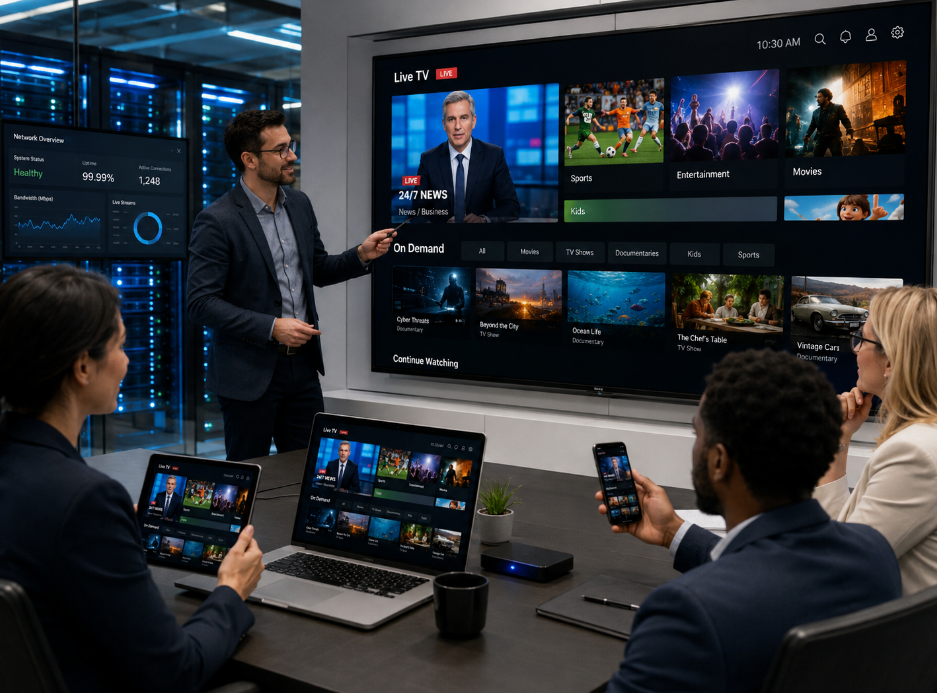
Sick of paying sky-high cable bills for channels you don’t even watch? You’re not alone. More Canadians are switching to an iptv service—a simpler way to stream TV over the internet without all the old-school baggage.
Think of it like cutting the cord and finally getting the remote back. No more bulky boxes, no technician taking over your living room, just pick your device and go. It’s TV on your terms.
That said, folks still ask, “Is this legal?” or “How do I know I’m not getting scammed?” Fair questions. Not all services are made equal, and that’s where this guide has your back.
“Speed is key, but security matters more,” says Mark Tran, senior engineer at StarIptv. “If it’s fast but shady, it’s not worth the risk.”
How can I get an IPTV service legally and quickly?
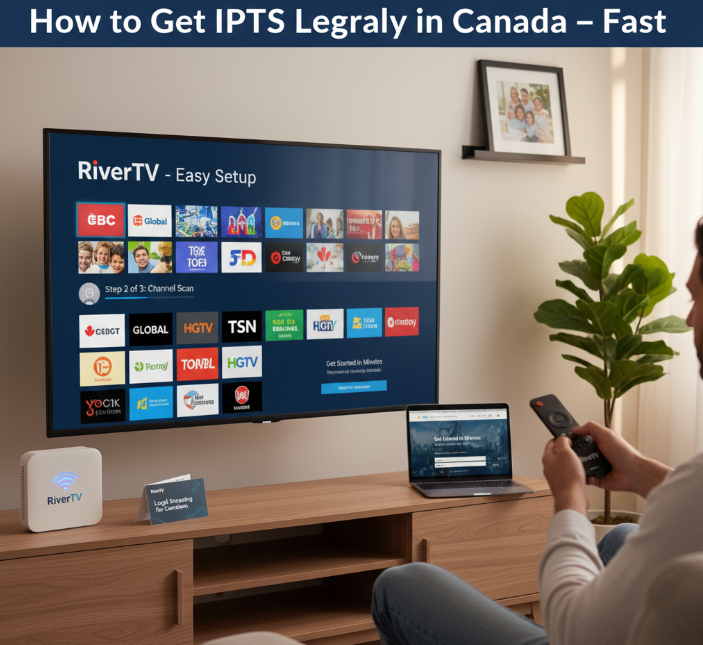
Not sure how to get IPTV without getting tangled in shady apps or legal grey zones? Here’s how to do it the right way—fast and legit.
1. Skip the Sketchy Stuff
Don’t waste your time with random APKs from shady forums or groups. If it looks too good to be true, it probably is. Illegal IPTV can mess with your broadband speeds, infect your Smart TV, or worse—trigger copyright infringement notices.
2. Go Straight to Licensed Streaming Services
Here’s a list of solid, legal IPTV options you can sign up for in minutes:
| Service | Monthly Price (CAD) | Free Trial? | Device Support |
|---|---|---|---|
| Bell Fibe TV | From $60 | No | Smart TV, mobile, web |
| Rogers App TV | $25 | No | Smart TV, mobile, web |
| TELUS Optik TV Lite | $25 (+ box rental) | No | Set-top box, mobile, web |
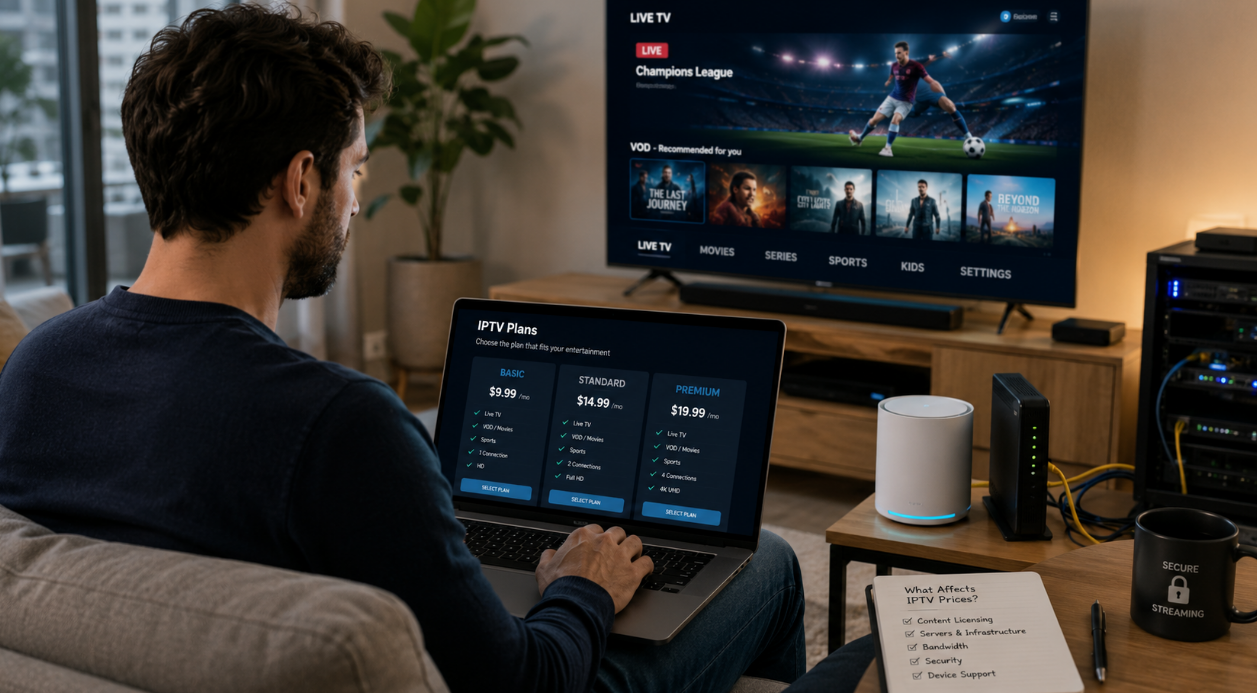
| RiverTV | $16.99 | 30 days | Smart TV, mobile, web |
These guys play by the rules—fully licensed and loaded with options. Plus, you won’t have to worry about buffering every 5 minutes or losing channels randomly.
3. Got a Smart TV? You’re Halfway There
Most Smart TVs already have built-in apps for these streaming services. You’ll just need:
A stable broadband connection (50Mbps+ if you’ve got a big household)
A subscription to a legit provider
Optional: parental controls or user profiles if you’ve got kiddos around
Turn it on, log in, and boom—you’re watching legal IPTV without any headaches.
Feature: What the Pros Say**
“People forget IPTV can be dead simple when it’s legal. At StarIptv, we see users struggling with shady links every day. But licensed providers like YouTube TV or Hulu? You’re up and running in 10 minutes.”
— Emma J., Customer Success Manager, StarIptv
“When users complain about buffering or outages, 9 times out of 10, it’s an illegal stream. Legal IPTV isn’t just about rules—it’s about peace of mind.”
— Chris D., Senior Network Engineer, StarIptv
4. Pro Tip: Bundle It**
Some broadband providers in Canada let you bundle IPTV with your internet for a discount. Look out for offers with:
Discounted Smart TV rentals
Integrated OTT services like Netflix or Prime Video
Free trials or free streaming boxes (especially around Boxing Day or Black Friday)
TL;DR – Quickest Way to Get IPTV Legally
Pick a legal IPTV provider (YouTube TV, Hulu, etc.)
Sign up for an IPTV subscription Canada (check for IPTV free trial Canada!)
Install the app on your Smart TV or streaming device
Enjoy legit, no-drama streaming
No need to mess with pirate stuff. Legal IPTV has come a long way—it’s clean, easy, and honestly, just more chill.
5 ways to subscribe to an IPTV service
Not sure which IPTV path to take? Here’s how to sign up, no matter your setup.
ISP bundle provisioning and set-top box onboarding (Billing system, set-top box)
Looking for a hassle-free IPTV setup Canada? Your ISP probably already has one waiting.
Many broadband and fiber-optic internet providers offer triple-play bundles with built-in IPTV.
The MAC address on your Customer Premises Equipment links you directly to their billing system.
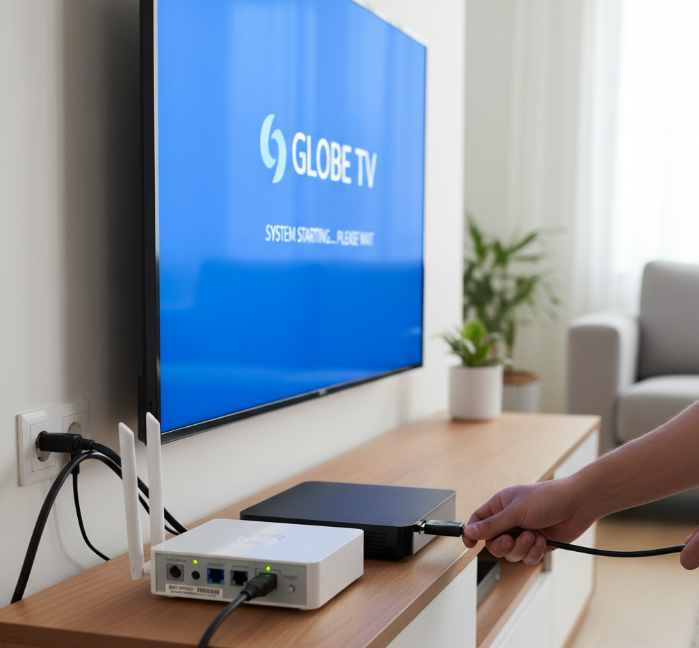
Once provisioned, you’ll get a set-top box that auto-activates when plugged in.
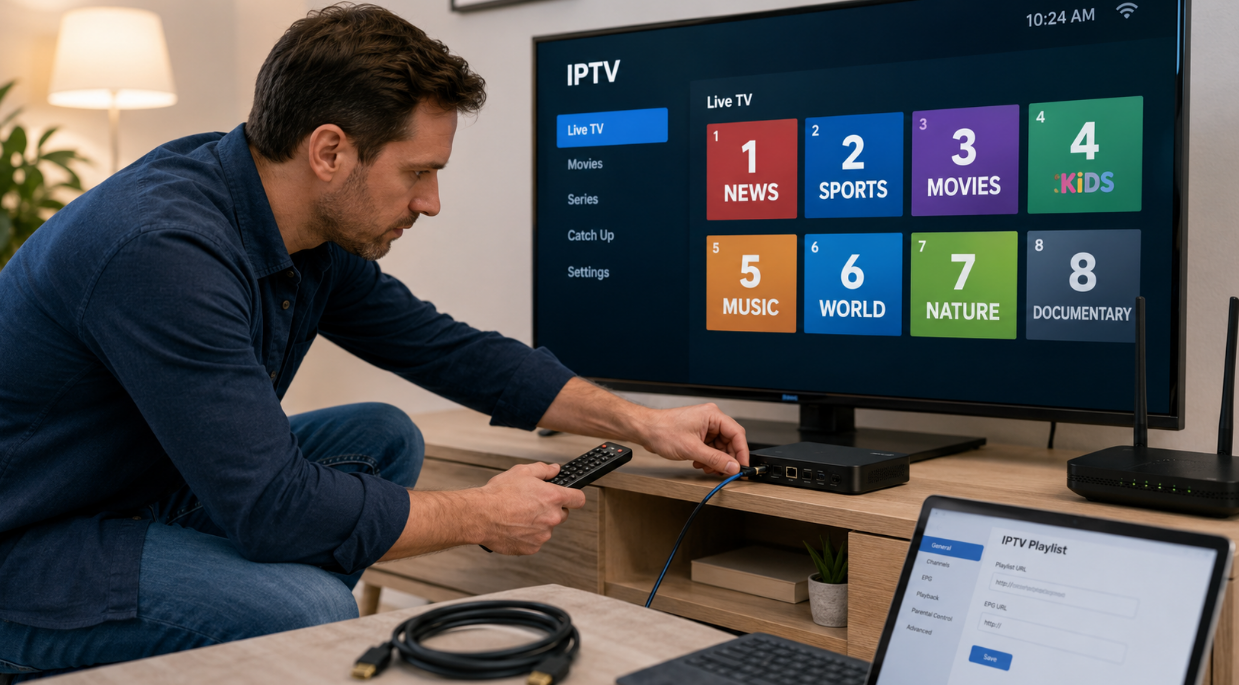
Activation is as easy as plugging in your HDMI cable and waiting for the boot screen.
“Bundled IPTV can cut setup time by 80%. It’s ideal for users who hate tech headaches.”
— Mason Liu, Network Engineer, StarIPTV
OTT apps on smart TVs and media players (HLS, MPEG-DASH, media player)
Get streaming on your own terms using built-in apps or dongles like IPTV on Roku or Firestick.
Steps to get rolling:
Download an IPTV app or player from your TV’s app store.
Use a provider that supports HLS or MPEG-DASH for smoother adaptive bitrate streaming.
Log in or upload your M3U playlist from your provider.
The Application Programming Interface connects the app to IPTV servers.
Adjust settings to reduce latency and enjoy seamless viewing.
| Device Type | Supported Format | CDN Use | Latency Level |
|---|---|---|---|
| Smart TV | HLS | ✅ Yes | Low |
| Firestick | MPEG-DASH | ✅ Yes | Medium |
| Roku | HLS | ✅ Yes | Low-Mid |

Resellers and managed IPTV services (Middleware, headend, DRM)
Want to skip the mega providers? Try white-label IPTV resellers offering user-friendly middleware and slick user interfaces.
These services often broadcast through their own headend, sourcing feeds via satellite downlink and compressing them with encoders.
You just upload your M3U playlist, sign in, and boom—you’re in.
Bonus: many use DRM for content protection, so no black-market stuff.
These setups can be as smooth as Netflix… or a total mess. Stick with resellers with strong server infrastructure and fast support.
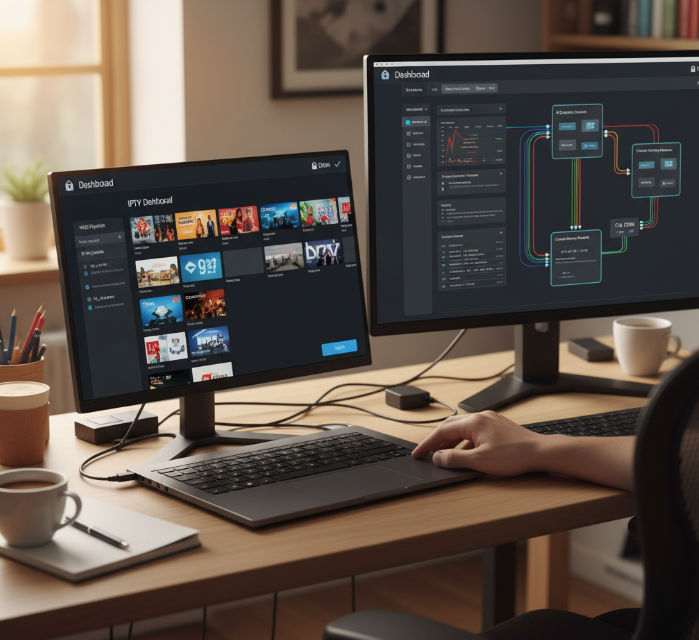
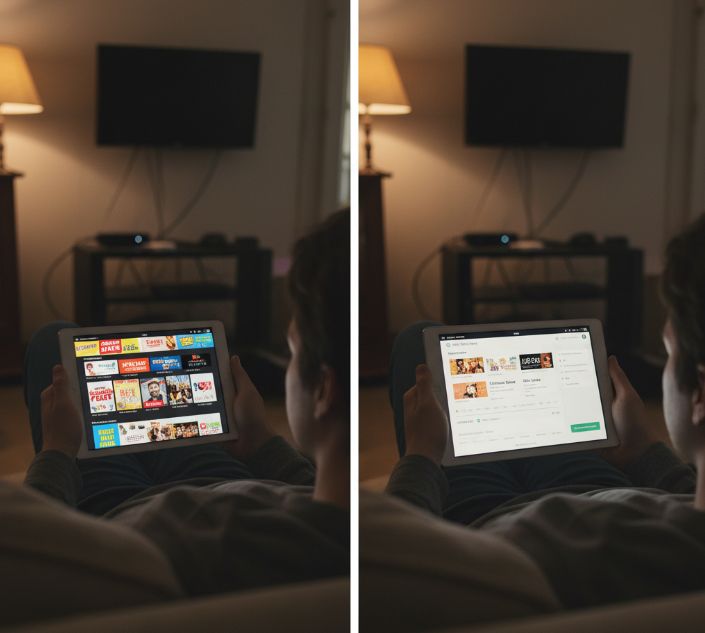
Trial, freemium, and ad-supported options (Video on Demand, Electronic Program Guide)
Not ready to commit? Free options let you test the IPTV waters.
Here's what you might see with freemium or AVOD models:
Access to limited channel lists
Integrated Electronic Program Guide (EPG)
Limited Catch-up TV or Time-shifting features
Revenue driven by Dynamic Ad Insertion
Often supported with light metadata-driven interfaces
Don’t expect premium 4K, but for casual viewing, it works.
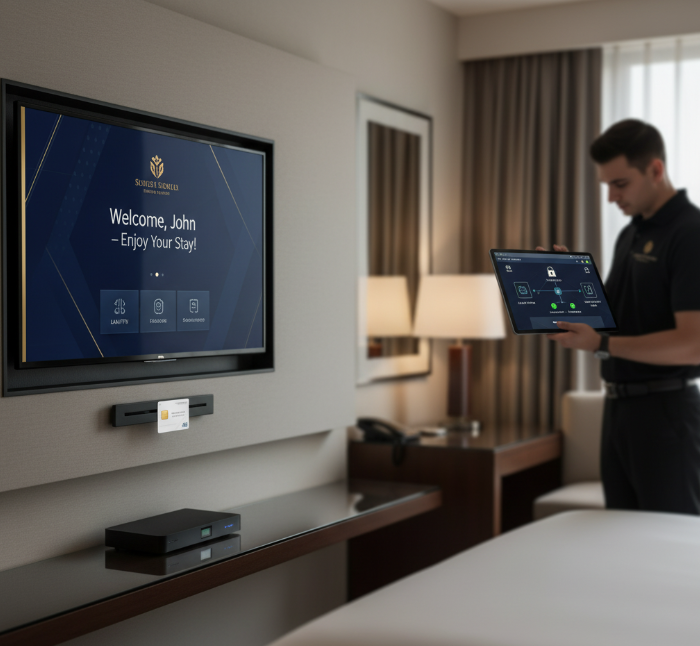
Enterprise contracts and hotel licensing (Authentication server, Conditional Access System)
For hotels, hospitals, or apartments, IPTV is more than plug-and-play.
Authentication servers and Conditional Access Systems ensure only verified devices stream content.
Bulk billing and Property Management System (PMS) integration help manage guests and rooms.
Encryption and smart cards ensure content access stays legal and locked.
IPTV runs over your internal Local Area Network, often with multicast routing for efficiency.
It even pairs with digital signage to deliver promos or welcome screens to every room.
Hospitality IPTV = happy guests + fewer tech headaches for your team.
IPTV service vs Cable: Cost, Quality, and Control
Comparing IPTV with cable? Let’s break down what actually matters — money, clarity, control, and setup headaches.
Cost & Bandwidth
We all want better stuff without breaking the bank. Here’s how IPTV stacks up when it comes to money and your internet line.
Monthly fees: IPTV is often cheaper than cable — no hidden regional surcharges.
Data caps & throttling: Your ISP might limit high-bandwidth streams. Watch your bitrate usage if you binge 4K all day.
Fiber vs cable: IPTV runs smoother on fiber; no peak-hour slowdowns.
Subscription perks: More VoD options, flexible billing, fewer long-term contracts.
IPTV vs Cable (Cost & Bandwidth Factors)
| Feature | IPTV | Cable | Notes |
|---|---|---|---|
| Avg. Monthly Fee | $15–$40 | $50–$90 | IPTV often cheaper |
| Bandwidth Needed | 5–25 Mbps (HD–4K) | Not applicable | IPTV depends on internet speed |
| Data Cap Sensitivity | High (watch those caps) | Low | ISPs may throttle IPTV usage |
| Contract Flexibility | Often month-to-month | Usually 12–24 months | IPTV gives more freedom |
Quality & HEVC
Let’s talk picture — the crispness, the smoothness, and how IPTV keeps things sharp without hogging all your data.
H.265 compression lets you watch crystal-clear 4K resolution with less bandwidth.
With UHD, even hair strands on screen look real — serious clarity.
A stable frame rate (60fps+ for sports) means no stutter or lag.
Smart bitrate control adapts to your network speed in real-time.
Higher video quality, without the giant file sizes cable needs.
Control: Middleware
Who doesn’t love calling the shots? IPTV's real power is how much you can personalize. IPTV’s middleware acts like your service’s brain — managing the user interface, billing, EPG, and even which channel shows up where. Businesses love it because they can customize it all, from look and feel to user access rights. Add APIs, and you can automate everything down to parental locks or timed content filters.
“Middleware is the heartbeat of IPTV. Without it, you’re just watching — with it, you’re commanding.”
— Elise Tan, Chief Product Officer, StarIptv
Complexity: Headend
Cable plugs into a wall. IPTV? It’s a bit more hands-on if you’re building it yourself.
Signal reception from satellite or IP feed starts the chain.
That signal runs through encoders and transcoding stations to prep content.
You’ll need multiplexing tools to combine multiple channels.
Then it goes into infrastructure like streaming servers or CDNs.
Don’t forget content acquisition and licensing!
For small businesses or pros, building a custom headend is powerful — but not plug-and-play. For most, picking a managed IPTV service avoids the headache.
Buffering, geo-blocks, or complexity? Choose an IPTV service with VPN
This cluster unpacks how to beat common IPTV headaches — like annoying buffering, blocked content, or clunky setup — using smart network tricks and tech know-how.
VPN selection and authentication server integration (Authentication server, Conditional Access System)
Not all VPNs play nice with IPTV — pick ones that support tunneling + CAS integration.
Your authentication server must recognize users even through VPN routes.
Avoid free VPNs — they often break DRM and slow encryption.
Use VPNs with split tunneling for local-external balance.
Middleware must support token-based user management synced with VPN access.
🗨️ "When our clients struggle with region locks, we suggest CAS-aware VPNs. It's about syncing encryption, not just hiding location." — Riko Matsuda, Lead Engineer at StarIPTV.
CDN, headend design and multicast strategy (Content Delivery Network, Multicast, IGMP)
Headend feeds your content into the system.
Origin server stores the main files; edge servers bring it closer to users.
Use Multicast + IGMP for efficient local delivery.
Big audiences? You need PIM-based routing to avoid congestion.
Avoid pushing everything from one point — that's how buffering starts.
💡Table: Basic IPTV Multicast Setup Options
| Delivery Type | Protocol Used | Ideal Audience Size | Caching Required |
|---|---|---|---|
| Unicast | TCP/RTSP | < 50 Users | Yes |
| Multicast | IGMP/PIM | 100–10,000 Users | No |
| Hybrid CDN | HLS + Multicast | Variable | Edge Cache |
Network tuning: bandwidth, QoS and latency controls (Bandwidth, Quality of Service, Latency, Jitter)
Segment your network traffic by priority. IPTV packets need VIP treatment.
Use QoS tagging to avoid jitter spikes on live streams.
Monitor latency — keep it below 70ms for smooth playback.
Traffic shaping tools like pfSense or MikroTik help throttle non-IPTV traffic during peak times.
🔧 Small tricks, big results:
Packet prioritization > random retries
Reserve at least 30 Mbps for 4K streams
Reduce jitter by isolating IPTV VLANs
Transcoding and codec choices for compatibility (Transcoder, H.264, HEVC, AV1, Bitrate)
Streaming tech isn’t one-size-fits-all. Depending on your viewer’s gear and internet speed, your transcoder has to adapt. Modern codecs like AV1 and HEVC shrink file sizes while keeping quality crisp. But if your system doesn’t support them, fallback to H.264.
Pro tip: balance bitrate + frame rate so your streams don’t lag on slower networks. Go easy on the compression — too much and the picture looks like a 90s webcam.
Edge device checklist: video encoder, set-top box and HDMI cabling (Video encoder, set-top box, HDMI cable)
Video encoder: Make sure it supports real-time compression like H.264/HEVC.
Set-top box: Update firmware often for better UI and less lag.
HDMI cable: Use v2.0+ for 4K support and ARC if you want sound on external speakers.
Remote control: It should sync easily with your box and TV.
Peripheral checks: Make sure USB ports, power, and reset buttons are functional.
This checklist saves you from “Why is my screen black?” panic moments.
Monitoring QoE and buffering mitigation (Quality of Experience, Throughput, Packet loss, Buffering)
Start with Quality of Experience (QoE) tools — not just uptime monitors.
Track packet loss rates — anything above 1% is trouble.
Compare throughput vs. buffering over time to find slow spots.
Enable real-time error correction in your iptv player or middleware.
Use analytics dashboards to map traffic flow + detect where the stream dies.
If users keep calling about “spinning circles,” this is your fire drill zone. Fix here first.
Conclusion
If you’ve made it this far, you’re not just curious—you’re probably tired of buffering, overpriced cable, or dodgy links that leave you high and dry. We walked through how to get an iptv service legally and without pulling your hair out. From basic app setups to full-on business installations, there’s a route that fits just right—like your favourite hoodie on a cold Toronto morning.
Before you sign up or gear up, keep these tips in your back pocket:
If you’d rather skip the guesswork, start with best IPTV service Canada, grab an IPTV free trial Canada, then choose an IPTV subscription Canada plan that fits.
Look for a Canadian IPTV provider with proper licensing and customer support.
Make sure your devices and bandwidth can actually handle streaming.
Choose services that support time-shifted TV or multi-screen if you’ve got a busy household.
Think ahead—does the provider play nice with VPNs or smart TVs?
Getting IPTV up and running isn’t rocket science. With the right setup and a bit of homework, you’ll be kicking back with smoother streams and fewer tech headaches in no time.
References
Notices to Canadian Internet subscribers (Notice and Notice regime) — Innovation, Science and Economic Development Canada - https://ised-isde.canada.ca/site/office-consumer-affairs/en/connected-consumer/notices-canadian-internet-subscribers
Fibe TV programming packages — Bell - https://www.bell.ca/Fibe-TV/Fibe-Programming-Packages
Stream Box / App TV plan — Rogers - https://www.rogers.com/internet/stream-box
Optik TV Lite package — TELUS - https://www.telus.com/en/tv/optik/packages/optik-tv-lite
RiverTV — Live TV streaming service - https://rivertv.ca/
Netflix-recommended internet speeds — Netflix Help Center - https://help.netflix.com/en/node/306
HTTP Live Streaming (HLS) — Apple Developer Documentation - https://developer.apple.com/documentation/http-live-streaming
MPEG-DASH — MPEG standards overview - https://www.mpeg.org/standards/MPEG-DASH/
H.265 (High efficiency video coding) — ITU - https://www.itu.int/rec/t-rec-h.265
Traffic Shaper — pfSense Documentation (Netgate) - https://docs.netgate.com/pfsense/en/latest/trafficshaper/index.html
AV1 Video Codec specification — AOMedia - https://aomedia.org/specifications/av1/
FAQ
What is an IPTV service, and how does it work?
IPTV streams TV over the internet instead of cables or satellites
Uses formats like HLS, RTSP, or MPEG-DASH
Works with gear like set-top boxes, media players, and routers
Offers features like live TV, on-demand shows, and TV guides
Needs strong bandwidth and low latency to avoid lag
Can I legally subscribe to IPTV in my country?
Yes, but check local laws. Some IPTV providers are licensed, others aren’t. It’s safer to pick a provider that clearly lists content rights and shows where they’re allowed to stream.
What hardware do I need to run IPTV well?
A set-top box or smart TV
A fast router (wired is better)
HDMI cable for full HD or 4K
Optional: media player or video encoder for advanced use
Enough internet speed to stream smoothly
How do I pick a reliable IPTV service?
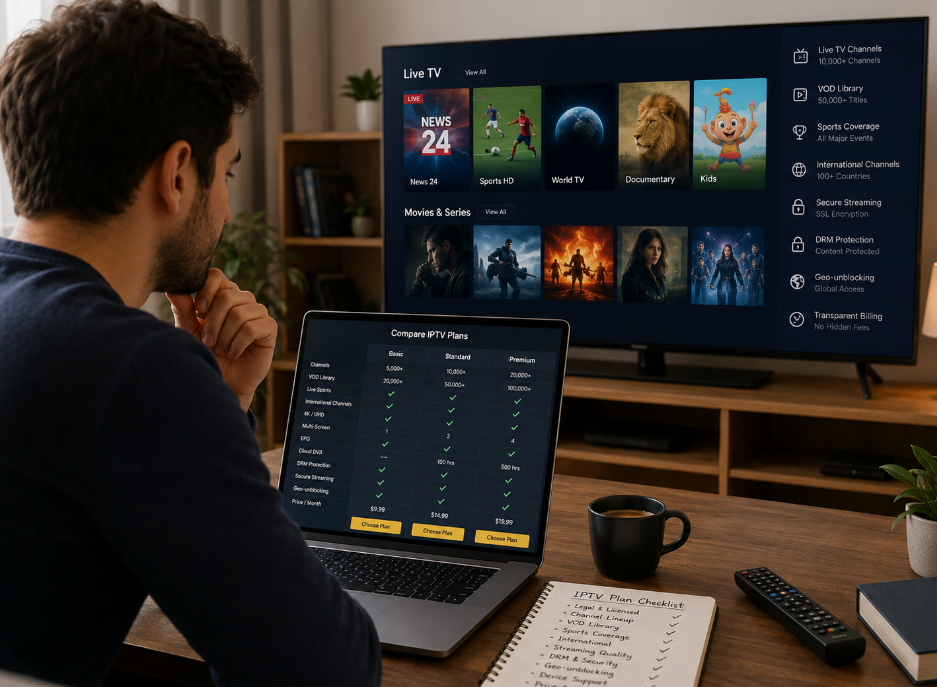
Look for one that lists supported regions, uses DRM, and protects access with systems like authentication servers. A clean interface and customer support also say a lot.
What features come with IPTV services?
Live channels and streaming
Pause or rewind shows with time-shifted TV
Rewatch with catch-up TV
Browse shows using a TV guide (EPG)
Parental controls and multi-device support
Save shows using recording features
Why does my IPTV keep buffering?
It usually comes down to internet issues. Low bandwidth, packet loss, or bad router settings can cause it. Some setups also struggle with high video bitrate or network jitter.
How much control do I get with IPTV compared to cable?
IPTV gives more control through middleware apps
You can manage what plays, on which device
Supports multiple screens at once
Business users can limit access with authentication tools
How can a VPN help my IPTV setup?
VPNs can fix access problems, especially when content is blocked in your area. They also make the stream more private. Many IPTV services work better with a VPN and a Conditional Access System in place.
Why does the video quality drop sometimes?
The bitrate might be too low
Your device may not support HEVC or AV1
High latency or poor Wi-Fi signal
Wrong aspect ratio or frame rate
Old transcoding settings on the stream
Should I use multicast or unicast in my office IPTV setup?
If you're streaming to lots of screens, multicast is better. It sends one stream to everyone at once using IGMP. Unicast works fine for a few users but eats up more bandwidth.