Cutting the cord sounds great, until you start Googling how to watch iptv free online and hit a wall of sketchy links and half-baked advice. A lot of Canadians just want live TV without another bill landing in the inbox, and that’s a fair ask. The trick is knowing what’s legit and what’s asking for trouble.
I’ve been there—Friday night, game on, stream freezes right at the big play. That’s when it clicks: free IPTV can work, but only if you know where to look and how to set it up right. No one’s got time to babysit buffering wheels.
There’s also the legal side. Nobody wants a headache over something meant for relaxing after work. This guide clears up what’s allowed in Canada and how to stay on the right side of the line without killing the vibe.
As one StarIptv engineering lead put it, “Free IPTV is fine when the source is licensed and the setup is clean.” Short, blunt, and true.
Stick around and you’ll learn how to set things up, cut down ads, stay secure, and decide when free options make sense—or when paying a bit saves your sanity. Clear answers, no fluff, just what you actually need.
Can You Really Watch IPTV Free Online Legally?
Wondering if free IPTV is legal or just trouble in disguise? You’re not alone.
Quick Truth Bomb
Not all free streaming is illegal — but a good chunk of it sure can be. The trick is knowing where IPTV legality draws the line between cool and criminal.
What Makes Some IPTV Free... and Legal?
Here’s the lowdown on legal free IPTV:
Public Broadcasting Networks: Think CBC, PBS, or BBC News — these stream live TV online legally for free.
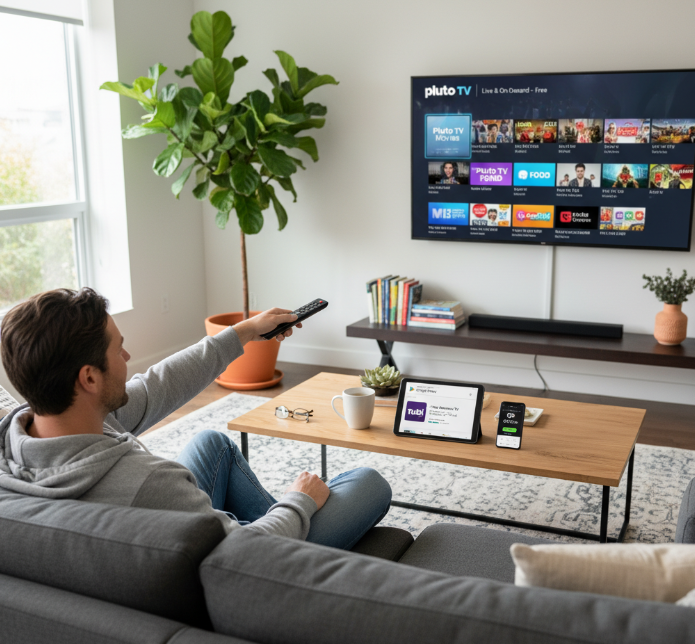
Ad-supported Services: Platforms like Pluto TV, Tubi, and Xumo Play license content legally and run on ads — no subscription services needed.
Trial Periods: Some paid IPTV services offer short-term free streaming trials. These are time-limited but totally legit.
Open Content Licenses: Some niche services offer documentaries, educational content, or public domain shows that don’t require digital rights negotiations.
These all fall into the "good to go" category.
Signs You’re Walking Into Illegal Streaming Territory
Here's how to tell when IPTV legality is out the window:
| Red Flag 🔴 | What It Means ⚠️ | Risk Level 🔥 | Why It’s Sketchy 🤨 |
|---|---|---|---|
| Too many premium channels | Unauthorized access to paid content | HIGH | Likely breaking content licensing laws |
| No ads, no fee, full access | No business model? That’s shady | HIGH | Smells like piracy |
| Hidden URLs and .m3u files | Shared on forums or sketchy sites | MEDIUM | Often link to illegal streaming servers |
| Disclaimers like “educational only” | Tries to dodge liability | HIGH | Doesn’t hold up legally |
Voice of Experience
“If you’re accessing 200+ global channels with no login and no ads, someone somewhere is paying the price — and it's usually the user when a takedown hits.”
— Mike R., Content Licensing Manager @ StarIPTV
Legal Ways to Stream Without Paying Fines
If you’re after no-cost TV without risking a knock from your ISP or a nasty virus, here are safe bets:
Stick to known free platforms like Crackle (via The Roku Channel), Plex, and Samsung TV Plus.
Use smart TV apps from official app stores.
Watch on-demand content offered by networks directly (e.g., CBC Gem or Global TV).
Check for open-source IPTV tools that promote public content only (e.g., Jellyfin).
And hey — if it says “No subscription needed” but streams new movies still in theatres… that's your cue to run.
You can legally watch IPTV for free online, but only if you’re watching the right stuff. Know what you’re clicking. Ask yourself: Would a major network be cool with this?
If not? It’s probably piracy, and that's not worth the risk.
7 Steps to Set Up and Watch IPTV Free Online
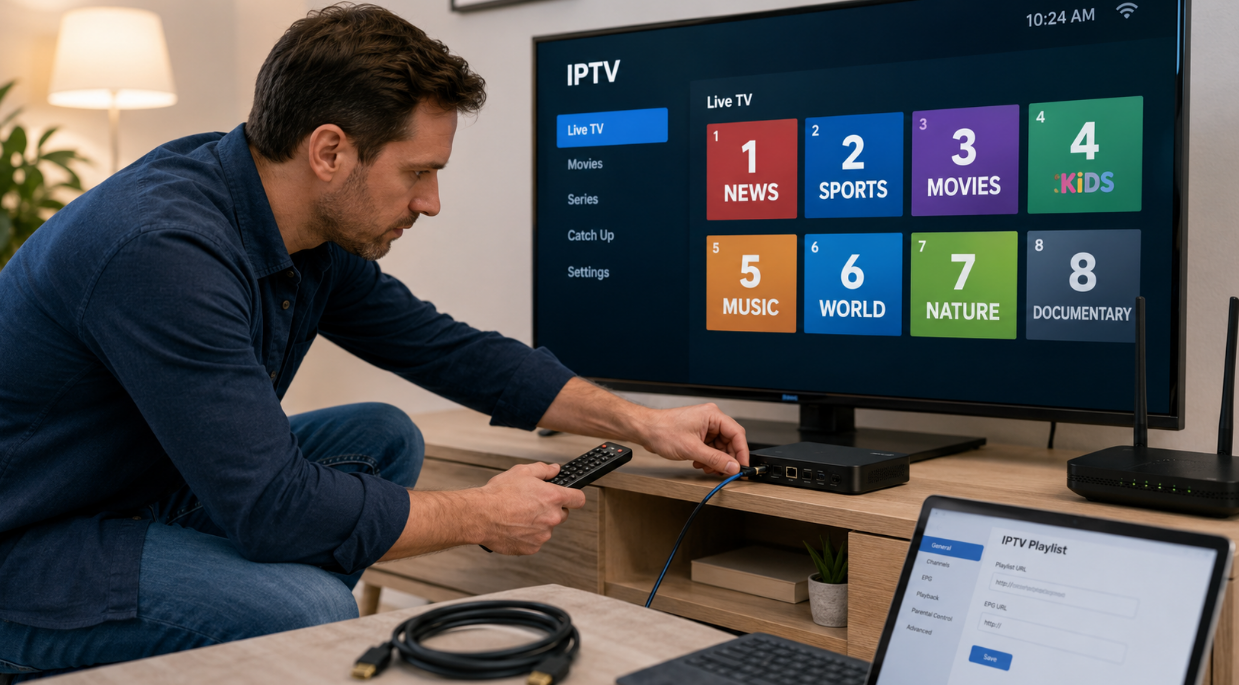
No clue how to set up IPTV? These 7 steps will have you watching in no time — smooth, simple, and stress-free.
1. Understanding Internet Protocol Television and Streaming Protocol Basics
IPTV means your shows come through IP networks instead of old-school satellite or cable.
It uses data transmission like any other internet traffic — cool, right?
Streaming protocols (like HLS or RTSP) carry the video across servers to your screen.
You’re not downloading — you’re streaming video on-demand, real-time.
Digital TV meets internet speed — the best of both worlds.
Quote:
“IPTV was built to disrupt how we consume entertainment — it’s about freedom, not cables.”
— Marco Jin, Network Engineer, StarIPTV
2. Choosing a Streaming Website or Online Player for Instant Access
You want something fast and smooth, right? Here’s the game plan:
Pick a streaming website that’s registration-free and ad-light (like Pluto TV).
Choose an online player (TiviMate or IPTV Smarters work great).
Test it in a browser-based player — some don’t even need installation.
Make sure your pick supports instant playback — no long buffer times.
Bonus tip: Some platforms even let you add your own IPTV service playlist.
3. Setting Up IPTV in a Web Browser or Media Center
Here’s what you gotta do:
Kodi or VLC Media Player? Both rock.
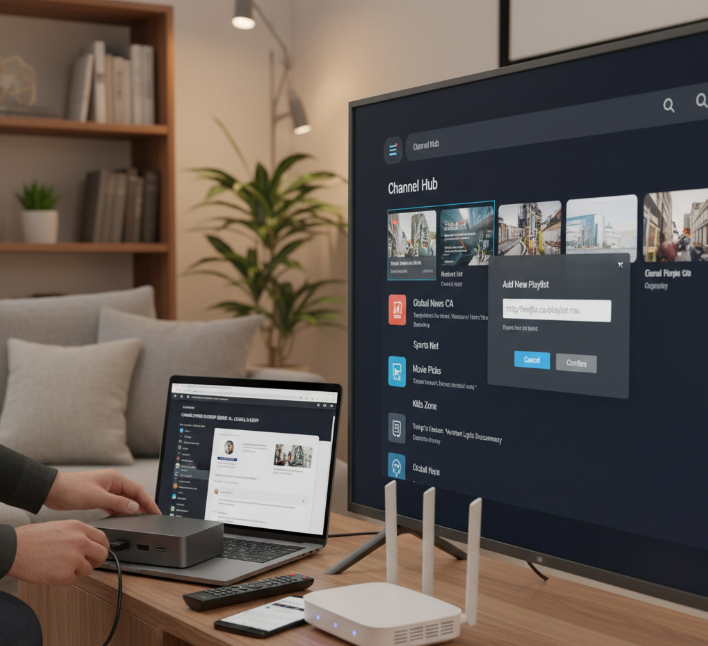
Use the built-in tools to import your IPTV playlist.
In your web browser, you can also try extensions like Native HLS Player.
Tweak the application configuration so it boots up straight to your TV channels.
Some media centers even support auto-refresh for the channels — super handy.
Keep it light, keep it easy.
4. Importing an M3U Playlist and Channel List Correctly
Pulling in your channel list? Here's how to avoid total chaos:
Grab the M3U file URL from a trusted IPTV source.
Use the “add playlist” feature in your player or media center.
Double-check for typos or dead links — they’ll break your stream.
Group and label channels using tags — hello, neat channel list!
Want smooth sailing? Keep your stream URLs updated weekly.
5. Configuring Electronic Program Guide (EPG) for Live TV
Here’s how to make your screen feel like a smart TV:
Download an XMLTV EPG file that fits your channel list.
Import it in your IPTV player under the EPG settings.
Sync your program information — you'll see titles, times, and categories.
Got live TV? This helps you plan your day, like old-school TV guides.
Some apps even let you customize TV schedules and reminders.
6. Optimizing Internet Connection, Bandwidth, and Codec Settings
Want buttery-smooth streams? Fix your connection before you binge.
Here's a quick comparison table to help you hit the right performance mark:
| Quality | Min Bandwidth | Codec Type | Expected Buffering |
|---|---|---|---|
| SD | 2 Mbps | H.264 | Low |
| HD | 5 Mbps | H.264/H.265 | Medium |
| 4K | 15 Mbps | H.265 | High if unoptimized |
Use wired if possible (Wi-Fi drops can be brutal).
Lower latency = fewer lag spikes.
Adjust codec settings based on your device’s power and app support.
Data usage will spike with 4K, so don’t burn through mobile data.
7. Testing Multi-Device Support on Smart TV, Smartphone, and Laptop
Streaming isn’t just for your TV — make it work everywhere:
Smart TV: Install an IPTV app or sideload one like IPTV Extreme.
Smartphone: Android/iOS apps offer sleek mobile app experiences.
Laptop: Use VLC or a web interface for quick access.
Test login syncing and make sure the same channel list works cross-device.
Check how it behaves on Wi-Fi vs. 5G — cross-platform compatibility matters.
Now you can switch between your phone and laptop mid-show like a boss.
Buffering and Ads? How to Watch IPTV Free Online Smoothly
Streaming shouldn't feel like dial-up days. Here's how to keep your free IPTV streams buttery smooth and skip the frustrating wait wheels.

How Bandwidth and Server Distance Affect Buffer and Latency
Your stream stops because your connection can’t keep up with the data party. Here’s what slows it down and how to dodge the lag.
The farther the server, the longer the ping. More distance = more latency.
Low bandwidth? Your stream gasps like it's running a marathon uphill.
Peak hours cause network congestion — like a traffic jam on data highways.
Not all ISPs are built for streaming. Cheap ones may throttle speeds.
Use tools like speedtest.net to test your data transfer rate and latency.
Streaming Quality Table Based on Bandwidth & Server Distance
| Streaming Quality | Minimum Bandwidth (Mbps) | Ideal Server Distance (km) | Average Ping (ms) |
|---|---|---|---|
| SD | 3 | <300 | <100 |
| HD | 5-8 | <200 | <80 |
| 4K | 15-25 | <100 | <50 |
Ad-Supported Models and Their Impact on Fast Loading
Ad-supported models are the deal-with-it trade-off for “free.” But slow loading? That’s where it bites.
Platforms use pre-roll ads and page monetization tricks to pay the bills. But advertisements, especially those with high file sizes, hurt page speed and user experience. Some sites overload you with ads that delay loading or even crash low-end devices.
StarIPTV Network Optimization Lead, Carla Menes, once said:
"A well-designed ad system can monetize without ruining the stream. The trick is knowing where to draw that line."
To speed things up? Use ad blockers, choose platforms with lightweight ad models, or look for platforms where ads are skippable after a few seconds.
Improving Picture Quality from SD to High Definition
Pick sources with higher resolution settings (at least 720p or 1080p).
Increase bitrate if your device and internet can handle it.
Switch to players that support advanced codec types (like H.264 or HEVC).
Enable upscaling on your smart TV or media player.
Avoid streams that are heavily compressed during encoding — they lose sharpness.
Reducing Lag in Live Sports and Online Broadcasts
Choose IPTV players optimized for real-time streaming.
Use Ethernet instead of Wi-Fi to reduce jitter and buffering.
Set your stream quality lower to prioritize latency over sharpness.
Choose streaming protocols that favor speed (e.g., RTMP) over reliability.
Avoid browser-based players that add unnecessary processing delay.
Use apps with low-lag modes designed for live sports or news feeds.
Achieving Smooth Playback with CDN and Cache Optimization
Smooth Playback Starts with the Right CDN
A solid Content Delivery Network (CDN) distributes stream data via edge servers near you, cutting down on wait time.
Why Cache Matters
Platforms that apply cache optimization store temporary data closer to users, reducing repeated loading time.
Best Case? Local Data Centers
If your IPTV source runs through regional data centers, your stream barely breaks a sweat.
Don’t Forget App Optimization
Many IPTV apps allow preloading or smart buffering. Use those features for glitch-free viewing.
7 Quick Tricks to Securely Watch IPTV Free Online
Keep your screen time smooth and secure. These tricks help you avoid the sketchy stuff and stream smarter.
Using a Virtual Private Network for IPTV Privacy
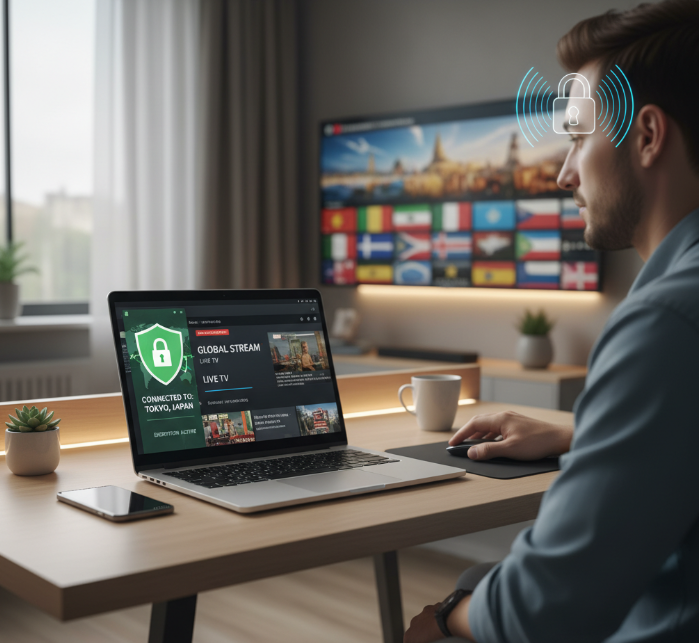
VPNs keep things tight — your IP address stays hidden and your streaming habits stay yours.
Encryption scrambles your traffic, so nobody peeks at what you’re watching.
A good Virtual Private Network lets you stream content from anywhere and dodge geo-blocks.
Avoid free VPNs — they might say private but often sell your data.
💬 “Privacy without encryption is just wishful thinking,” says Jordan K., Senior Engineer at StarIPTV.
Proxy Server Risks in Free Streaming Environments
Proxy servers might mask your IP, but they rarely encrypt data — leaving you wide open.
Free proxies can inject malware or log your activity without warning.
They often throttle your bandwidth or crash during peak hours.
You don’t really know who runs that proxy — and that’s risky.
VPNs are built for privacy; proxies are just quick tricks with side effects.
Avoiding Malicious Streaming Websites and Fake Players
You’ve probably clicked a streaming link and ended up with 5 pop-ups and a fake player asking for a weird download — classic trap.
Malicious websites thrive on free streaming searches. They stuff your device with malware or redirect you to phishing scams.
To stay clean:
Use antivirus software and secure browser extensions
Stick to trusted IPTV platforms and avoid unknown links
Never install sketchy players or click on "Watch Now" buttons from shady pop-ups
Managing Data Usage and Device Permissions
Common Device & Data Permissions Scenarios
| Device Type | Risky Permission | Data Impact | Recommended Action |
|---|---|---|---|
| Android Phone | Background Data | High mobile data use | Restrict in settings |
| Smart TV | Location Access | Unnecessary tracking | Disable in app settings |
| Streaming Box | Full Storage | Privacy risk | Grant only media access |
Your favorite IPTV app doesn’t need to know your location or access your photos.
Kill unnecessary app permissions, set mobile data limits, and keep that background data under control. You’re not made of bandwidth, right?
Protecting Smart TV Apps and Media Players
Short tips. Big wins.
Turn on automatic firmware updates – outdated systems = weak spots.
Use antivirus software on your Smart TV or streaming stick — yes, that’s a thing.
Activate parental controls if kids are browsing freely.
Avoid jailbroken media players — they open doors for malware.
Secure your home network with a strong router password and firewall settings.
These tweaks make a big difference — Smart TVs are smart, but not always secure out of the box.
Understanding Regional Restrictions and VPN-Friendly Services
Some content is locked tighter than your Wi-Fi password — blame regional restrictions and geo-blocking.
Streaming services tailor their content libraries based on where your IP address is located.
Want to watch global channels or international content? Use VPN-friendly services that allow secure IP switching through multiple server locations.
Just make sure your VPN supports high-speed video streaming — nobody wants 240p buffering misery.
Free IPTV Apps vs. Paid Services: What’s the Difference?
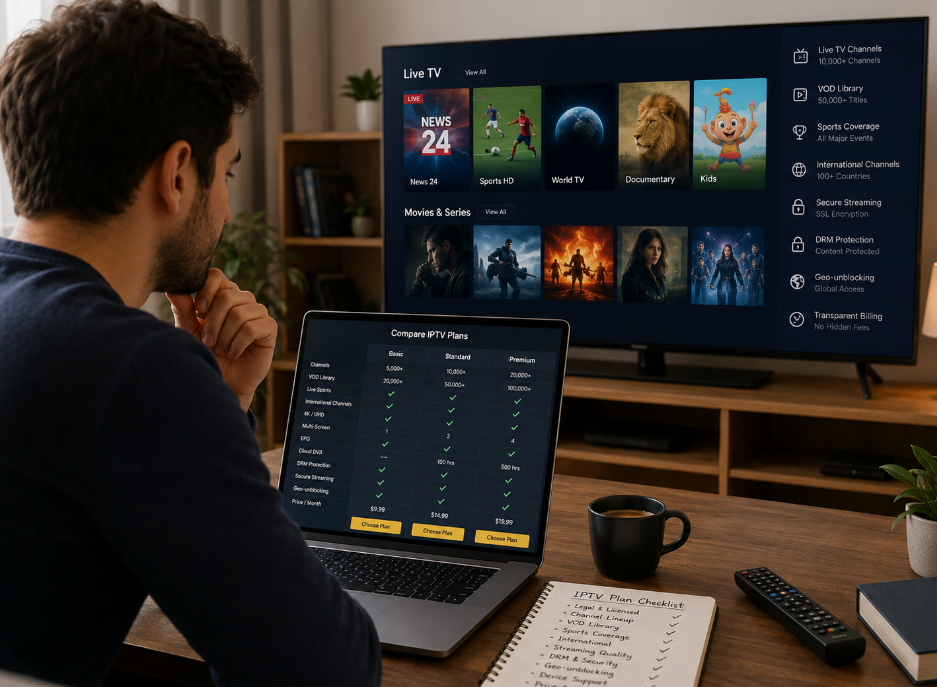
Let’s break it down: what’s the real deal between free IPTV apps and paid IPTV services? From costs to quality, this comparison gets straight to the point.
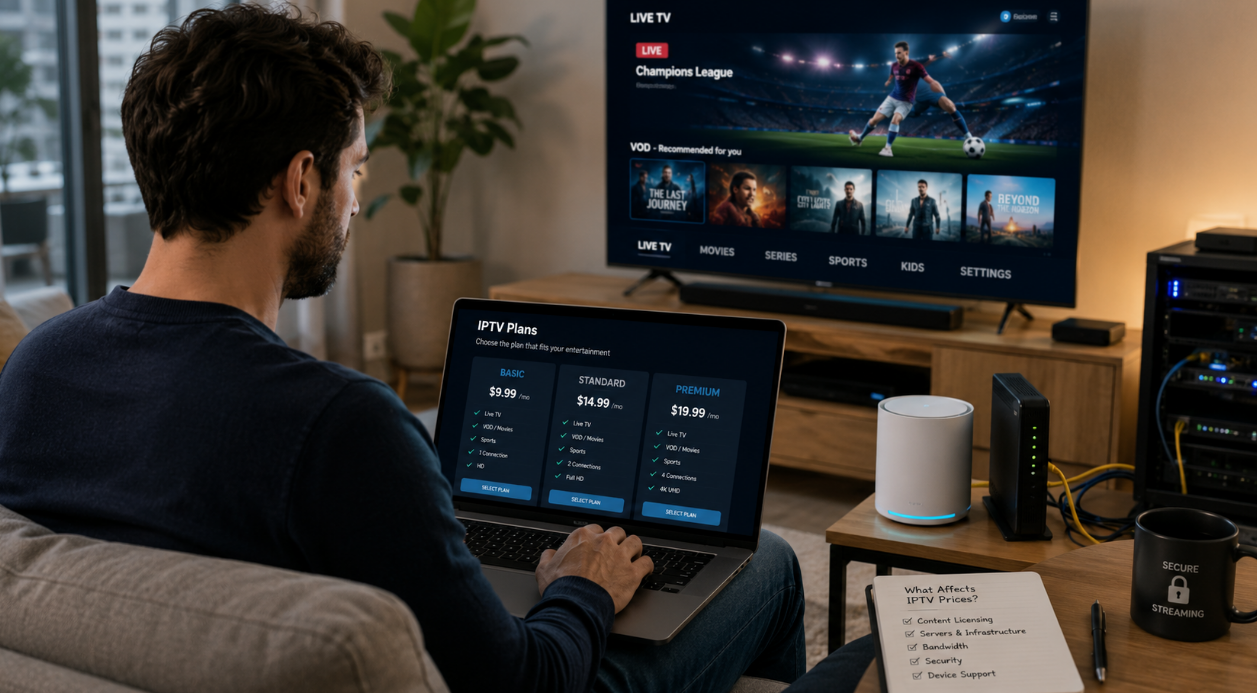
1. Cost Structure and No-Subscription Access
| Model Type | Avg. Cost/Month | Features Included | Common Restrictions |
|---|---|---|---|
| Free IPTV | $0 | Ad-supported, limited channels | No premium access, ads |
| Trial Period (Paid) | $0–$5 | Full features for limited time | Expires in 7–14 days |
| Subscription | $5–$20+ | HD/4K streams, no ads, full access | Requires monthly payment |
| One-Time Payment | $20–$80 | Lifetime access to features/apps | No support/updates after time |
Free IPTV sounds like a dream, but it often comes with ads or a reduced channel lineup.
No contract means freedom, but it also means no guarantees.
2. Channel Availability and Global Channels
Let’s run through how channel options stack up:
Free IPTV often includes local channels, basic live TV, and occasionally international content, but the list changes frequently.
Paid services typically offer sports packages, premium movie channels, and full VOD libraries with less chance of losing access.
Free options sometimes have regional restrictions, while paid platforms often include tools like VPN-friendly settings.
So yeah, if you're after that niche Thai cooking show or English Premier League—paid wins this round.
3. Stream Stability and Reliability
Free IPTV might feel like a coin toss—sometimes smooth, other times stuck in a buffering nightmare.
Server uptime and bandwidth limits are less optimized on free apps, especially during peak hours.
Paid platforms usually monitor latency and connection speed, giving you more reliable stream quality without random service interruptions.
4. Resolution and Audio Quality
Let’s be real: you won’t get 4K resolution and Dolby Digital surround sound from most free platforms.
Free IPTV often caps out at SD quality or spotty HD streaming. Paid services?
They go all-in with audio bitrate control, picture clarity, and consistent video quality across devices.
If your Smart TV’s flexing 4K, free might not keep up.
5. Device Compatibility Range
Works well on these devices:
Free IPTV: PC/Mac, Android boxes, IPTV apps
Paid IPTV: Smart TVs, Firesticks, iOS devices, gaming consoles, Roku
Paid apps usually come with multi-platform support, smoother interfaces, and device-specific optimization.
Free services may lack updates for newer platforms or have clunky navigation on Smart TVs.
6. Support, Updates, and Longevity
Free apps rarely offer customer support or technical assistance—if it breaks, you're on your own.
Paid services provide software updates, bug fixes, and access to user guides or community forums.
Quote from StarIPTV Head of Tech:
“What you pay for isn’t just the content—it’s consistency, service longevity, and knowing someone’s on the other side fixing stuff.”
If you hate wasting hours figuring out why your app froze mid-game, you’ll appreciate the peace of mind that comes with a support team.
5 Smart Ways to Watch IPTV Free Online Without Paying
Looking for simple ways to stream IPTV without opening your wallet? These five smart tricks can get you started right now—no shady links, no subscription needed.
1. Official Streaming Websites with Registration-Free Access
You don’t need to sign up or pay a dime—just hit play.
Pluto TV and Xumo Play serve up tons of live channels and on-demand content.
Tubi TV, Freevee, and Crackle pack in movies, shows, and classic hits.
It’s all legal streaming and ad-supported, so you’re not breaking any rules.
Great for folks who want to stream instantly on smart TVs or web browsers.
2. Community-Driven Media Centers and Open Source Platforms
Set up a media center the DIY way with these 3 steps:
Download Kodi, Jellyfin, or Plex — all are solid open source platforms.
Add your IPTV source (like an M3U playlist) or integrate live streams via add-ons.
Run it on a Raspberry Pi, Android TV, or Windows PC for an ultra-custom experience.
“We design Jellyfin to keep data and playback 100% in your hands. Open-source means full freedom, not just free access.”
— Noah M., Lead Developer at StarIptv Labs
These media servers give you multi-device support, parental controls, and full UI customization—ideal for hobbyists and power users.
3. Smart TV Apps Offering Free Trial Content
Some smart TV apps give you a sweet free trial window to test-drive premium content. Think of it like a no-commitment sneak peek.
Many platforms like Samsung TV Plus, Roku TV (via The Roku Channel), and Android TV offer trials of live sports, movies, and even international channels. Here’s a quick comparison:
| App/Platform | Trial Duration | Featured Content | Device Compatibility |
|---|---|---|---|
| Samsung TV Plus | 7–14 days | News, TV series | Samsung Smart TVs |
| LG Channels | 7 days | Movies, documentaries | LG Smart TVs |
| Roku TV | 30 days | Live TV, Music | Roku devices, Smart TVs |
4. Public Domain and Educational Content Channels
These sources are goldmines if you’re into classic content, educational documentaries, or niche genres:
YouTube Education – Learn literally anything, from coding to history.
Internet Archive – Home to thousands of public domain films and old-school TV.
NASA TV – Yeah, actual rocket launches and science shows, totally free.
C-SPAN – Stay sharp with news channels and political content straight from the source.
No strings, no logins, and absolutely no shady pop-ups. Perfect for classrooms, curious minds, and retro content lovers.
5. Live TV Aggregators with On-Demand Content
Want everything in one place? These apps roll live channels and on-demand shows into a single experience—and they’re all ad-supported streaming platforms.
Pluto TV: Great for movies, news, kids shows, and even 24/7 meme channels.
Sling Free: Offers a channel list you can flip through like old-school cable.
Peacock Free: Limited content, but killer for sports highlights and TV series.
The Roku Channel: Big on-demand library, and works great with Roku sticks and smart TVs.
Xumo Play: Packed with local programming, international channels, and music videos.
💡 Tip: Use features like EPG (electronic program guide) or favorites lists to personalize your viewing—it’s like building your own free cable box.
Conclusion
So, if you've been scratching your head wondering how to watch IPTV free online without getting tangled in legal trouble or tech jargon, this guide likely saved you a few hours—and headaches. From choosing the right platform to avoiding shady links, it's all about picking smart and playing safe.
Here’s what you can do next:
Find a solid online player or app that works with your devices — e.g., IPTV Smarters Pro or IPTV on Roku.
Load it up with a trusted playlist (M3U's your friend) — see IPTV setup Canada.
Use a VPN if you’re blocked out due to your location.
Stick with ad-supported or public channels to stay on the right side of things — try IPTV Canada for legal tips.
Test things out on different screens to see what works best — compare free IPTV player reviews.
That’s pretty much it—no rocket science, no fancy gear. Just a little tech curiosity and some common sense, and you’re good to go.
References
Pluto TV: Watch Free Movies, TV Shows & Live TV Online - https://pluto.tv/
Tubi: Watch Free Movies and TV Shows Online - https://tubitv.com/
Xumo Play: Xumo Free Holiday Movie Channel - https://play.xumo.com/
PBS: Public Broadcasting Service - https://www.pbs.org/
BBC News (YouTube) - https://www.youtube.com/channel/UC16niRr50-MSBwiO3YDb3RA
CBC Gem (App Store) - https://apps.apple.com/ca/app/cbc-gem-shows-live-tv/id422191503
Global TV App (Web) - https://watch.globaltv.com/
VLC media player (Official) - https://images.videolan.org/vlc/
Kodi (Official Downloads) - https://kodi.tv/download/
Apple Developer: HTTP Live Streaming (HLS) - https://developer.apple.com/streaming/
IETF/RTC Editor: RTSP 2.0 (RFC 7826) - https://www.rfc-editor.org/info/rfc7826
XMLTV Format (Wiki) - https://wiki.xmltv.org/index.php/XMLTVFormat
Speedtest by Ookla - https://www.speedtest.net/
Samsung TV Plus (Overview) - https://www.samsungtvplus.com/
The Roku Channel (Overview) - https://www.roku.com/whats-on/the-roku-channel
Jellyfin: The Free Software Media System - https://jellyfin.org/
Plex (Official) - https://www.plex.tv/
The Roku Channel (Browse Free) - https://therokuchannel.roku.com/browse/free-movies-and-tv
Sling Freestream - https://www.sling.com/freestream
YouTube Education - https://www.youtube.com/education
Internet Archive - https://archive.org/
NASA Live / NASA+ - https://www.nasa.gov/live/
FAQ
What is the best material for custom keychains?
It depends on your goal. For durability and a polished look, metal (zinc alloy or stainless steel) is ideal. Acrylic is popular for artists because it’s lightweight, vibrant, and affordable. If sustainability matters, wood or cork are great eco-friendly choices.
How thick should an acrylic keychain be?
The most common thickness is 3mm, which balances durability and comfort. Some sellers offer 2mm for budget options or 5mm for a more premium, solid feel.
Can I sell keychains with copyrighted images?
Generally, no. Selling keychains with copyrighted characters, logos, or memes without permission can lead to takedowns or legal issues. Safer alternatives include:
Creating original fan-inspired artwork
Licensing designs from artists or stock platforms
Using official affiliate or brand partnerships
How much does it cost to make custom keychains?
Acrylic (bulk): $0.50 – $1.50 each
Metal: $1.50 – $3.00+ each
DIY at home: $2 – $5 per piece
Design tools: Free (Canva) to $20+/month (Illustrator)
Do keychain manufacturers have minimum order quantities (MOQs)?
Yes. Most manufacturers require MOQs of 10–50 units. Some print-on-demand or Etsy sellers allow single-item orders, usually at a higher price.
What file format should I use for keychain design?
.AI / .SVG – best for vector designs
.PNG – transparent background, 300 DPI+
Avoid JPG unless using photos
Outline all text to prevent font issues
Can I make keychains without expensive equipment?
Use free tools like Canva or Photopea
Buy blank keychains and decorate manually
Outsource printing to online services
Start small and scale gradually
What are the most popular shapes for keychains?
Circles and rectangles remain popular, but custom die-cut shapes are trending. Designs that follow the artwork’s outline feel more unique and premium.