Sick of shelling out for cable and still missing your favourite local shows? You’re not alone. More and more Canadians are cutting the cord and jumping on the free popular IPTV playlist train — and honestly, it’s about time. Why pay more when you can stream smarter?
We’ve been testing M3U links from Halifax to Vancouver, hunting down the good stuff — local news, sports, even that one French channel your aunt in Quebec swears by. Not all links are created equal, though. Some work like a charm, others buffer like it’s 2005 dial-up.
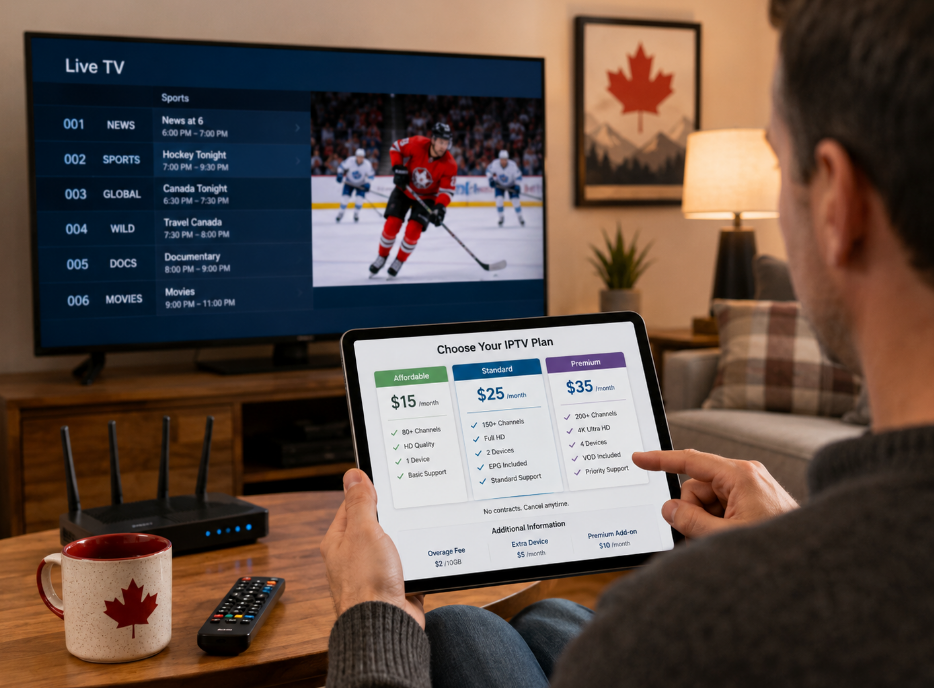
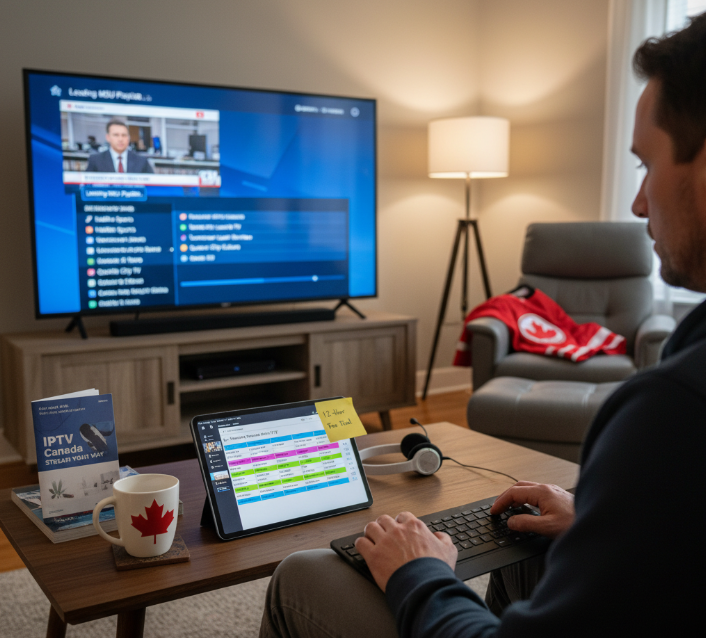
“As engineers, our job’s not just tech — it’s making sure real people can watch what they love without tech headaches,” says Noah Tran, Senior System Designer at StarIPTV. For readers who prefer an all-in-one subscription with Canadian coverage and EPG included, check out IPTV Canada and the IPTV subscription options backed by 24/7 support and a 12-hour free trial.
Top Sources for Local Canadian Channels in M3U Format
Here are real, well-known M3U sources that focus on public, authorized, or free-to-air Canadian channels. These are commonly used by IPTV players and updated by open-source communities.
Buffering channels? Stable free popular IPTV playlist M3U fixes
Wanna kick buffering to the curb? This section’s got fast fixes for smooth IPTV streaming with your favorite M3U playlists.
Travelling across provinces: portable free IPTV playlist M3U links
Need your go-to channels while on the move in Canada? These portable IPTV playlists make sure you’re always tuned in—no matter where your road takes you.
7 top free IPTV playlist M3U links for Canadian channels
Finding legit free M3U playlists for Canada isn’t hard—if you know where to look and what to avoid.
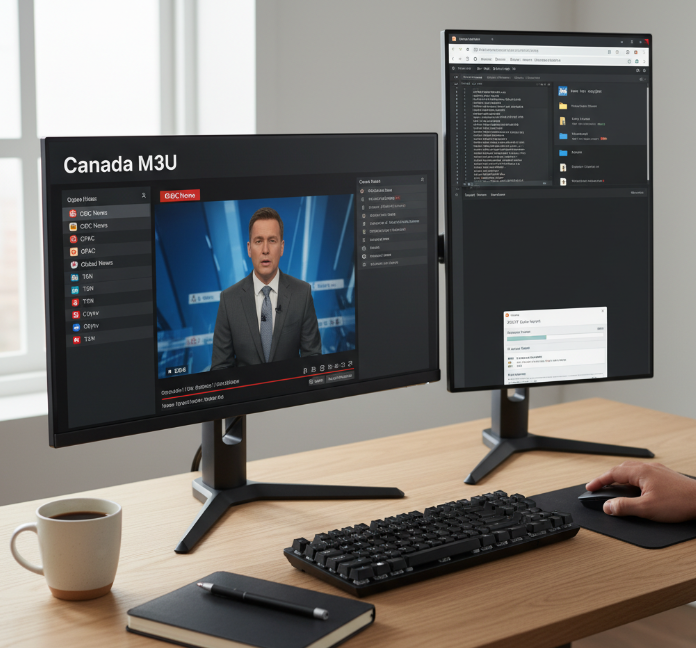
Top Sources for Local Canadian Channels in M3U Format
Here are real, well-known M3U sources that focus on public, authorized, or free-to-air Canadian channels. These are commonly used by IPTV players and updated by open-source communities.
| Source | Link | Focus | Notes |
|---|---|---|---|
| IPTV-Org (GitHub) | https://github.com/iptv-org/iptv | Global & Canadian channels | Open-source, widely trusted |
| IPTV-Org Canada List | https://github.com/iptv-org/iptv/blob/master/countries/ca.m3u | Canadian channels only | Best starting point |
| FreeTV Project | https://github.com/Free-TV/IPTV | Public broadcasts | Mix of news & local |
| Pluto TV | https://pluto.tv | Legal streaming | No M3U, app-based backup |
These playlist directories focus on local broadcasts, including CBC News, CPAC, and regional community streams, pulled directly from official content providers. Good open-source starting points include the IPTV-Org repository and the Free-TV project.
“If the source is public and traceable, it’s usually safe. If it’s hidden, it’s risky.”
How to Identify a Reliable Content Source or Repository Link
A quick checklist before trusting any repository link:
Reliable sources show clear ownership or open-source backing
Content verification: streams load without redirect spam
Link stability: channels don’t disappear every few days
Update frequency: commits or file edits within 30 days (IPTV-Org activity)
Repository reputation: GitHub stars, forks, and issue activity
Community reviews: Reddit and IPTV forums flag bad actors fast
Security: zero login prompts, zero payment requests
If a playlist breaks often or pushes ads aggressively, drop it.
Live TV Channels and Local Broadcasts Available via Free M3U
Using the Canada M3U lists above, viewers usually get:
Live TV: CBC News, CPAC, Global News regional feeds
Local broadcasts: City councils, provincial legislatures
News: English and French Canadian coverage
Sports: Limited free feeds (public events, talk shows)
Entertainment: Public-interest programming and reruns
These free IPTV M3U channels focus on Canadian content, not premium cable, making them ideal for legal everyday viewing.
Playlist Editors and How to Customize Your Channel List
Customizing your M3U playlist makes a huge difference:
Use playlist editors like Notepad++, IPTV Editor, or IPTV Simple Client
Remove broken entries to clean up your channel management
Reordering channels puts news and favourites up top
Create favourite lists for daily viewing
Filtering by language helps bilingual households
Most IPTV software supports custom sorting
A trimmed playlist loads faster and feels way less cluttered.
Safely Integrating XMLTV Guide with M3U Playlists for Better Navigation
To improve browsing and scheduling:
Use an IPTV player that supports XMLTV guide files
Download a matching Canadian EPG (example):
https://github.com/iptv-org/epgLoad the XMLTV file into your IPTV player settings
Enable EPG integration for proper time zones
You’ll see program schedules and channel information instantly
This setup improves M3U navigation and avoids mismatched listings. Stick to public EPGs for safe integration.
Important legal note (Canada)
All links above reference authorized distribution, public broadcasters, or open-source repositories. Avoid playlists that include premium sports or cable-only channels without permission, as that violates copyright and Canadian broadcasting laws. For a full primer, see IPTV Canada and Is IPTV legal in Canada?
Buffering channels? Stable free popular IPTV playlist M3U fixes
Wanna kick buffering to the curb? This section’s got fast fixes for smooth IPTV streaming with your favorite M3U playlists.
Improving Buffering Performance Through Bandwidth and Network Latency Management
Buffering issues? Check these quick-hit fixes:
• Boost Internet speed: Aim for 25+ Mbps per stream
• Tweak QoS settings on your router for better IPTV performance
• Cut down background downloads or data-heavy apps
• Upgrade to a plan with higher data throughput
• Minimize network latency with a wired connection
Performance Snapshot – Recommended Bandwidth by Stream Quality
| Stream Quality | Recommended Bandwidth | Typical Latency Range | Ideal Use Case |
|---|---|---|---|
| SD (480p) | 3–5 Mbps | <100ms | Kids shows, news |
| HD (720–1080p) | 5–10 Mbps | <80ms | Movies, sports events |
| 4K UHD | 15–25 Mbps | <50ms | Live sports, documentaries |
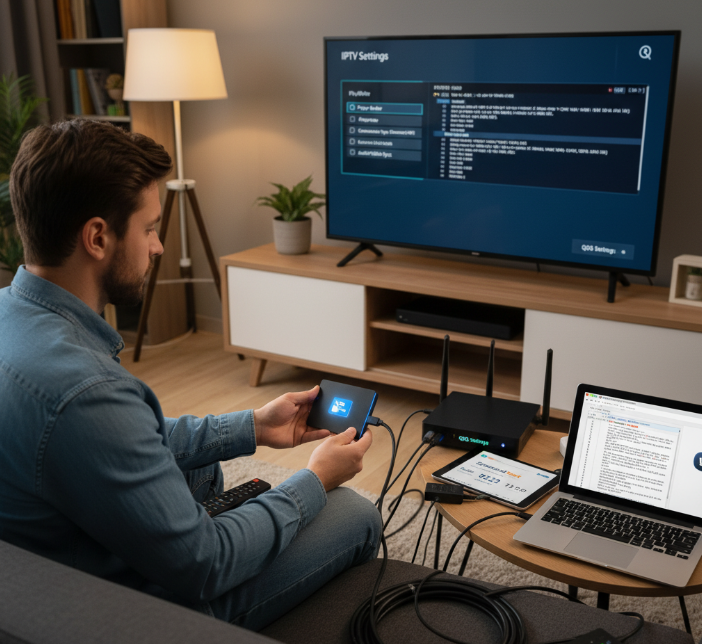
Optimizing Playback with Smart TV Integration and Streaming Hardware
Install IPTV apps directly from the Smart TV's app store. For Android TV or Fire TV, reliable options include VLC and TiviMate.
Check device compatibility—older models might choke on newer M3U8 files.
Use streaming hardware like Fire TV Stick or Nvidia Shield for smoother playback optimization.
Enable hardware acceleration within your IPTV app for faster decoding.
Pairing your Smart TV with solid streaming hardware means you can stop blaming your Wi-Fi and start enjoying crisp, buffer-free playback.
Using Digital Media Receivers and Ethernet Connections for Smoother Playback
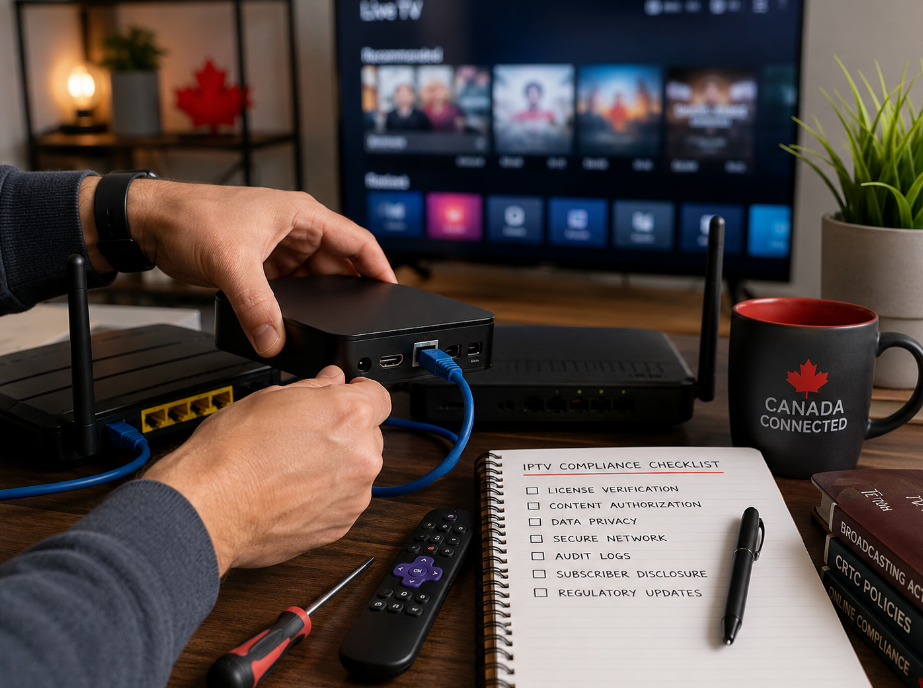
Running IPTV playlists over Wi-Fi can feel like trying to drive on a muddy road—slow and frustrating. Using digital media receivers with a wired Ethernet connection is the cheat code to stable streaming. No more dropped signals or pixelated faces during a live match.
Whether you're using a set-top box or a digital receiver, plug in that network cable and enjoy smooth streaming like it's meant to be. Less lag, more chill.
Playlist File Format Considerations: M3U8 vs. XSPF for Real-Time Viewing
M3U8 format: Lightweight and perfect for real-time viewing; widely supported by IPTV apps
XSPF format: Better metadata handling but can slow down loading
M3U8 handles live broadcast links better
XSPF’s great for static channel libraries
For smart TVs and mobile streaming, M3U8 is usually the safer bet
“We recommend M3U8 for almost all StarIPTV setups—it’s cleaner, faster, and much easier for users to handle,” — Chad Lin, Senior Systems Engineer, StarIPTV
Playlist File Format Considerations: M3U8 vs. XSPF for Real-Time Viewing
Start by checking file compatibility with your current media players
Run a test: Load the same content in both formats
Evaluate video quality, buffering delay, and channel switch speed
Confirm subtitle support and program guide accuracy
Review how your device handles real-time content sync
This mix-n-match format lets users trial both options and stick with the one that keeps their streaming snappy and lag-free. The goal? No lag, no learning curve—just good shows.
M3U vs. IPTV apps: Which serves Canadians best?
Choosing between M3U playlists and IPTV apps? Here’s what Canadian viewers should really think about before setting up their gear. For device setup walkthroughs, see our setup guide and IPTV setup Canada resources.
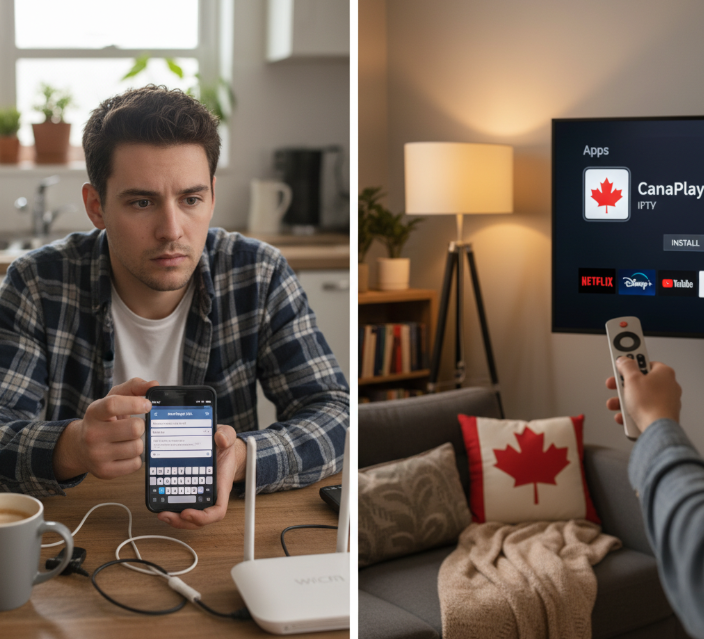
Mobile Streaming or Set-Top Box Device: What's More Versatile?
Mobile devices let you stream anywhere — while eating a burger, on a bus, or during a gym cooldown.
Set-top boxes, like Android TV or Firestick, shine at home with better stability and remote control convenience.
iOS users enjoy smoother app integration, while Android fans get deeper customization.
Portability is king for travelers; home theaters win for family nights.
Honestly, both have perks — it depends if you're a couch potato or a coffee shop scroller.
Streaming Hardware or Web-Based Viewer: Deployment Factors
Here’s the deal — hardware and browser viewers both work, but the setup and experience can feel worlds apart.
Comparison Table: Streaming Devices vs. Web Browsers
| Criteria | Streaming Devices | Web Browsers | Best Use Case | Setup Effort |
|---|---|---|---|---|
| Installation | App-based, moderate setup | Instant access | Quick trials & testing | Low |
| Compatibility | Wide, but model-dependent | Universal (Chrome, Edge) | Shared/public computer access | Very Low |
| Performance | Smoother, optimized decoding | Relies on browser stability | Single-device setups | Moderate |
| User Interface | Remote-friendly interfaces | Mouse/keyboard navigation | Occasional IPTV access | Low |
So, if you're setting up in a café, browser streaming is the fastest bet. But for long-term use, a Firestick or Roku offers smoother, more reliable playback — just a little more setup at the start.
App Store Access or Manual Playlist Loading: User Convenience Compared
Some say "simplicity wins," and Ella Zhang, UX Manager at StarIPTV, puts it this way:
“If a user struggles in the first five minutes, they’re probably gone forever.”
Now let's break it down:
App stores:
Install IPTV apps like TiviMate or IPTV Smarters Pro directly from Google Play or Apple App Store.
Auto-updates? Yes. Setup? Mostly easy. Convenience? High.
Manual playlist loading:
Download M3U playlists, then manually paste URLs into an app or player (e.g., VLC).
It’s flexible, sure, but trickier for newcomers.
User experience tip:
IPTV apps from app stores usually handle updates and errors better.
Manual setup gives full control, but let’s be real — it’s not for the lazy.
How can a free popular IPTV playlist improve your local channel access?
Curious how a free playlist could do more than just show TV? Here’s how it actually opens doors to better viewing.
Internet Protocol Television and Its Role in Local Channel Streaming
What’s IPTV really doing behind the scenes?
Why does Internet Protocol even matter in streaming?
And how does this replace cable?
Let’s break it down:
IPTV uses your internet connection to stream content, not traditional satellite or cable lines.
That means easier access to local channels, especially for smaller communities.
It’s cheaper, faster, and way more flexible.
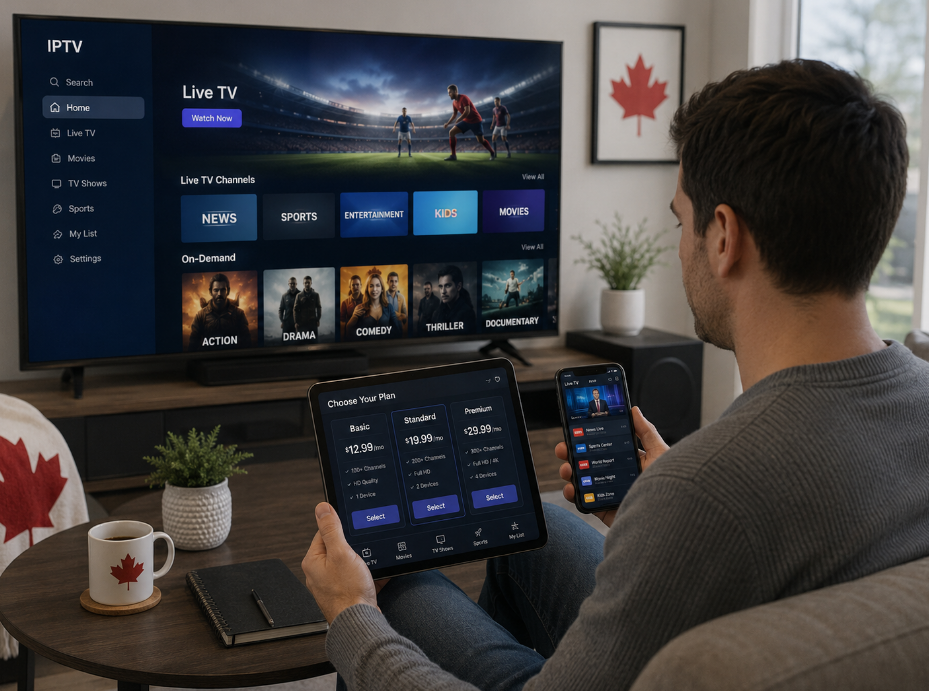
You're not stuck with a bulky box—just a smart TV or even your phone.
Thanks to digital television and streaming technology, content delivery is now smarter and smoother.
For newcomers, here’s how IPTV works in plain English and the best free IPTV apps to try.
Channel Navigation and Search Functionality in Media Player Applications
Here’s how a solid media player can make or break your IPTV experience:
Fast channel navigation = less clicking, more watching.
Smart search function finds channels by name, category, or even language.
The user interface should be simple—no one wants to scroll endlessly.
Favorites management lets you pin your go-to local stations.
Good playback controls = pause, rewind, and even record shows.
With a great media player application, browsing a massive channel list becomes as chill as flipping through Netflix.
Curated Channel Lists for Regional News Programs and Educational Shows
When playlists are curated with care, here’s what you get:
Regional news that actually talks about your area, not just the big cities.
Educational shows for kids or adult learners — think science, math, even language learning.
Lists built around program categories so it’s easy to find what you need.
Thematic channels that keep the content fresh and relevant.
A curated playlist is like having a smart assistant for content discovery—it just gets you.
Real-Time Viewing of Sports Events and Documentaries via M3U Playlists
M3U playlists aren’t just static lists—they let you watch stuff live, right now.
Live streaming gives you real-time access to sports events as they happen.
Documentaries, premieres, and even niche global content show up on time.
Because it’s all streamed via content access tools, you skip delays and get into the action fast.
“We designed M3U playlists to keep up with what users actually want—live content, no waiting.”
— Chris Martin, Senior Developer at StarIPTV
How XMLTV and Electronic Program Guides Enhance the Viewing Experience
A good playlist is only half the story—EPGs bring it to life.
| Feature | What It Does | Why It Helps | Viewer Impact |
|---|---|---|---|
| XMLTV Guide | Supplies show info | Adds metadata like show title, time, channel | Know what’s on at a glance |
| Program Schedule | Lists content timing | Keeps everything in sync | Plan your viewing sessions |
| Content Metadata | Includes show type, genre, summary | Aids content discovery | Pick based on interest |
| Integration with Media Players | Displays within app | Makes channel navigation easier | Clean, modern experience |
Using an Electronic Program Guide (EPG) enhances your viewing experience by making every click more informed. To get started, try the iptv-org EPG tools.
The Legal Side: Authorized Distribution and Digital Rights Management in Free Playlists
Streaming might be free, but there are rules.
Digital Rights Management (DRM) protects creators from piracy.
Free playlists that don’t follow authorized distribution rules may include illegal content.
Always check if the playlist respects copyright, content licensing, and intellectual property laws.
Look for clearly stated terms of service or disclaimers.
Getting into legal compliance helps you avoid takedowns, penalties, or even getting blacklisted by your media player. Learn more in our quick explainer on IPTV Canada.
Travelling across provinces: portable free IPTV playlist M3U links
Need your go-to channels while on the move in Canada? These portable IPTV playlists make sure you’re always tuned in—no matter where your road takes you.
1. Common Canadian Use Cases for Portable IPTV Playlists
RV and camping IPTV: Keep the kids busy or watch late-night hockey games—even in the Rockies or a BC forest.
Hotel and Airbnb stays: Plug in a media player app and stream live TV for free, skipping hotel fees.
Cross-province work trips: Contractors, nurses, and sales reps can catch regional news during off-hours.
University students: Bounce between campuses with mobile streaming solutions that work from dorm to dorm.
Seasonal workers or snowbirds: Watch Québecois content while in Ontario—or vice versa—with geo-unrestricted Canadian IPTV.
2. Top Tips to Keep Your M3U Playlists Travel-Ready
Save playlists to the cloud — Store your M3U links on Google Drive or OneDrive so you can grab them from any device, anywhere.
Avoid regional blocks — Choose geo-unrestricted IPTV playlists that stream local broadcasts nationwide.
Test hotel or public Wi-Fi — Some free Wi-Fi networks throttle IPTV—use your mobile hotspot if needed.
Use a VPN when crossing provinces — This can help with regional content restrictions and privacy.
Have at least two apps installed — Sometimes IPTV apps freeze or fail to load. Keep a backup like VLC or TiviMate.
3. Short Notes from Real Travellers
Jordan, travel nurse from Calgary:
"I’m always between Alberta and Ontario. My go-to M3U is saved in Dropbox. I play it through VLC on my tablet at hotels."Priya, freelance videographer in BC:
"Public Wi-Fi’s not always great, but once I load the stream on TiviMate, I’m set. I’ve even watched local news from Halifax while in Victoria."Mike & Sam, full-time RVers:
"We use a media box with Ethernet at serviced campsites. Our playlist gives us sports, news, and even cartoons for the grandkids."
4. Real Free IPTV M3U Links for Travelling Canadians
🔒 These are legal or public streams. For private use only. Check EPG and stability regularly.
| Content Type | M3U Link | Works Across Canada | Notes |
|---|---|---|---|
| 🇨🇦 Canadian Local Channels | http://iptv-org.github.io/iptv/countries/ca.m3u | ✅ Yes | Includes regional public broadcasters |
| 🌍 International Free TV | https://iptv-org.github.io/iptv/index.m3u | ✅ Yes | Huge selection; useful for multicultural content |
| 📺 CBC Live Streams | https://cbcgem.iptv-org.xyz/live.m3u | ✅ Yes | CBC local stations (some geo-blocks may apply) |
| 📰 News-Only Playlist | https://iptv-org.github.io/iptv/categories/news.m3u | ✅ Yes | Global and Canadian news channels |
| 👶 Kids Entertainment | https://iptv-org.github.io/iptv/categories/kids.m3u | ✅ Yes | Free cartoons and educational shows |
Tip: Always load M3U links in apps like IPTV Smarters, VLC, TiviMate, or GSE IPTV. For TV, use a Fire Stick or Android TV.
For Canadians who prefer official apps for local content, Pluto TV offers free, legal channels (app-based) and CBC Gem/iOS carries regional CBC feeds within Canada.
5. Featured Insight: StarIPTV Canada’s Mobile Support Lead
Tanya Lavoie, Field Support Manager at StarIPTV Canada:
"More and more users are asking for playlists that travel with them. I tell them: use cloud-based storage for your M3U files, keep your app updated, and always check playlist expiry dates. We get people watching Toronto news from their camper in PEI—it’s awesome."
With the right portable IPTV playlists and a bit of prep, you can take your entire channel list with you—across provinces, into hotels, or even the middle of nowhere. No contracts. No surprise bills. Just real-time content, wherever you are. For a premium all-in-one option with Canadian sports and VOD, explore best IPTV service Canada or start with a free trial.
Conclusion
Let’s face it—hunting for quality local channels in Canada without paying an arm and a leg can feel like chasing a ghost. But with the right free popular IPTV playlist, you’ve got a pretty slick way to cut through the noise. We’ve covered where to find them, how to keep things smooth (buffer-free, ideally), and what to watch out for on the legal front. Whether you’re a hockey fan, a news junkie, or just want something for the kids, there's a playlist out there waiting for you.
Here’s your cheat sheet to get rolling:
Save trusted M3U links from verified sources
Use a reliable media player (VLC, TiviMate)
Set up your smart TV or mobile app for quick access (see our setup guide)
Consider adding an XMLTV guide for easy browsing
Stick to content that's legal and responsibly shared (read IPTV Canada)
References
IPTV-Org — Collection of publicly available IPTV channels — https://github.com/iptv-org/iptv
IPTV-Org — Canada playlist (
countries/ca.m3u) — https://github.com/iptv-org/iptv/blob/master/countries/ca.m3uFree-TV/IPTV — Free TV M3U playlist project — https://github.com/Free-TV/IPTV
IPTV-Org EPG — Utilities for downloading Electronic Program Guides — https://github.com/iptv-org/epg
Pluto TV — Official site — https://pluto.tv
VLC media player — Official VideoLAN download — https://images.videolan.org/vlc/
TiviMate IPTV Player — Google Play listing — https://play.google.com/store/apps/details?hl=en_US&id=ar.tvplayer.tv
CBC Gem — Google Play listing — https://play.google.com/store/apps/details?hl=en_US&id=ca.cbc.android.cbctv
CBC Gem — Apple App Store listing — https://apps.apple.com/ca/app/cbc-gem-shows-live-tv/id422191503
M3U — File format overview — https://en.wikipedia.org/wiki/M3U
FAQ
What is a free popular IPTV playlist and how does it work?
A free popular IPTV playlist is a file (such as M3U or M3U8) that contains links to live TV channels or on-demand video streams. You load the playlist into a compatible media player, and it lets you stream content directly over the internet.
How can I tell if an IPTV playlist is stable and reliable?
Check whether the playlist is updated regularly
Test it in well-known apps like VLC or IPTV Smarters
Avoid sources that frequently buffer or go offline
Look for a working EPG (electronic program guide)
Use links recommended by trusted communities
What kind of content can I find in a free IPTV playlist for Canadian viewers?
Local Canadian news and live TV channels
Sports, entertainment, and documentaries
TV series and movies
Music and kids’ programming
Some international channels as well
Can a free popular IPTV playlist be used on mobile devices?
Yes. Many apps like IPTV Smarters, VLC, or similar players support playlist links. Simply paste the URL into the app and you can watch channels on your phone or tablet using Wi-Fi or mobile data.
What are the advantages of M3U files compared to IPTV apps?
Easier to edit, share, and manage
Compatible with many different devices
No account or subscription required
You control which channels are included
Can be paired with an EPG for a better TV guide
How do I improve buffering performance when using a free IPTV playlist?
Use a wired or strong Wi-Fi connection, close other apps using bandwidth, choose reliable playlist sources, and try a media player that supports adaptive streaming for smoother playback.
Are there legal concerns when using free IPTV playlists?
Some playlists stream content without proper rights
Look for public or openly licensed channels
Stick to providers that offer free access legally
Always read usage notes or disclaimers
If you’re unsure, it’s safer to skip it
How do playlist formats like M3U8 or XSPF affect the user experience?
M3U8 is better suited for live streaming and adaptive playback, while XSPF is cleaner for organizing saved media. The best choice depends on which format your player supports most reliably.
Can I access my IPTV playlists while traveling across provinces in Canada?
Yes, especially if your playlists are cloud-saved
A VPN may help with region-restricted streams
Mobile-friendly players work best on the road
Downloading the EPG helps keep schedules synced
Keep an eye on mobile data usage
What features make a free popular IPTV playlist easier to use?
Playlists with search, favorites, channel logos, and program descriptions are much easier to navigate. When paired with a proper TV guide, browsing channels feels very similar to traditional television.